

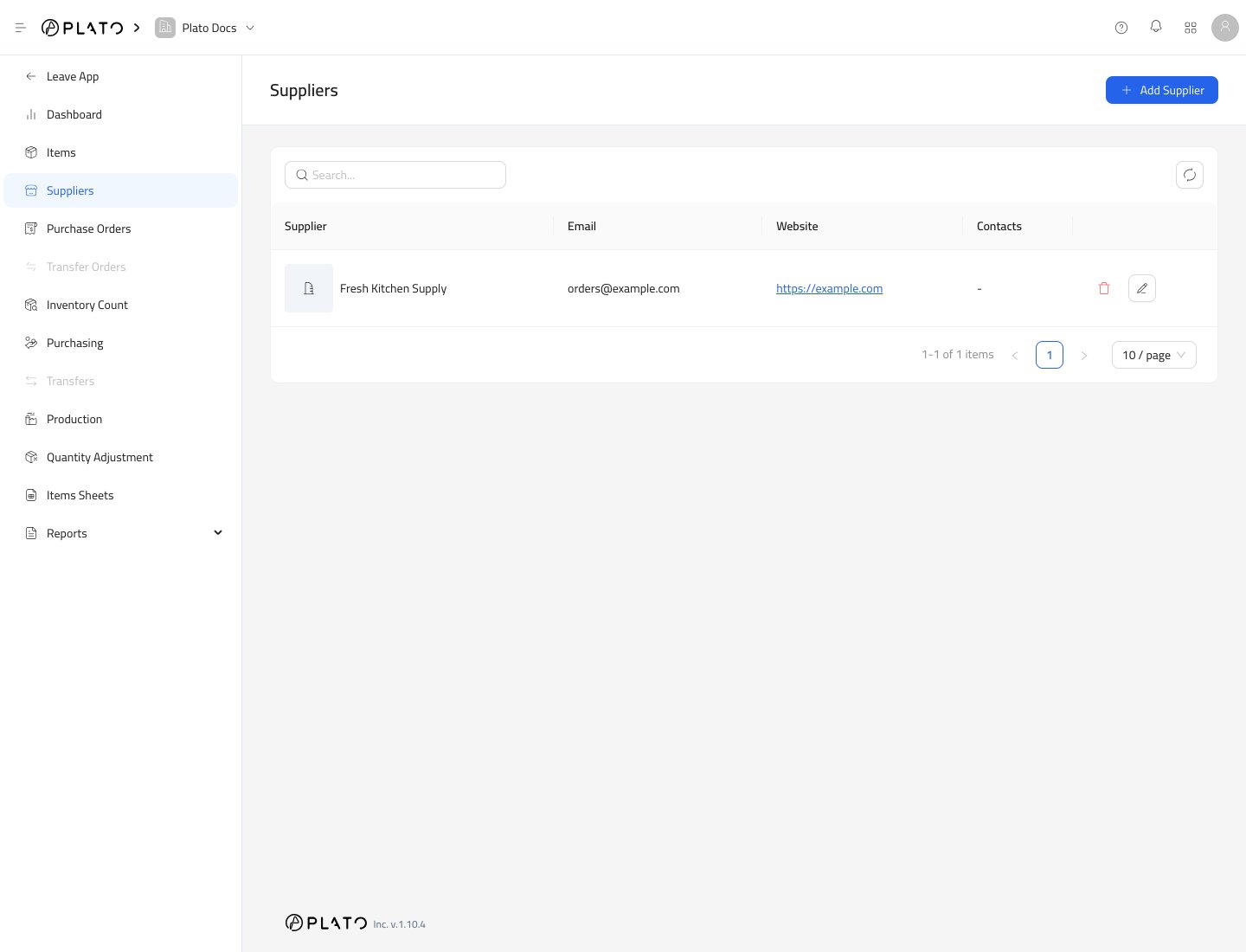
Create a Supplier
- Open
Inventory. - Go to
Suppliers. - Click
Add Supplier.
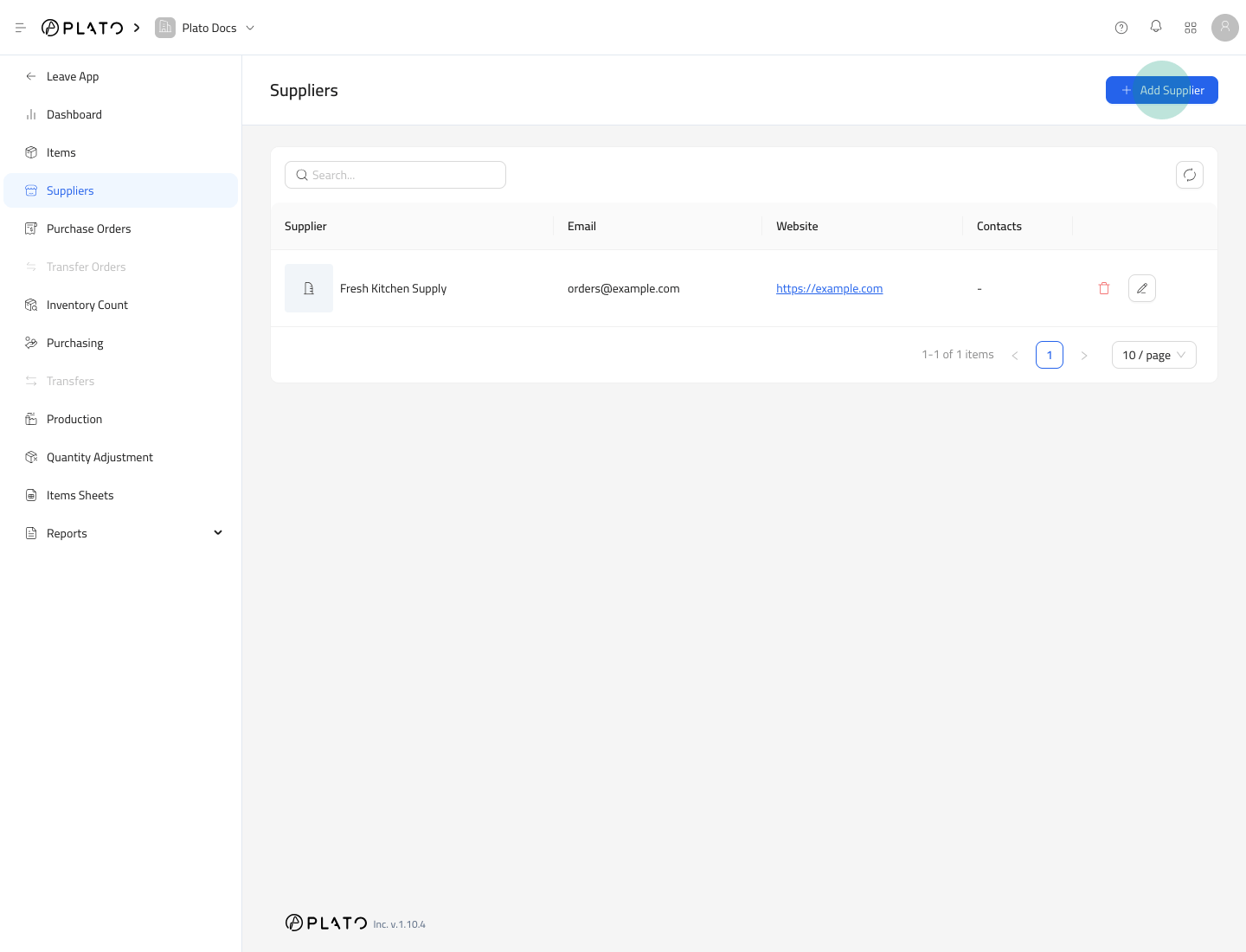
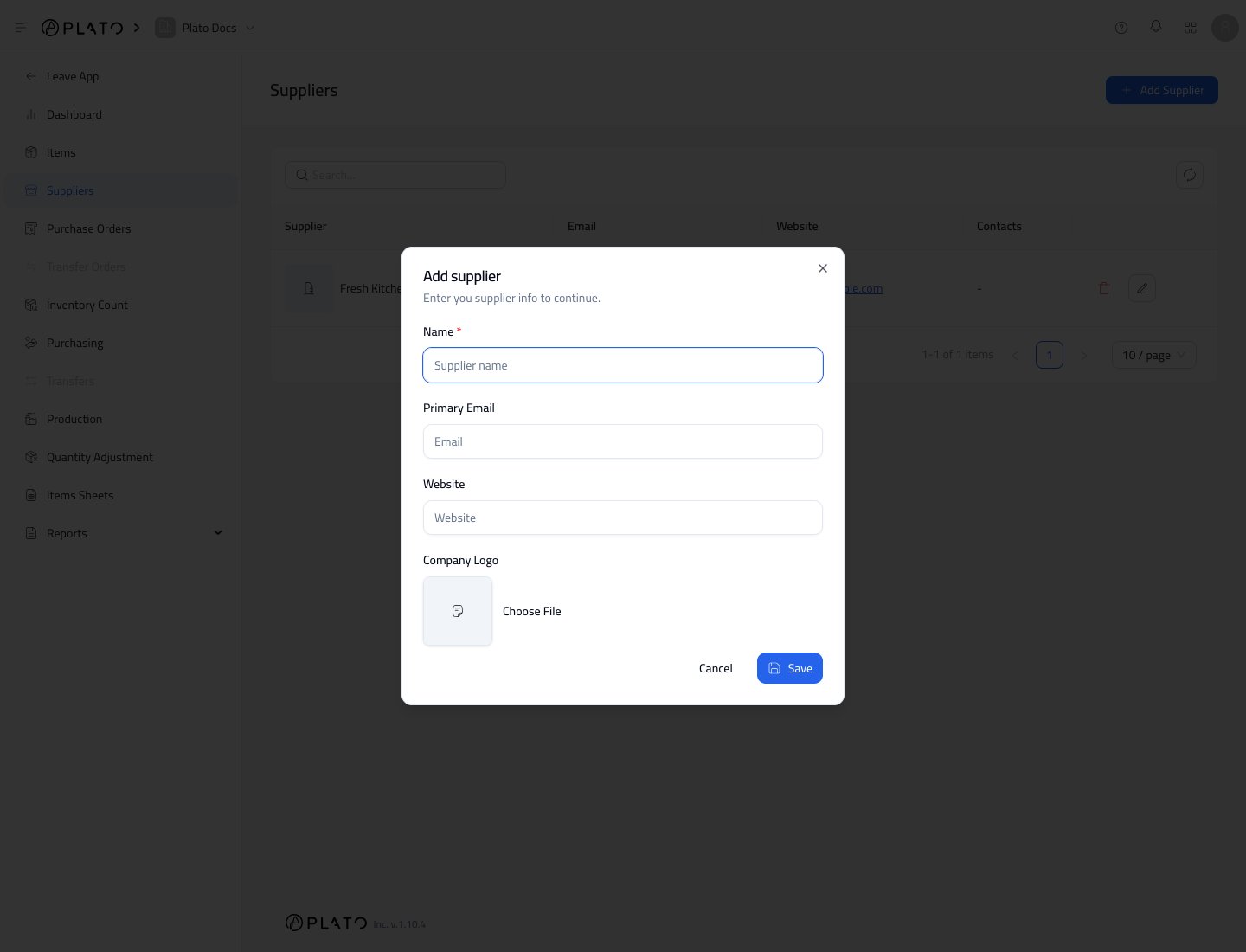
Supplier Fields
The supplier form includes:NamePrimary EmailWebsiteCompany Logo
Open Supplier Details
Open a supplier to manage contacts and item links.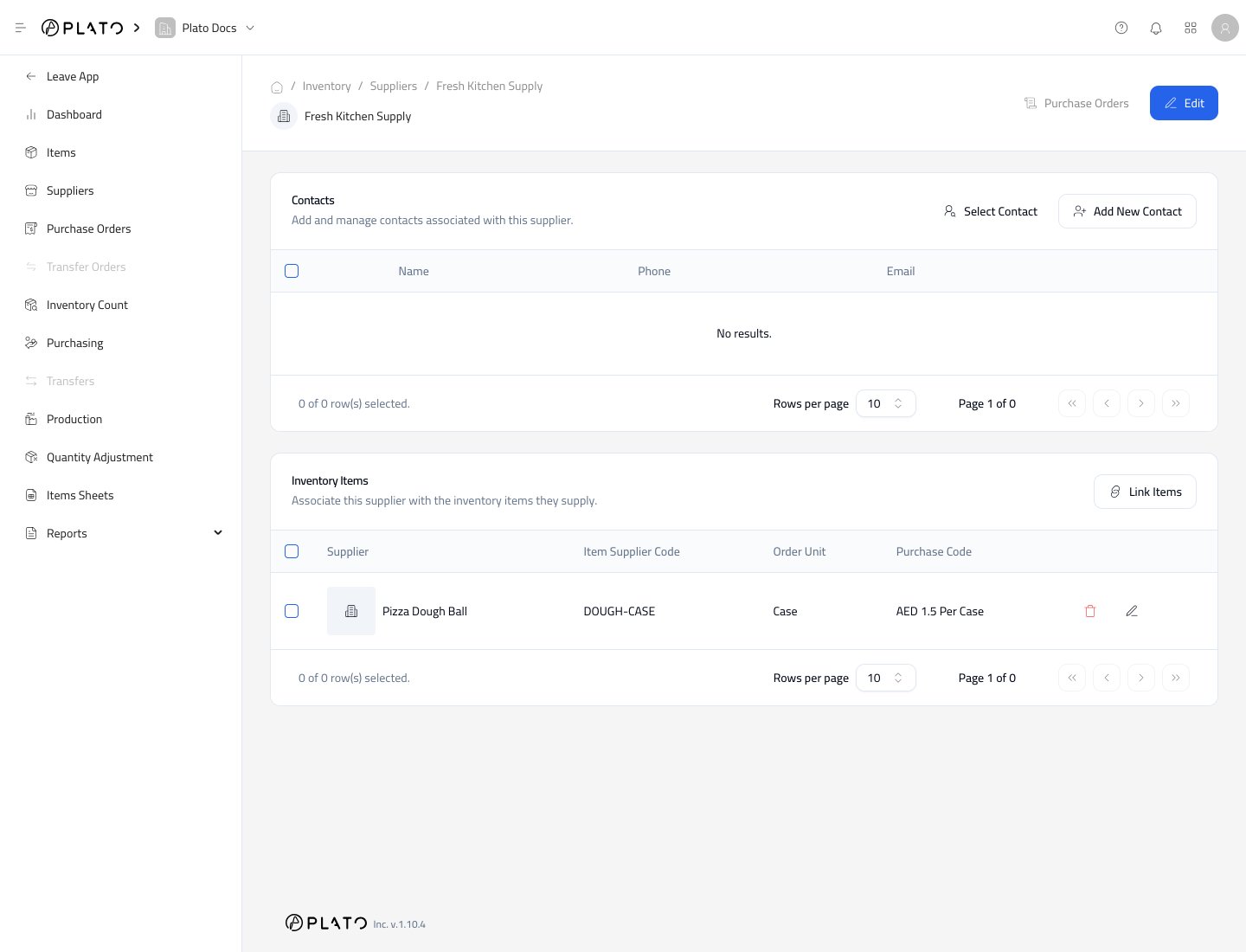
Create suppliers and open supplier details for contacts and item links.
Inventory.Suppliers.Add Supplier.NamePrimary EmailWebsiteCompany Logo