

Open the Item Settings Page
- Go to
Inventory. - Open
Items. - Open the row action menu for the item.
- Select
Edit Item. - Scroll to
Consumption TriggersorFormula.
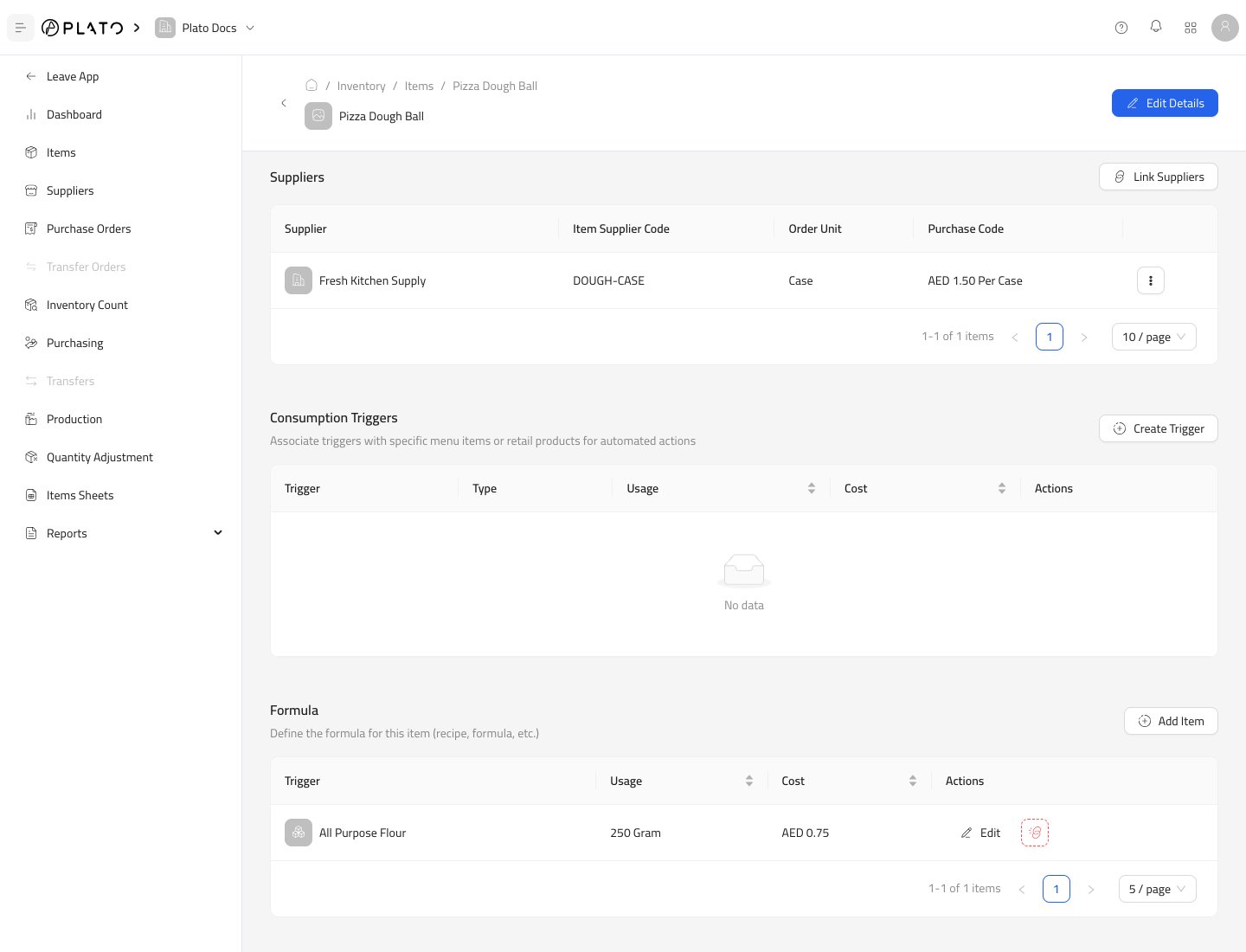
Add a Consumption Trigger
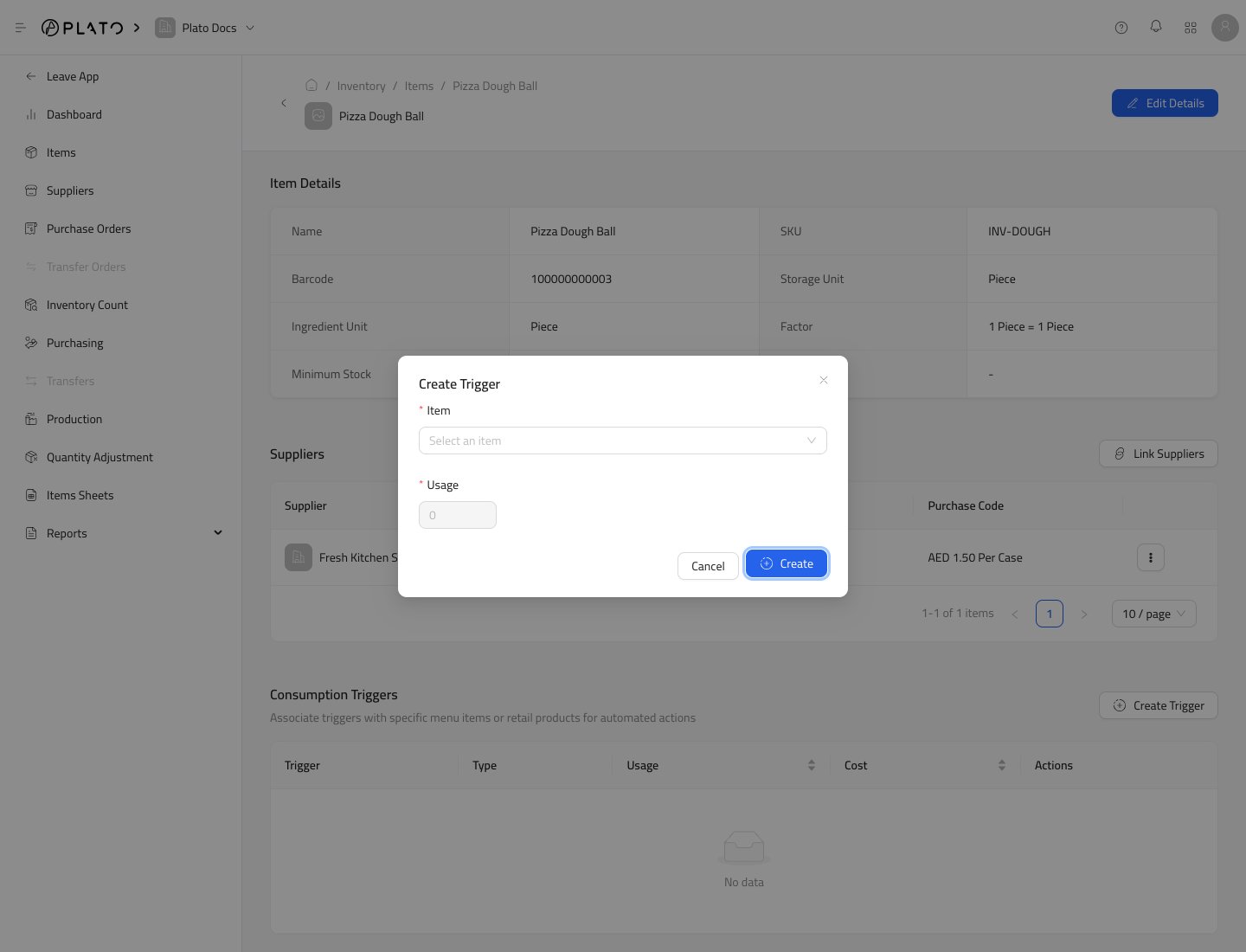
Use a consumption trigger when this item should be consumed by another action.- In
Consumption Triggers, clickCreate Trigger.
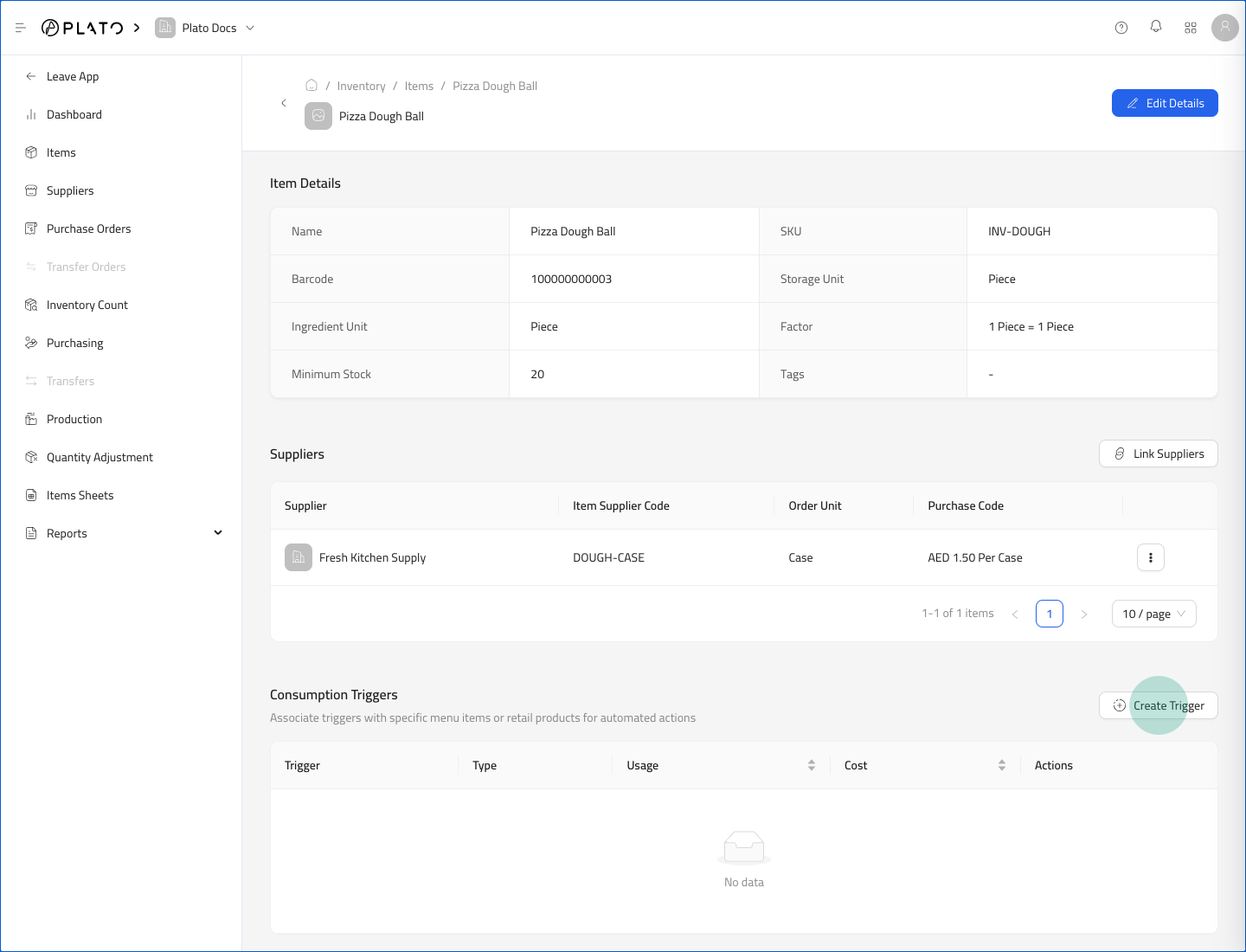
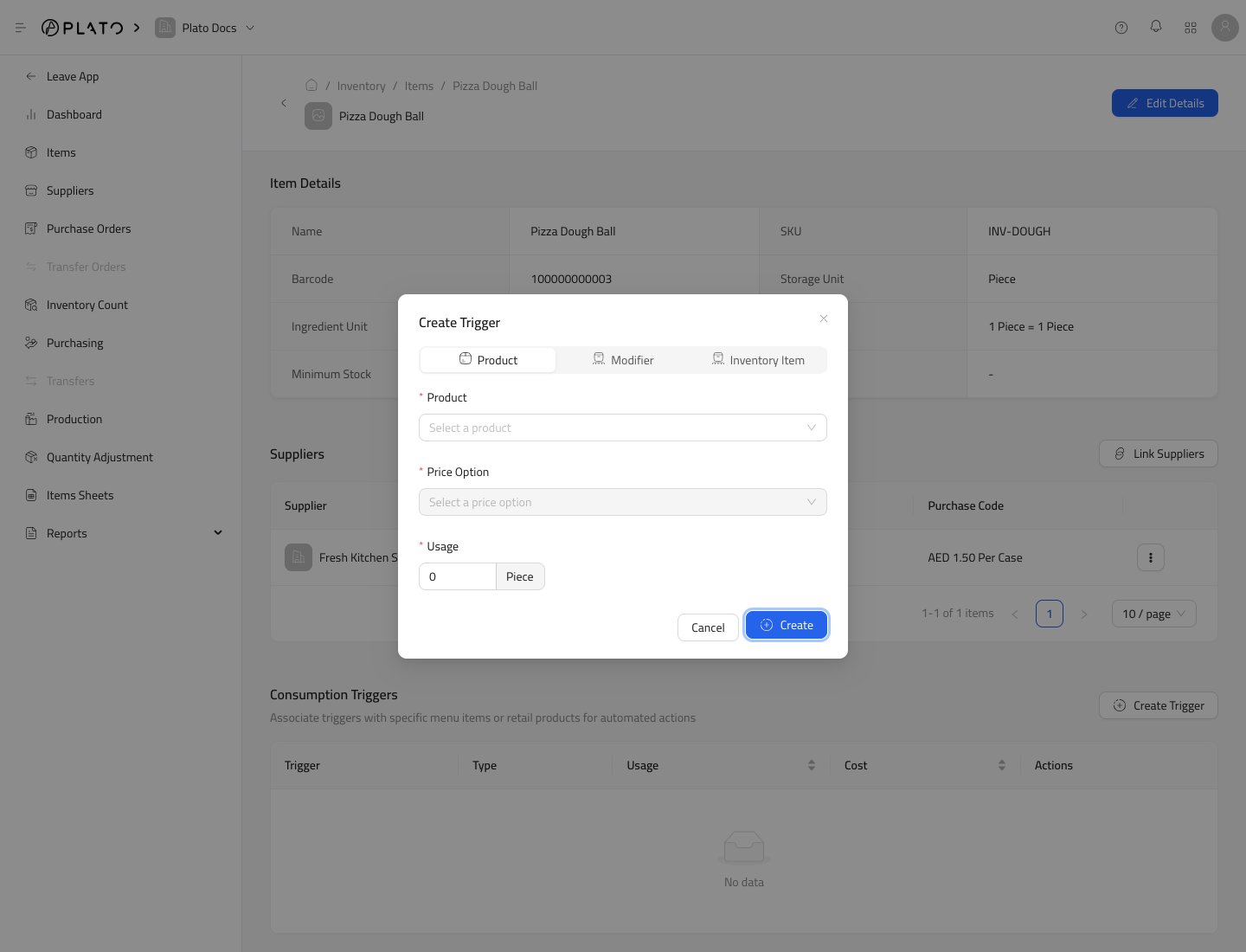
- Choose the trigger type.
- Select the product, modifier, or inventory item.
- Enter the usage amount.
- Click
Create.
Add a Formula Ingredient
Use Formula when the current item is produced from other inventory items.- Open the item that will be produced.
- Scroll to
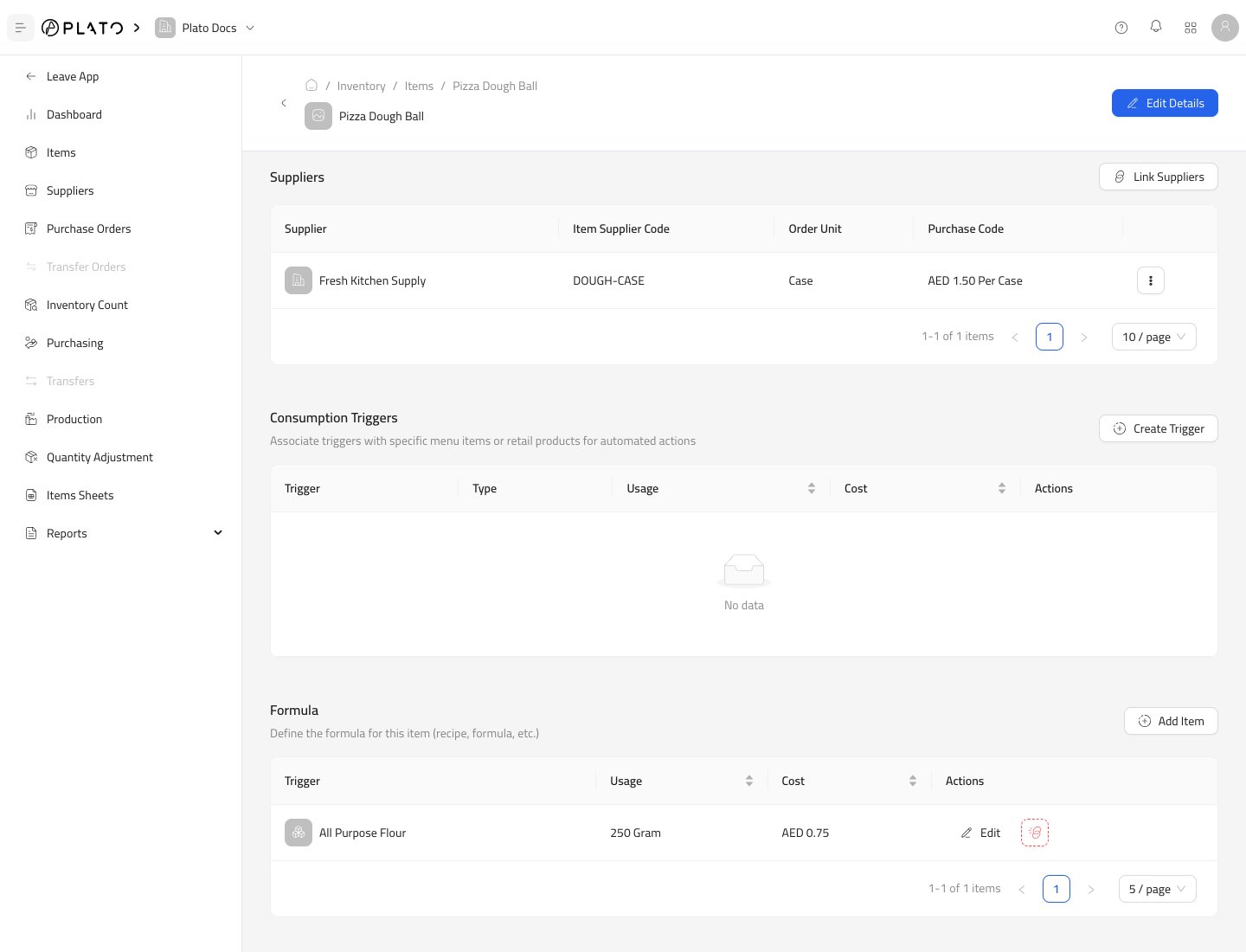
Formula. - Click
Add Item.
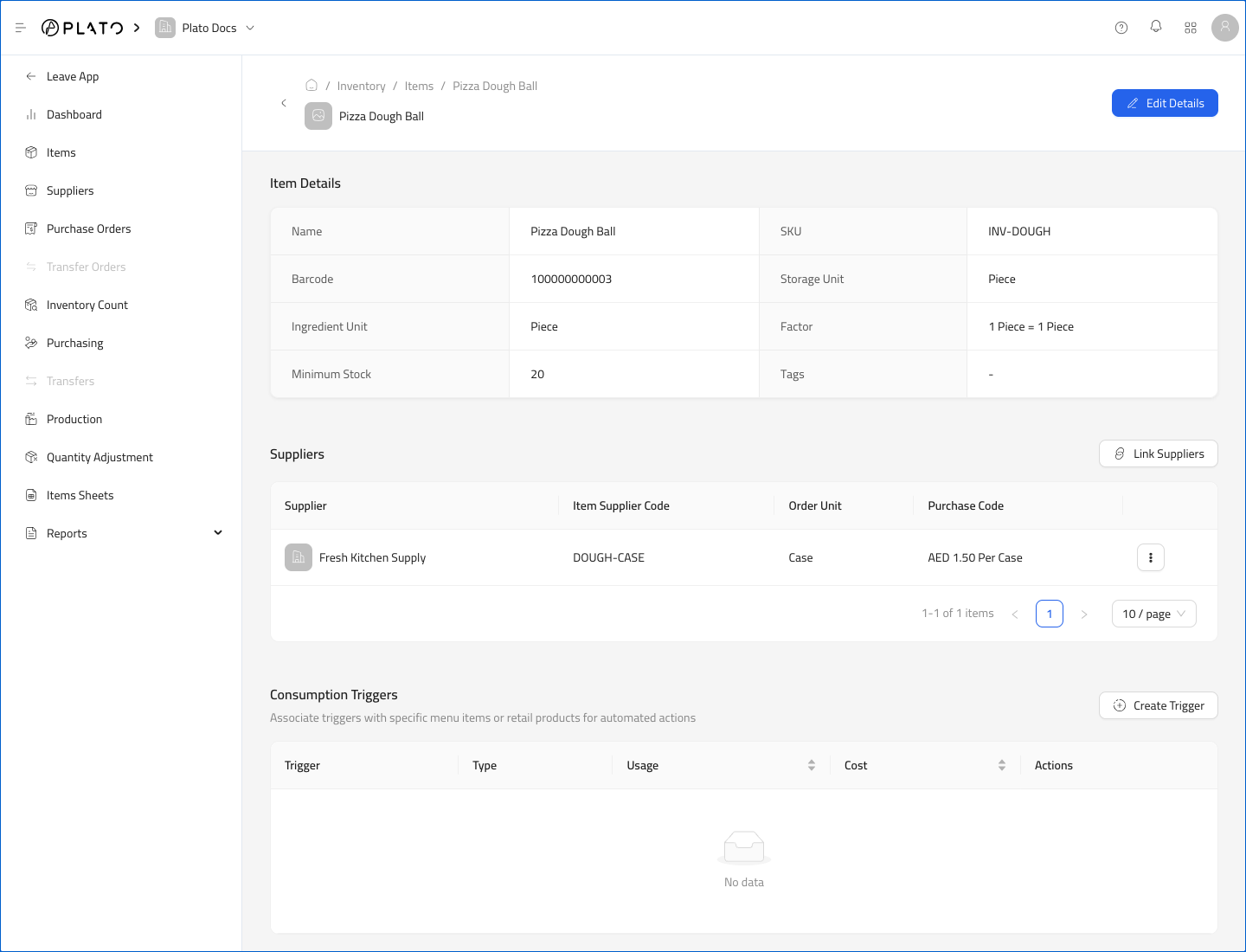
- Select the ingredient inventory item.
- Enter the ingredient usage for one produced item.
- Click
Create.
Example Formula
For a prepared item such asPizza Dough Ball:
- Create the ingredient items first, such as flour and oil.
- Create the produced item, such as pizza dough.
- Open the produced item.
- Add each ingredient in Formula.
- Enter the usage required for one produced item.
Edit or Remove Usage
UseEdit on a trigger or formula row to change the usage quantity.
Remove a row when that product, modifier, item, or formula ingredient should no longer affect stock.