

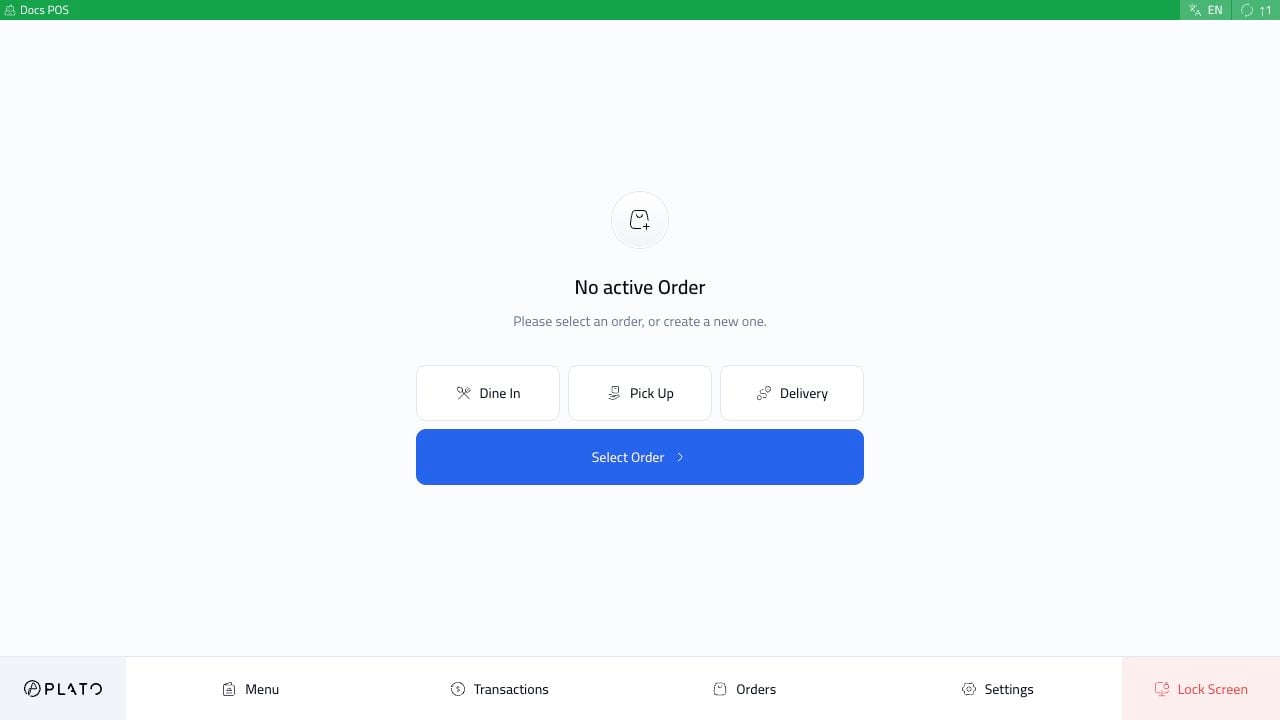
Start With The Daily Flow
Most cashiers follow the same flow during service:Open POS And Start A Session
Enter the device, choose the staff member, use PIN
0000 when needed, and start service.Create An Order And Send It
Add items, adjust the order, send it to the kitchen, and review the sidebar.
Settle In Cash
Record cash, confirm the amount, and finish the receipt flow.
Settle By Card
Record a Visa or card payment after the terminal payment is approved.
Split Payment
Divide one order total across cash, card, or multiple payment methods.
Split Bill
Separate guest checks before payment when a table wants to pay separately.