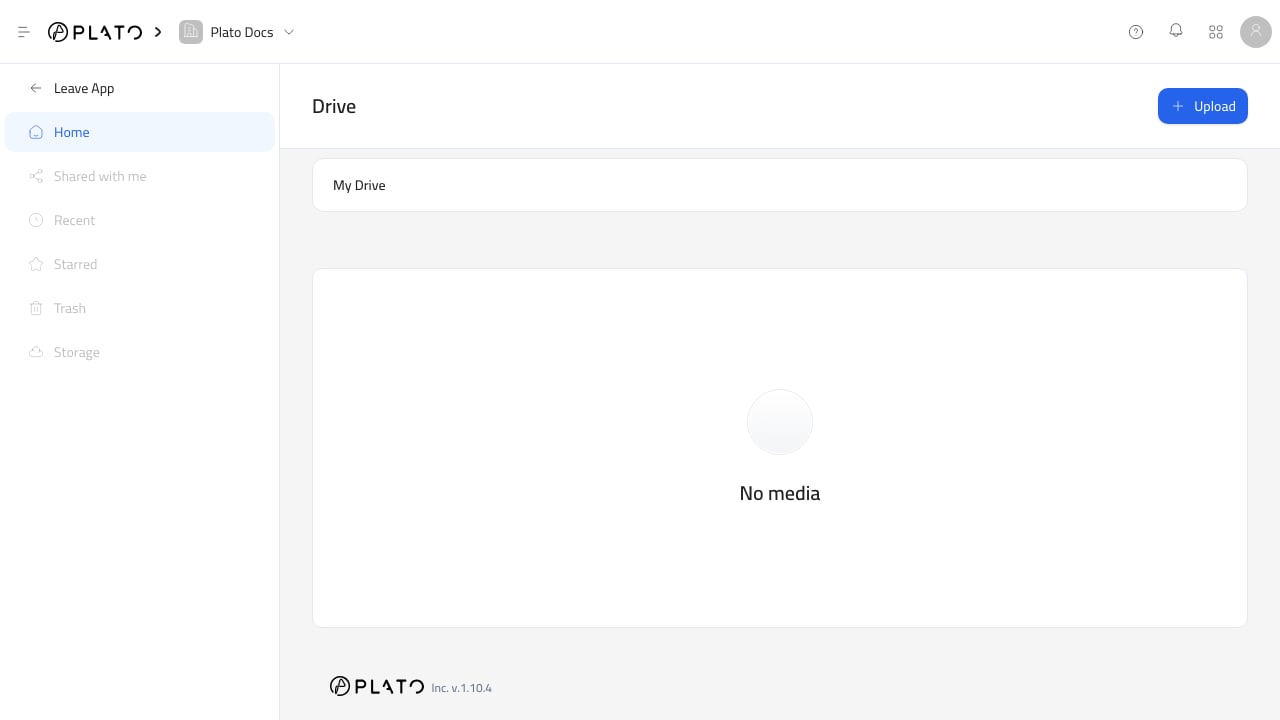
Drive storage area Drive belongs to the active workspace. Files uploaded to the Drive endpoint are connected to that workspace and can be reused by teammates who have the right app and role access.

Plan Limits

Drive storage and folder limits are plan-based. Current defaults in the product configuration are:
PlanStorageFoldersPrivate storage
Hobby0.5 GB5No
Starter1 GB10No
Pro2 GB25No
Premium5 GB50Yes
Enterprise10 GB100Yes
Your workspace may have a custom subscription or override. Check billing or workspace settings when the visible limit does not match the defaults.

Access

Drive access is controlled through the workspace and roles. If a teammate cannot open Drive or choose files from a field, check:
  • The teammate is in the correct workspace.
  • The workspace plan includes Drive.
  • The teammate role includes Drive access.
  • The field or app they are using allows file selection.
See Roles for role setup.

File Visibility

Most workspace Drive uploads are public asset files because they are intended to appear in public menus, Bio Links, images, documents, and messages. Private storage is plan-aware in the product configuration, but public customer-facing files should still be treated as shareable assets. Do not upload sensitive information unless your workflow and plan support the required access controls.

Storage Usage

Use billing or workspace subscription information to review storage limits. When storage is close to the limit, remove unused files or upgrade the workspace plan. Before deleting files, check whether they are still used in a public page, document template, menu, message, or connected app.