

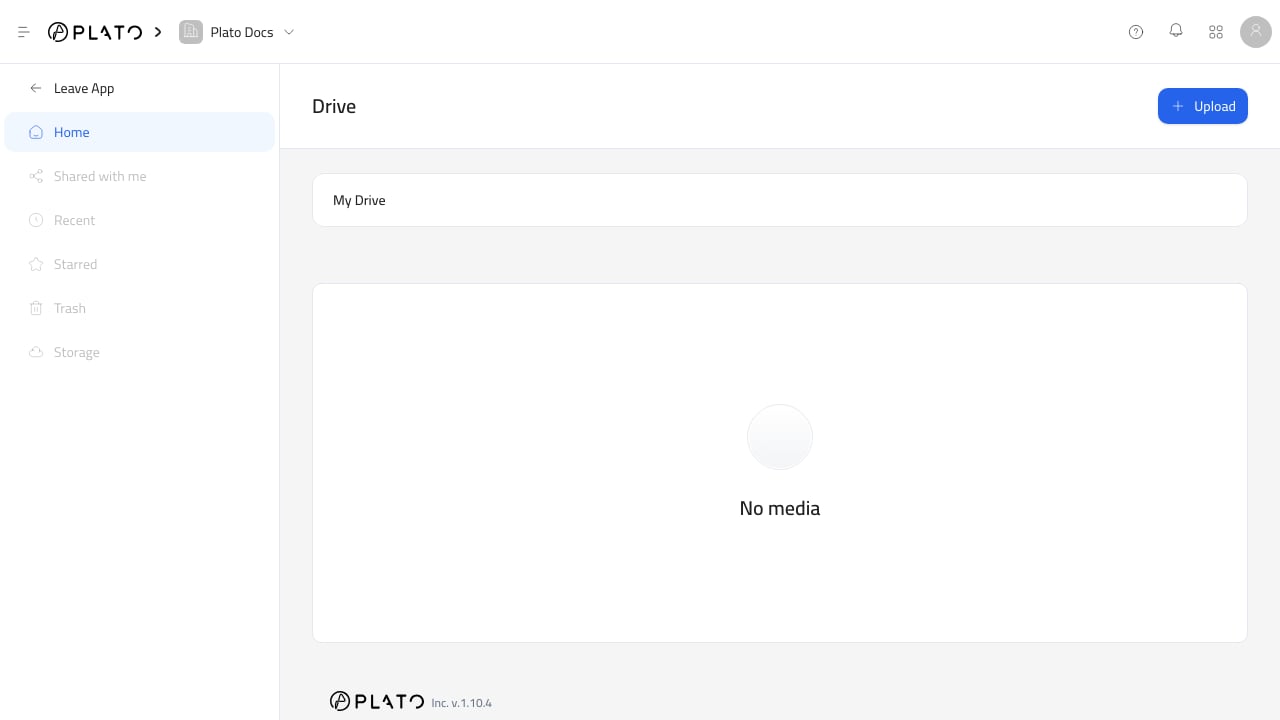
Choose An Existing File
- Open the field that asks for a file.
- Click
Choose File,Select from drive, or the file button shown by that app. - In
Plato Drive, stay on theMy Drivetab. - Browse folders if needed.
- Select the file.
- Click
Insert.
Upload And Insert
Use theUpload tab when the file is not in Drive yet.
- Open the Drive picker.
- Go to
Upload. - Choose the file from your device.
- Wait for the upload to finish.
- Confirm the file is selected.
- Click
Insert.
Single And Multiple Selection
Some fields allow one file. Others allow multiple files. When multiple files are allowed, the picker shows how many files are selected before you insert them. Some fields also limit how many files can be inserted.Filtered File Lists
Some apps only show the file types they can use. For example:- Image fields usually show images.
- Video blocks usually show videos.
- Attachment fields may allow several file types.