

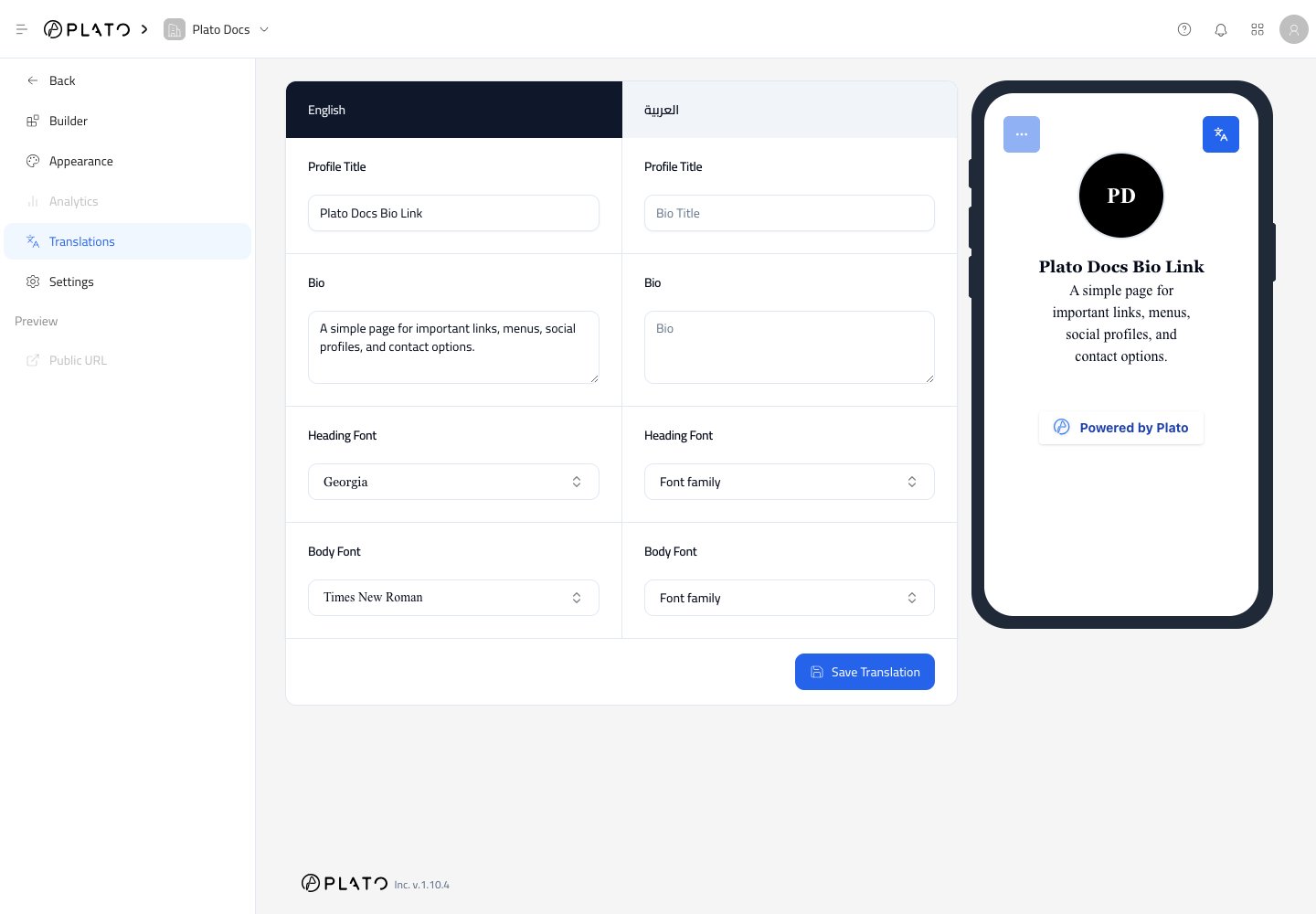
Translate The Profile
Start with the profile title and bio. These are the first things visitors see, so they should feel natural in each language.Translate Blocks
Each block that has visitor-facing text can appear in the translation editor. Translate button titles, text sections, and any other labels that visitors will read.Save Translation
ClickSave Translation after updating the translated fields.
Then open the public page in that language and check the final result, especially button text and line breaks.