

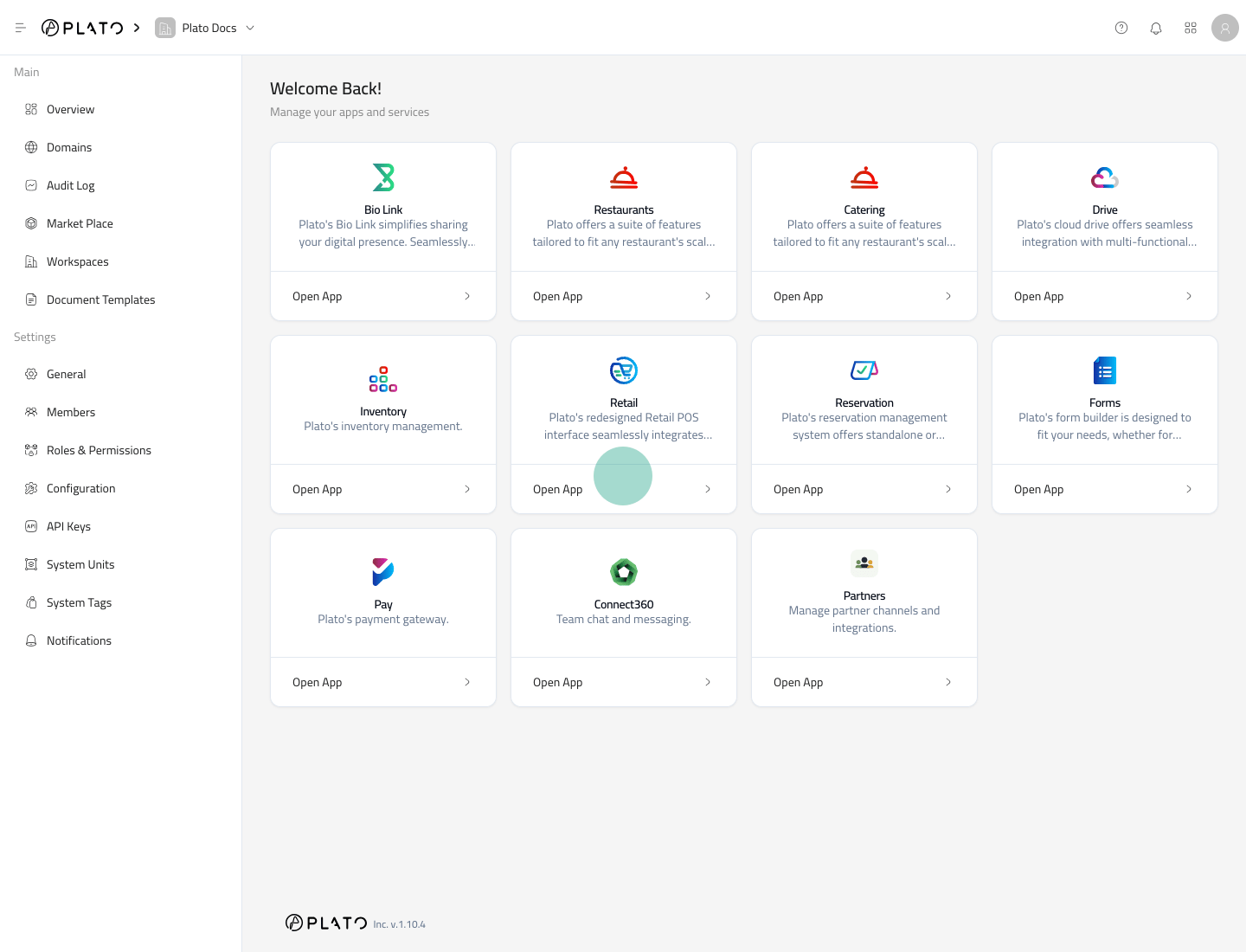
Open the App
- Go to the Plato Console.
- Open the app switcher or app list.
- Select
Inventory. - Wait for the Inventory sidebar to appear.
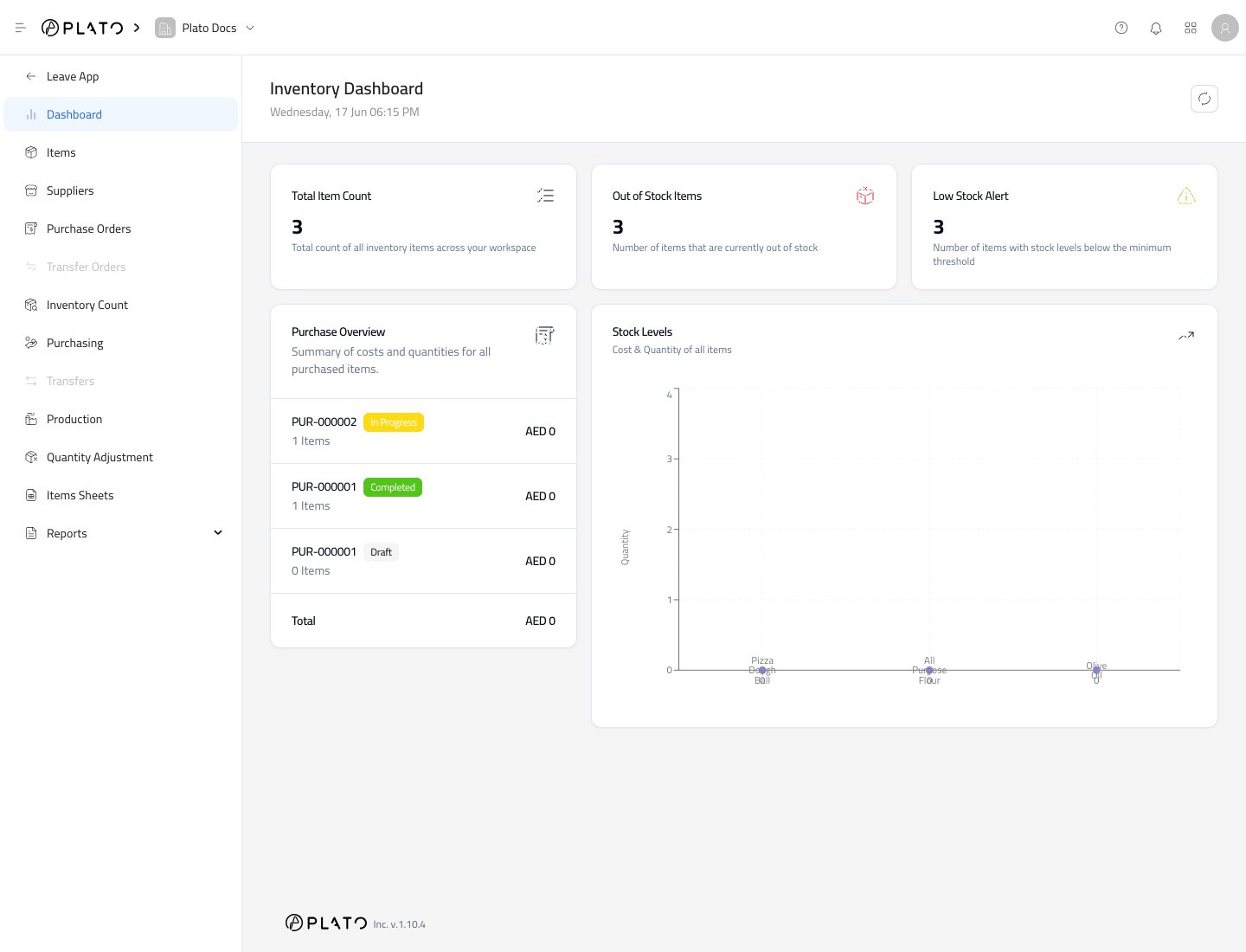
Read the Sidebar
The Inventory sidebar is split by job:Dashboardgives a quick stock health view.Itemsis where you create and edit inventory items.Suppliersstores supplier records and supplier item links.Purchase Ordersprepares orders before items arrive.Purchasingrecords received stock.Inventory Countrecords physical counts.Productionrecords made items and formula usage.Quantity Adjustmentrecords waste, expired, damaged, or theft adjustments.Items Sheetsstores reusable item lists.Reportsopens inventory reports.
Leave Inventory
UseLeave App when you want to return to the main Plato Console.
Unsaved drawers or modals should be closed or saved before leaving the app.