

Export Items
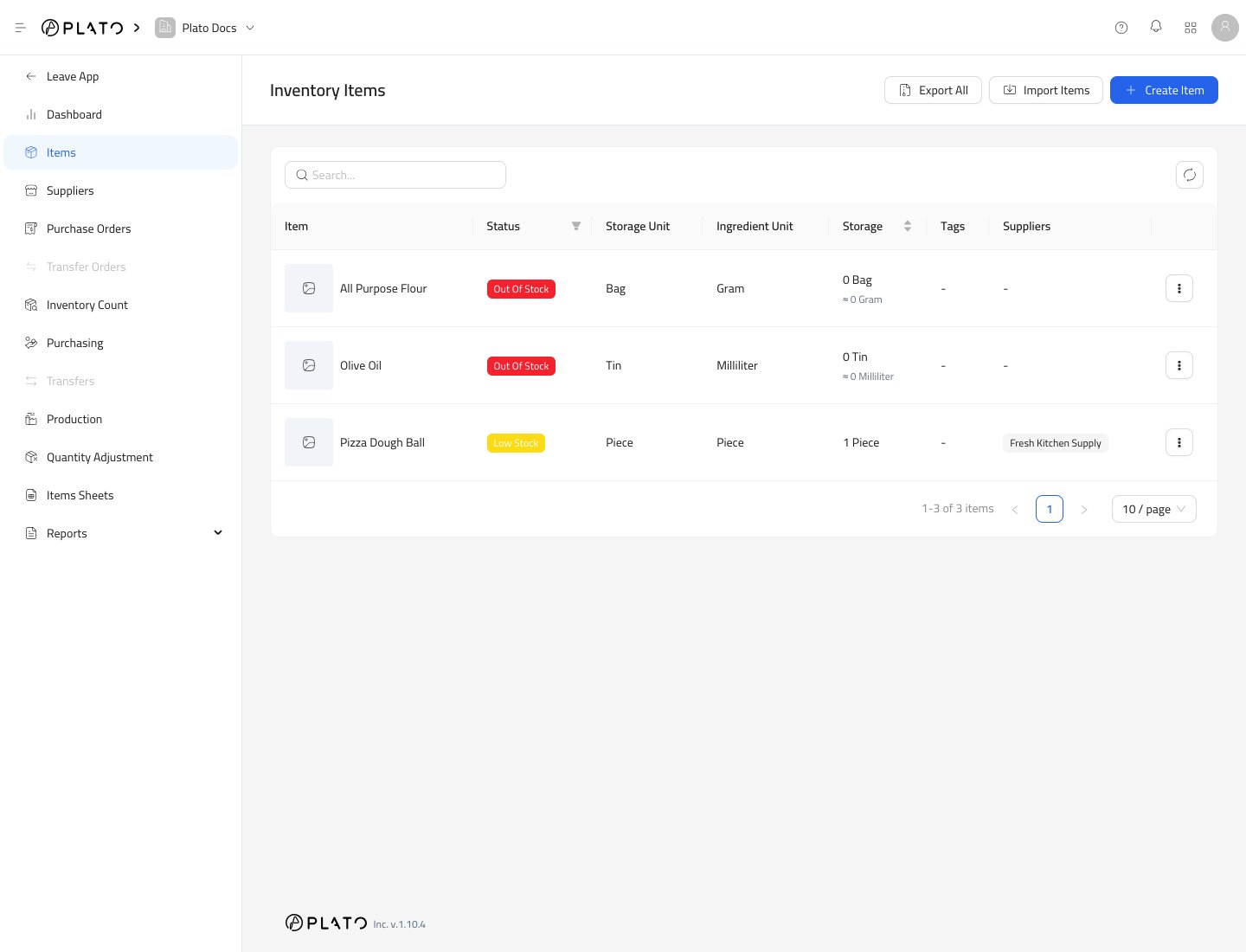
ClickExport All from the Items page.
The export is useful when you want to review item names, SKUs, units, or current setup outside Plato.
Import Items
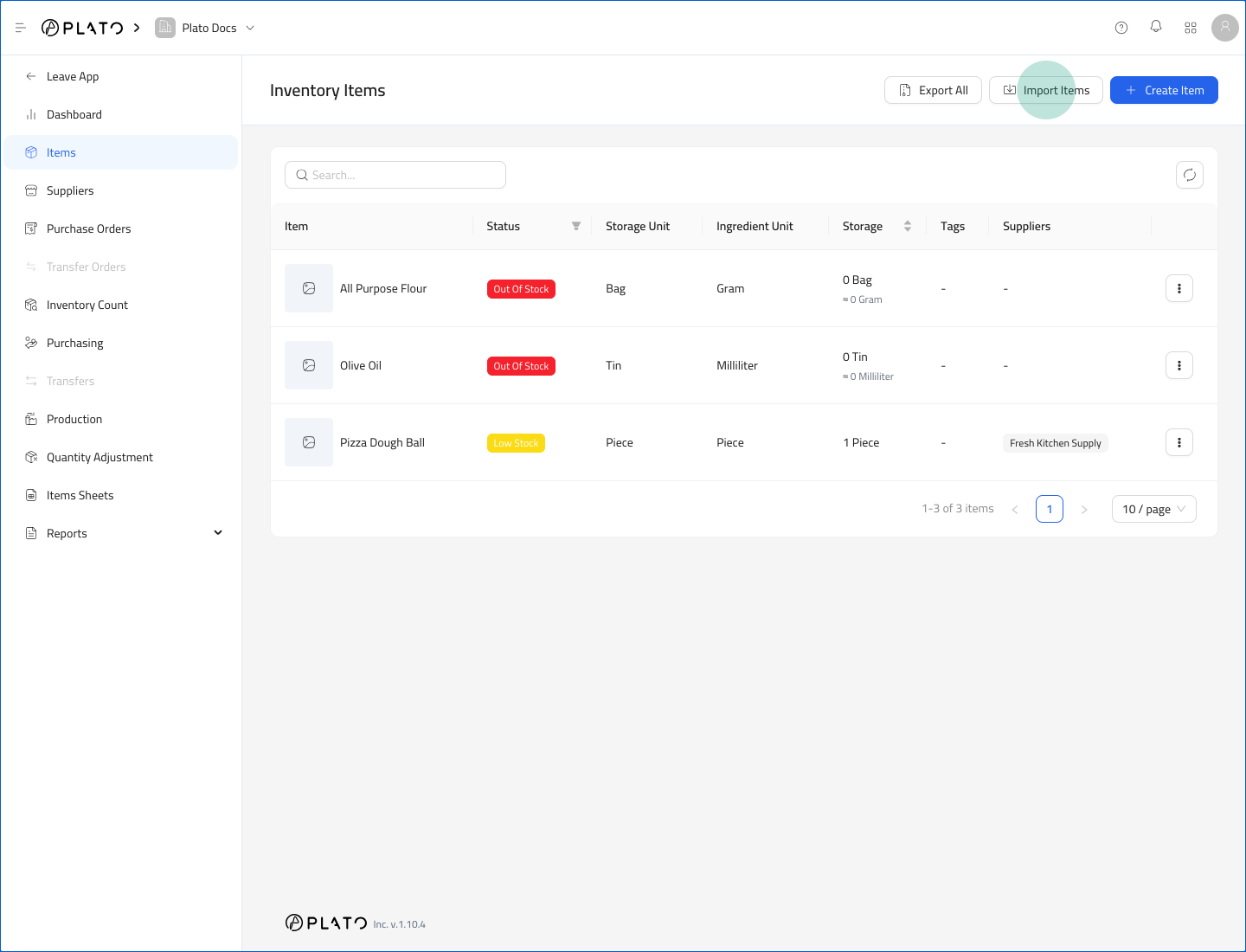
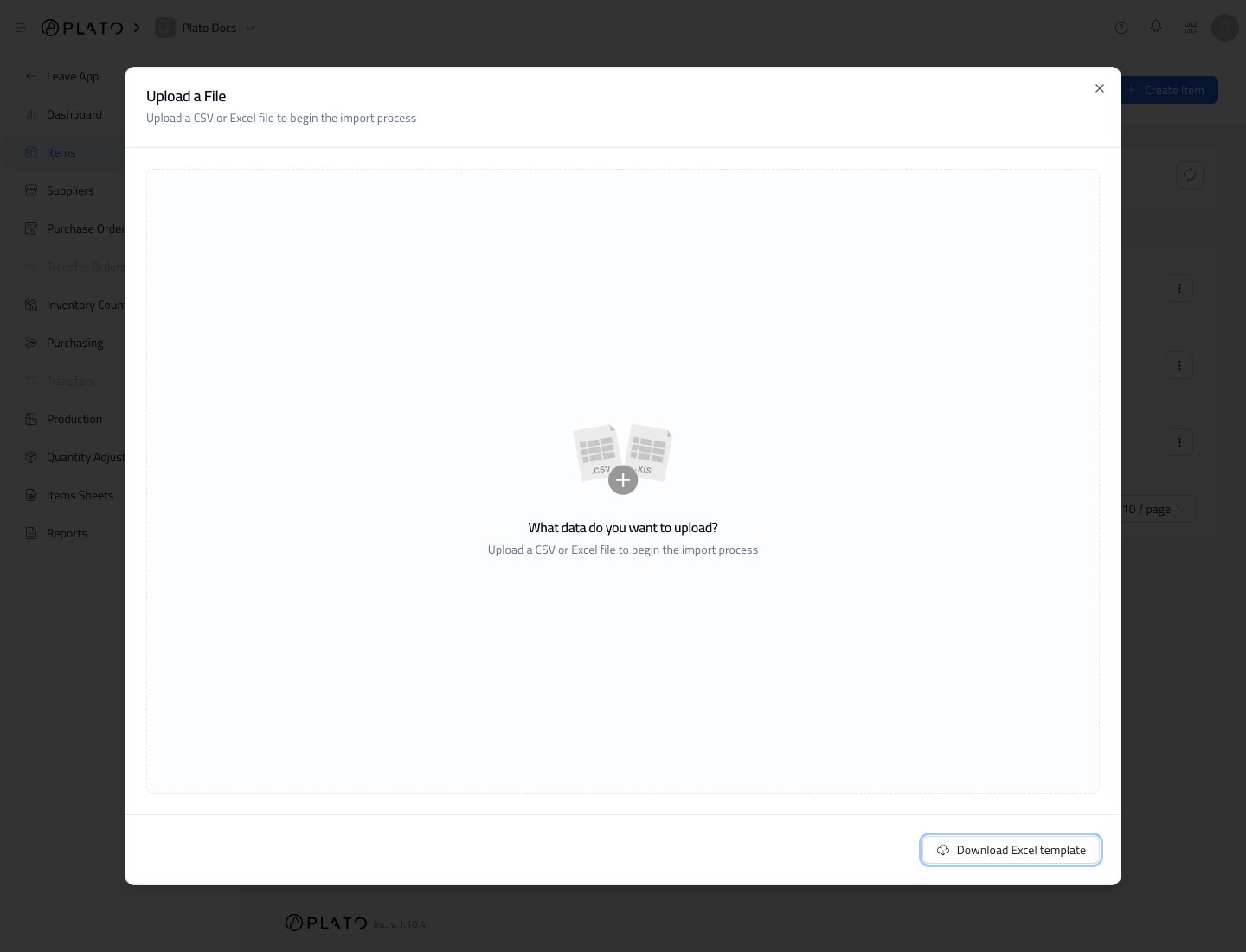
ClickImport Items to open the import window.
Before Importing
Check the file before uploading:- Item names should be clear and unique.
- SKUs should not conflict with existing items.
- Storage units and ingredient units should be consistent.
- Conversion factors should be correct.
- Minimum stock values should match how your team counts stock.