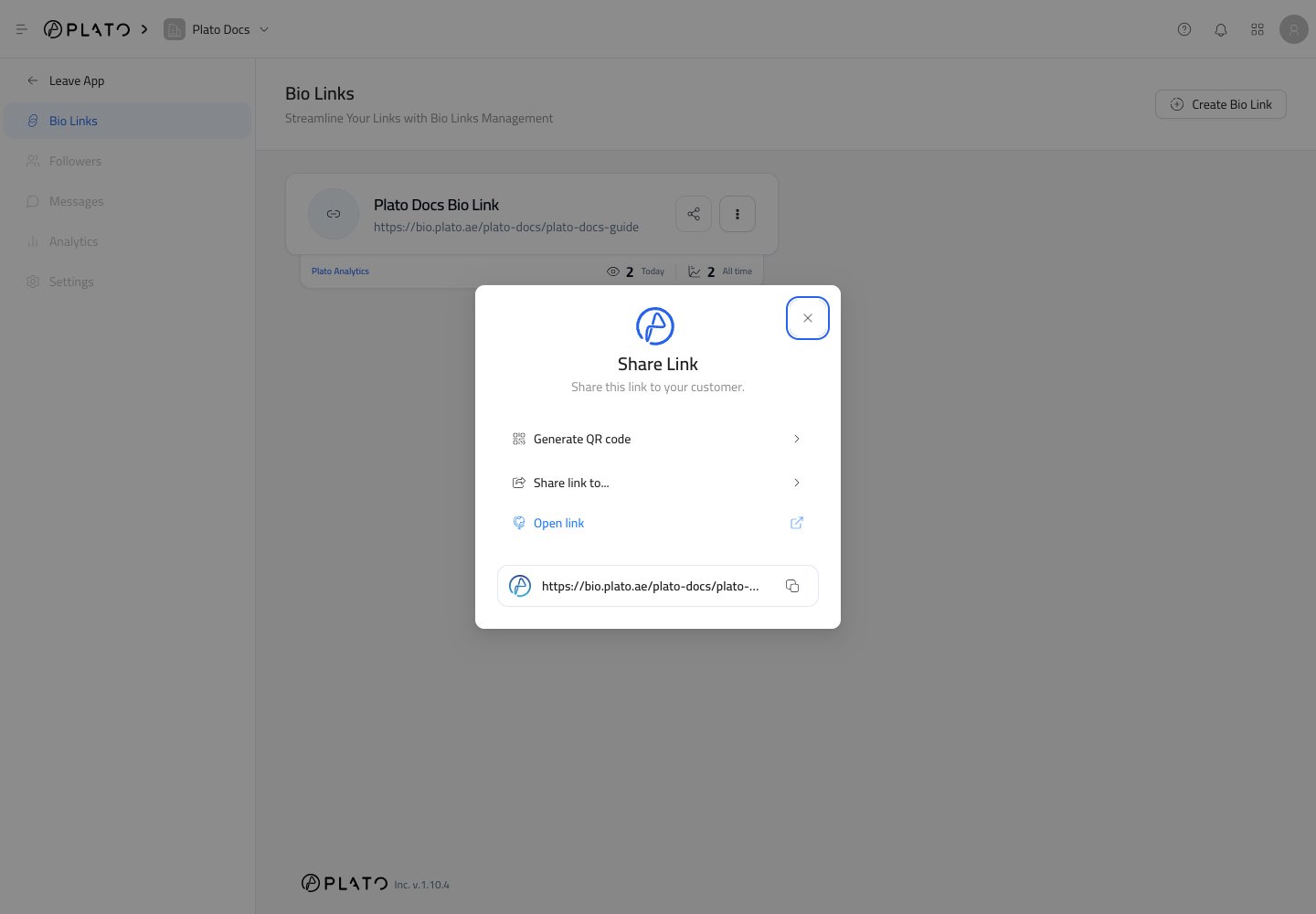
Use the share button on a Bio Link card when you are ready to send the page to customers. Share dialog

Share The URL

From the share dialog, you can:
  • Copy the public URL.
  • Open the public page.
  • Share through supported social channels.
  • Generate a QR code.
Copy the URL when you want to paste it into Instagram, WhatsApp, email, SMS, ads, or printed material.

Generate A QR Code

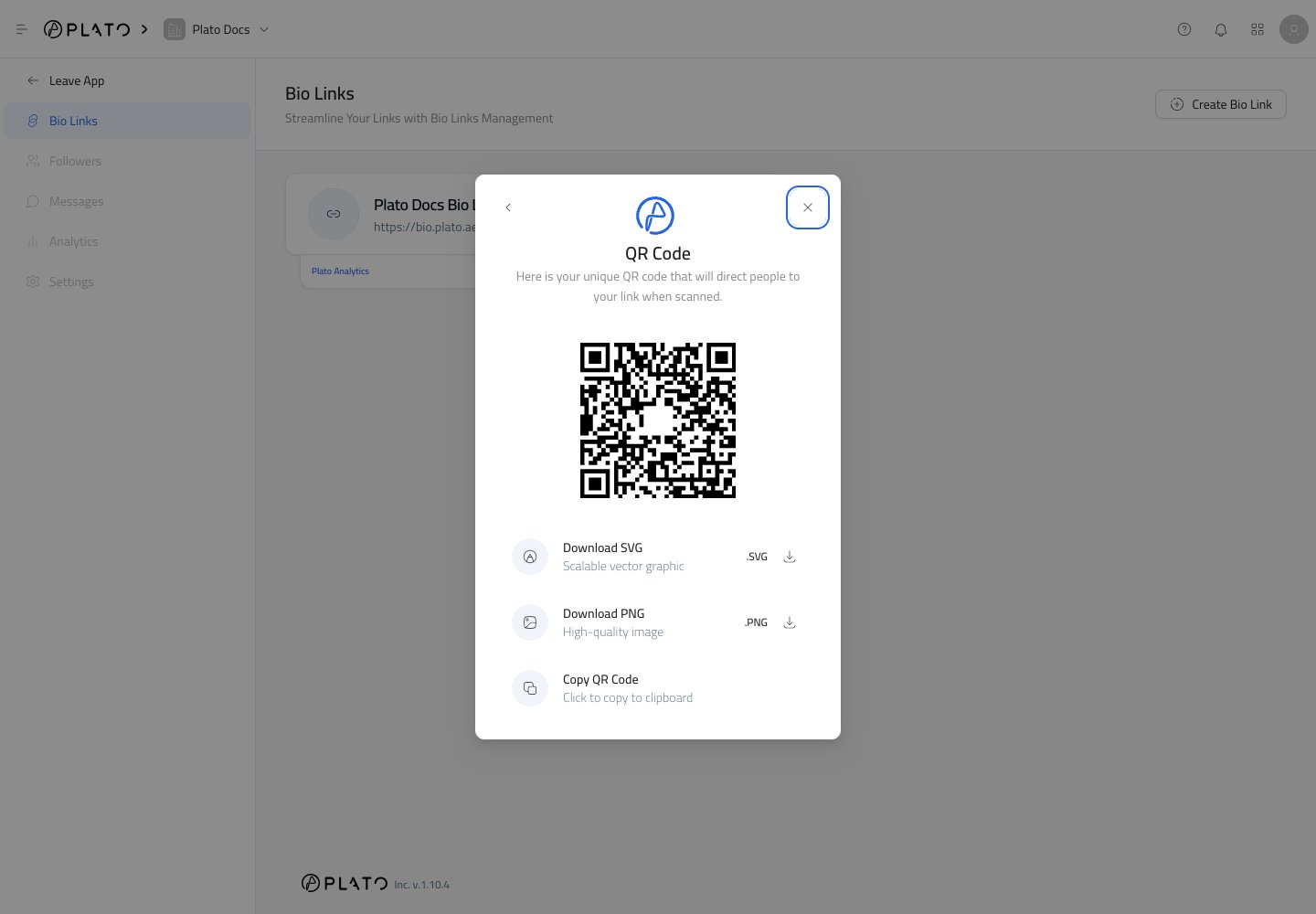
Click Generate QR code to create a scannable code for the Bio Link. Bio Link QR code You can download the QR code as SVG or PNG, or copy it for quick use. Use PNG for quick sharing and simple designs. Use SVG when a designer or printer needs a sharp file for menus, posters, business cards, packaging, or storefront displays.
Test Before Printing

Before printing or publishing a QR code:
  1. Scan it with a phone.
  2. Confirm the correct Bio Link opens.
  3. Tap the important buttons.
  4. Check the page in each language you plan to share.