

What Visitors See
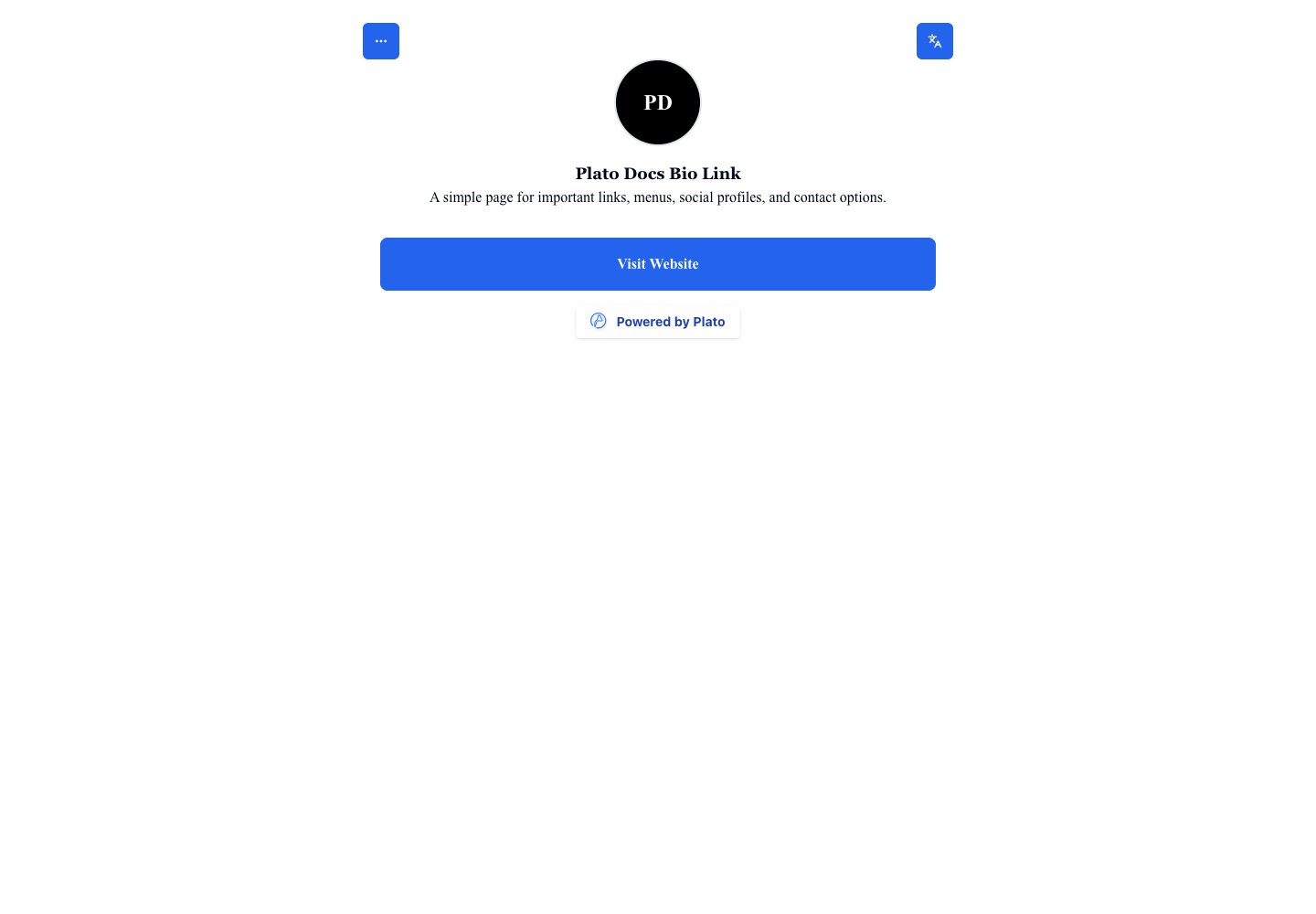
Visitors can see your profile image, title, bio, buttons, social icons, maps, images, documents, forms, and any other blocks you publish. The page can also show language controls when more than one language is available.Preview While Editing
The editor shows a phone preview beside the Builder, Appearance, Settings, and Translations pages. Use the preview for quick checks, then open the public page for a final test.Final Check Before Sharing
Before sending the link to customers:- Open the public URL.
- Confirm the title and bio are correct.
- Tap every button.
- Check images and videos.
- Confirm forms, maps, and documents open correctly.
- Check the mobile layout.
- Scan the QR code if you plan to print it.