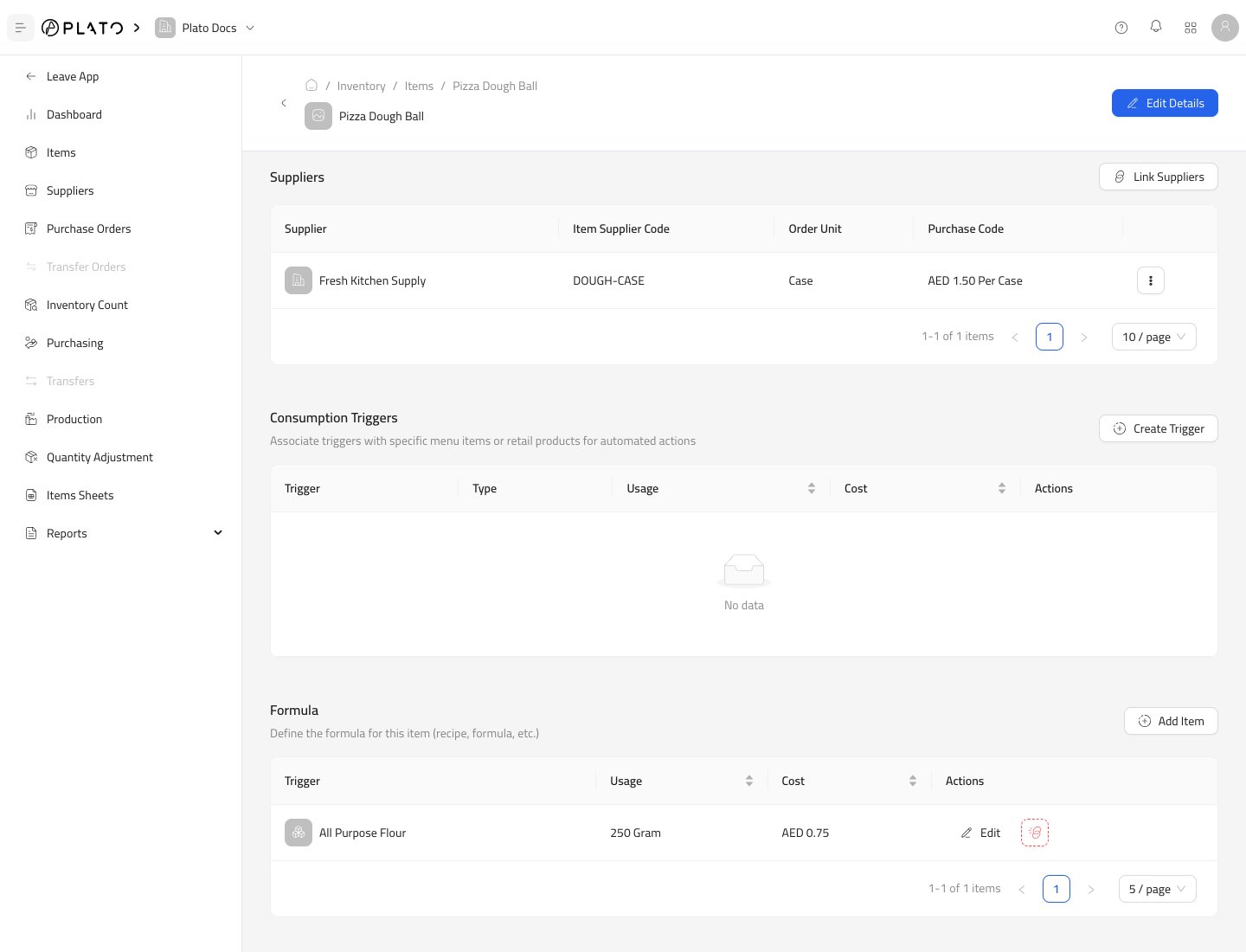
Edit Item.
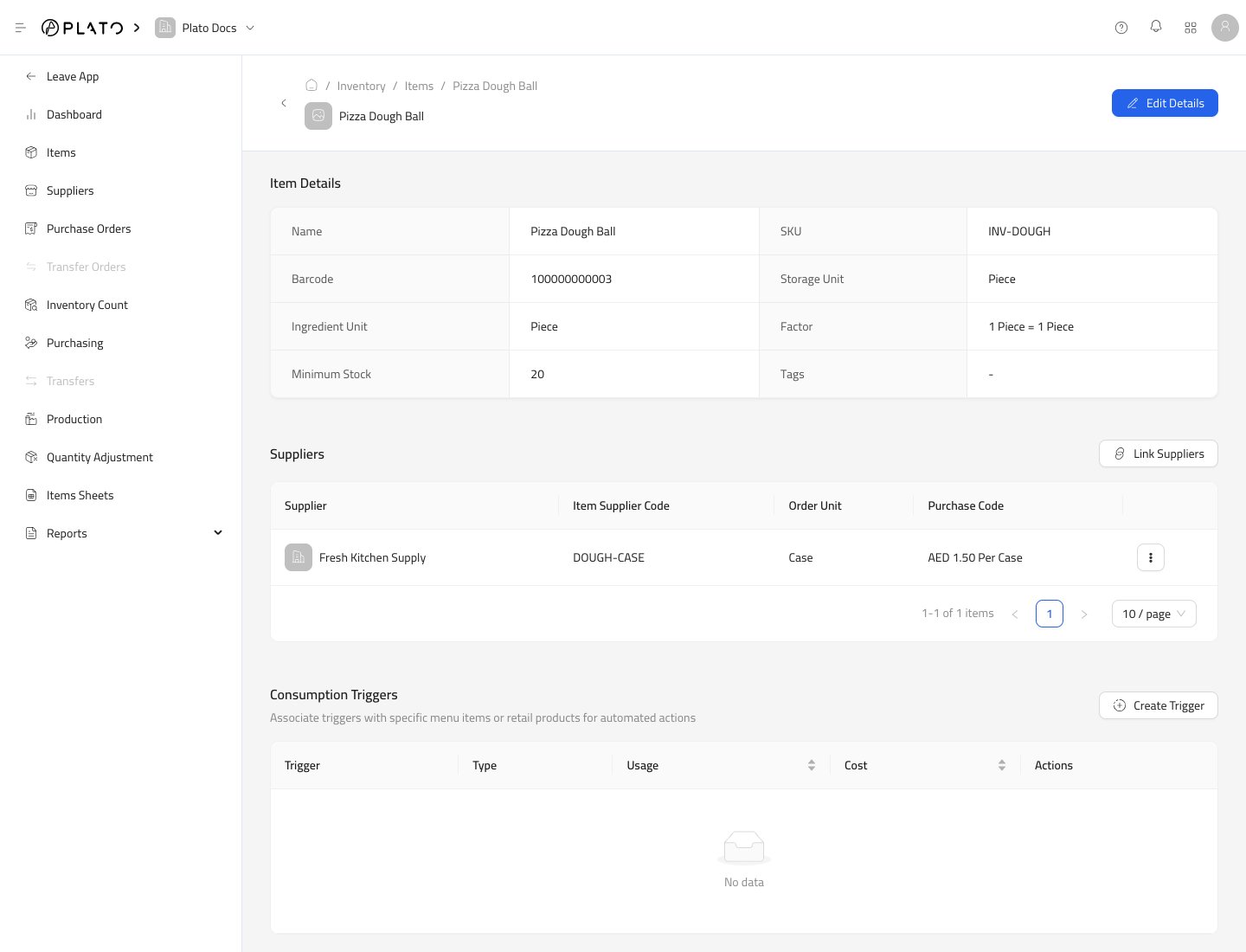
Item Details
The top section shows the item’s name, SKU, barcode, storage unit, ingredient unit, conversion factor, minimum stock, and tags. UseEdit Details when those values need to change.
Suppliers
The Suppliers section shows which suppliers can provide this item. Supplier links can store:- Supplier name.
- Supplier item code.
- Order unit.
- Purchase code and cost.
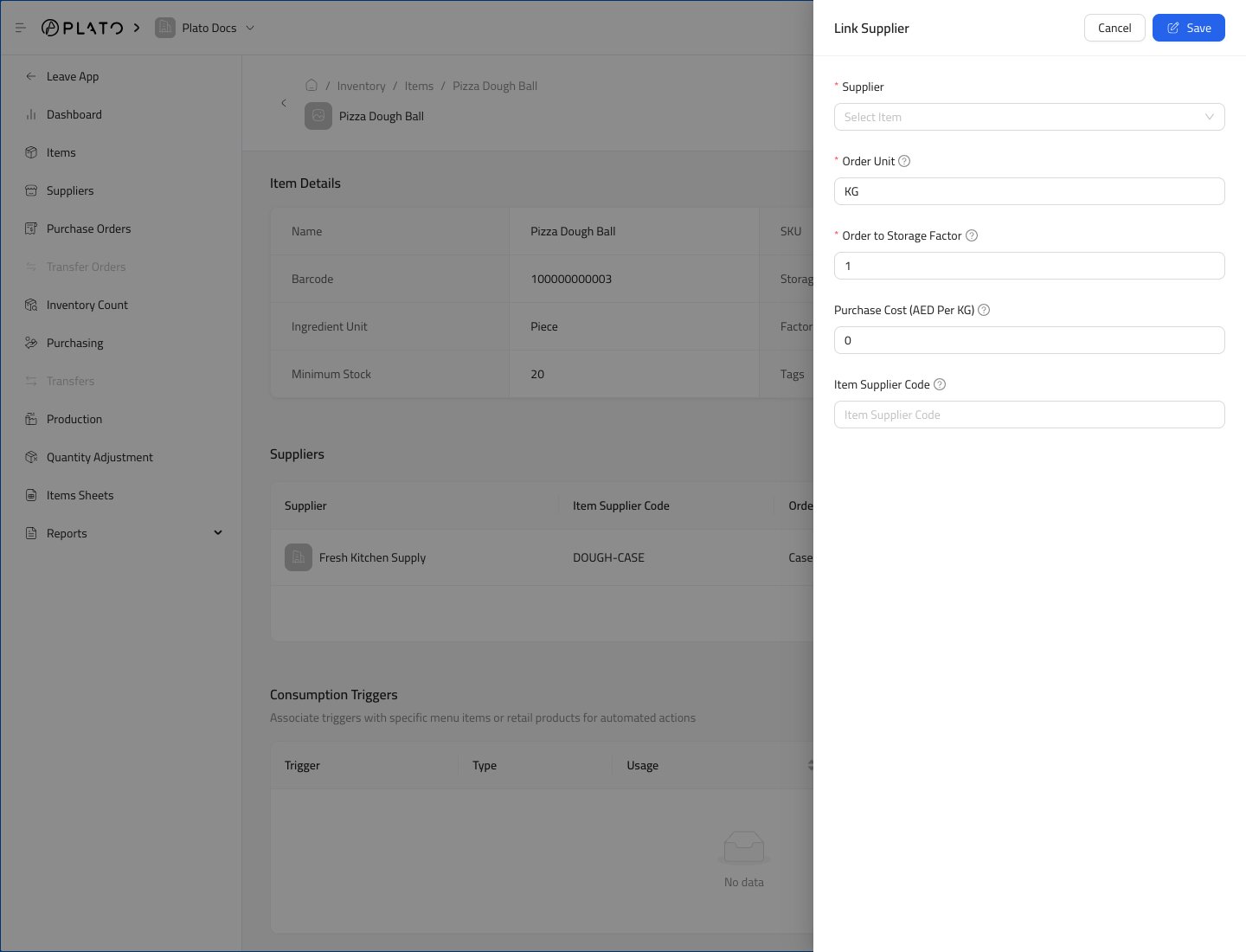
Consumption Triggers
Consumption Triggers connect the item to product or modifier usage. Use them when sales or menu actions should consume this item.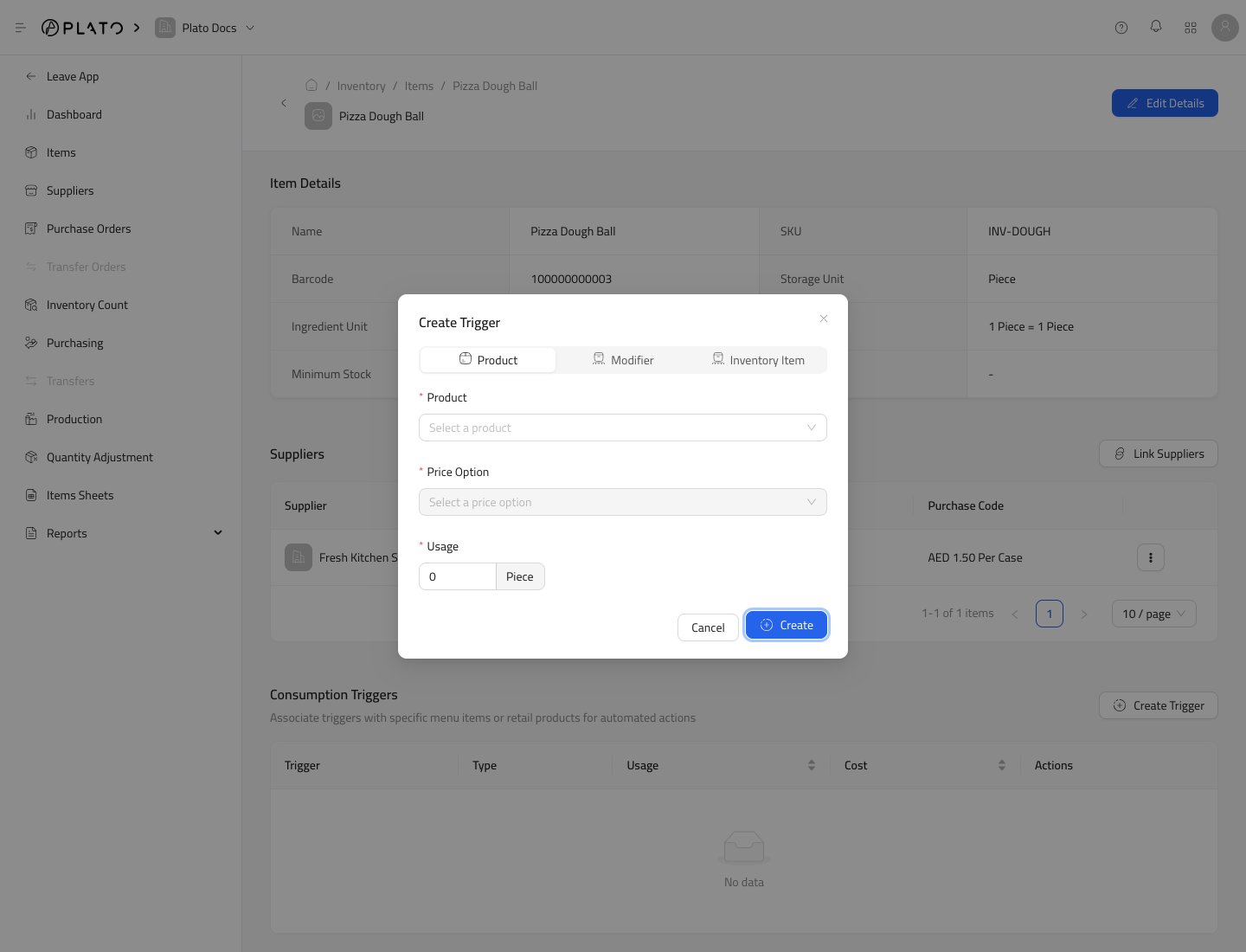
Formula
Formula defines which inventory items are used to make this item. Use it for prepared items, batches, assemblies, or recipes.