Start Here
Open Restaurant
Enter the app, understand the sidebar, and find the main daily areas.
Build The Menu
Create menus, categories, products, modifiers, and public ordering pages.
Manage Orders
Review incoming orders, create manual orders, and track service activity.
Tables And Reservations
Set up dining areas, tables, table sessions, and reservations.
Reports
Choose the right sales, payment, menu performance, and operations report.
Devices And POS
Connect POS, KDS, printers, display screens, and Plato Mesh.
Popular Setup Paths
If you are setting up the online menu, start with Create A Menu, then Add A Product, then Add Products To The Menu. If you are preparing service, start with Add Tables, Create A Delivery Zone, and Add A Device. If you are reviewing performance, start with Daily Sales, Payment Methods, and Items Report.How Restaurant Is Organized
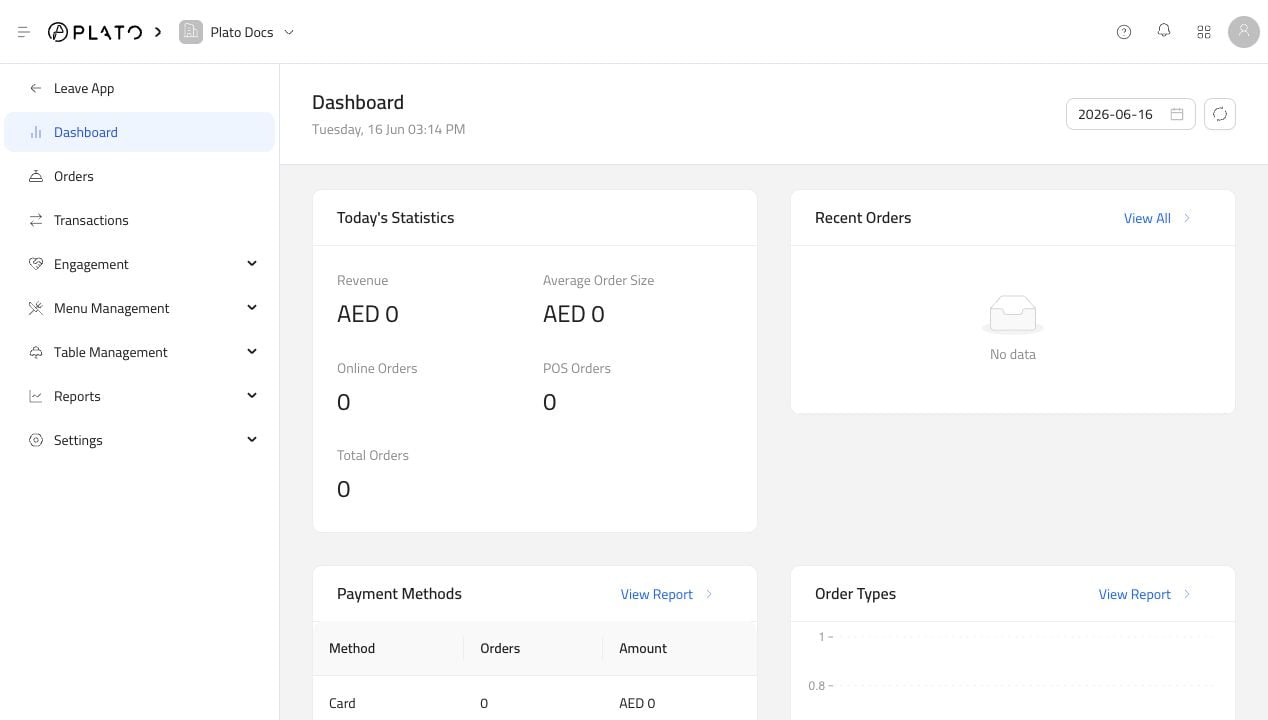
Restaurant has two main working areas:- The Restaurant back office, where staff manage orders, customers, tables, reports, and restaurant-wide settings.
- The menu app editor, where staff build a public online menu, adjust ordering settings, change theme, and preview the customer menu.
- Create categories.
- Add products.
- Create modifiers if customers need choices or add-ons.
- Create or open the online menu.
- Add products to the menu builder.
- Configure ordering, theme, language, and integrations.
- Set up delivery zones, charges, discounts, payment methods, reasons, and devices.
- Test the public menu and place a test order before sharing the URL or QR code.
What Customers See
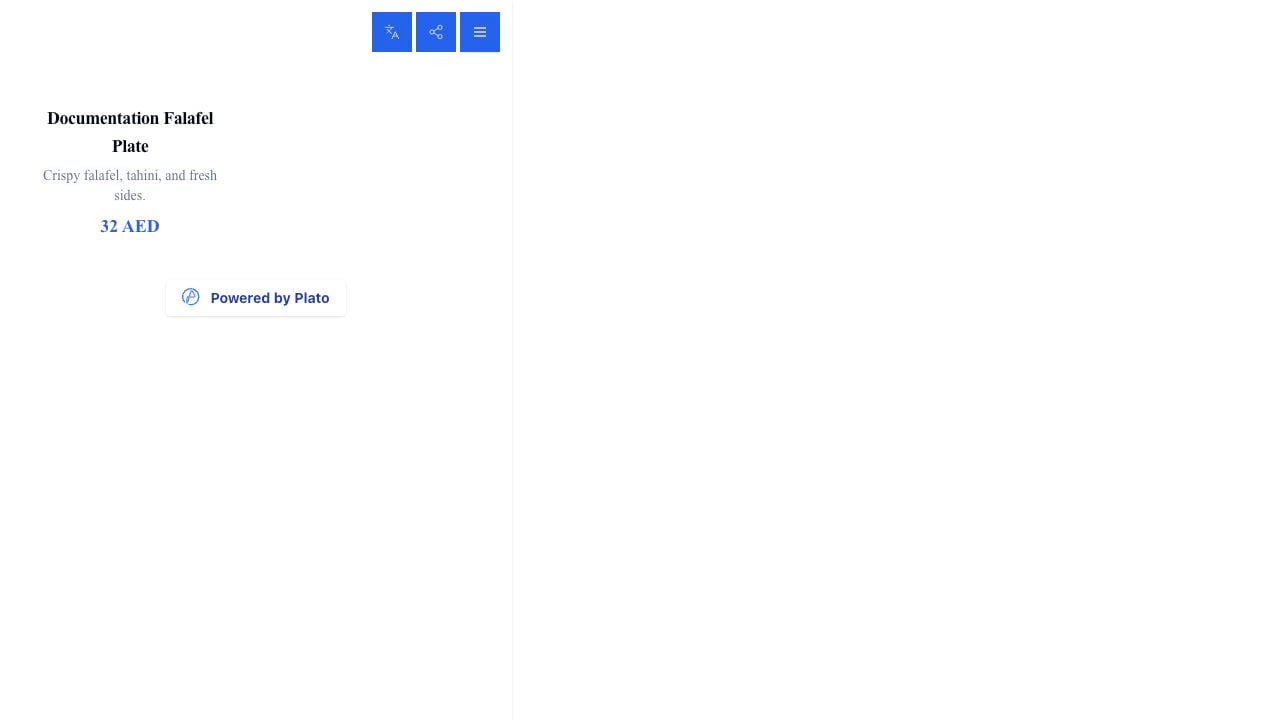
Customers only see the public online menu and checkout flow. Back-office pages like products, reports, device settings, and transactions are for restaurant staff inside Plato.