

What To Build First
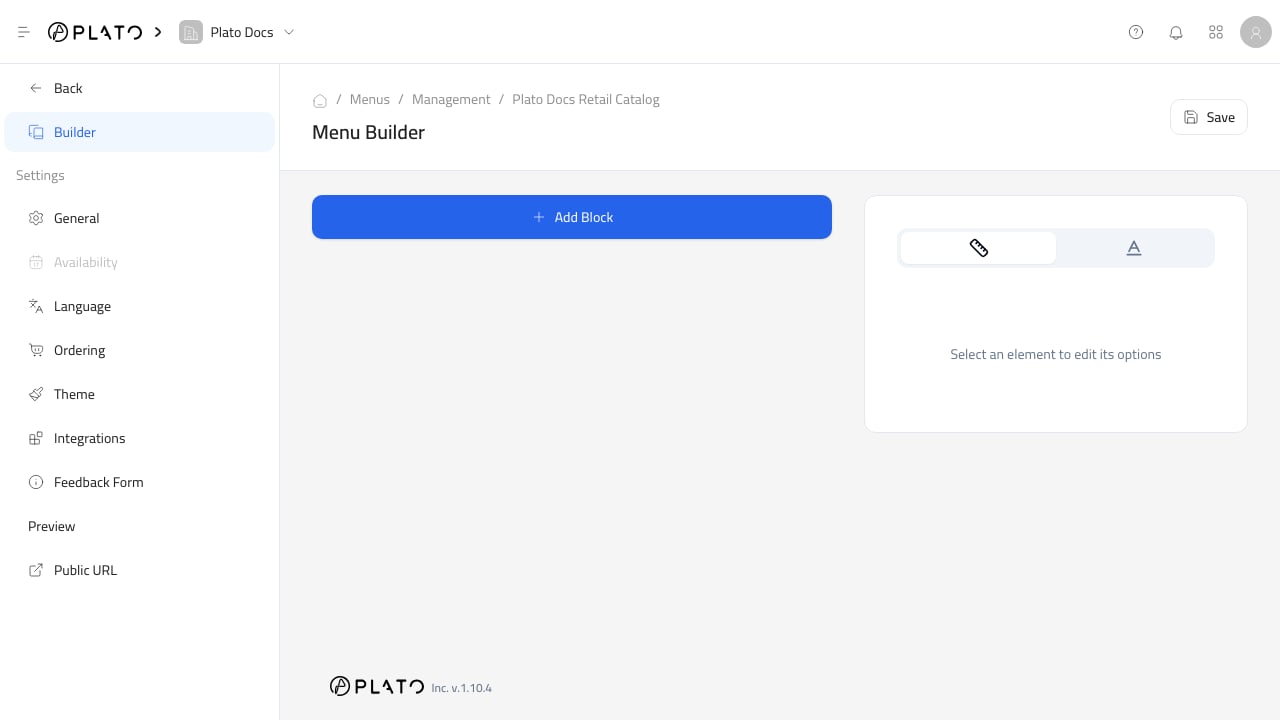
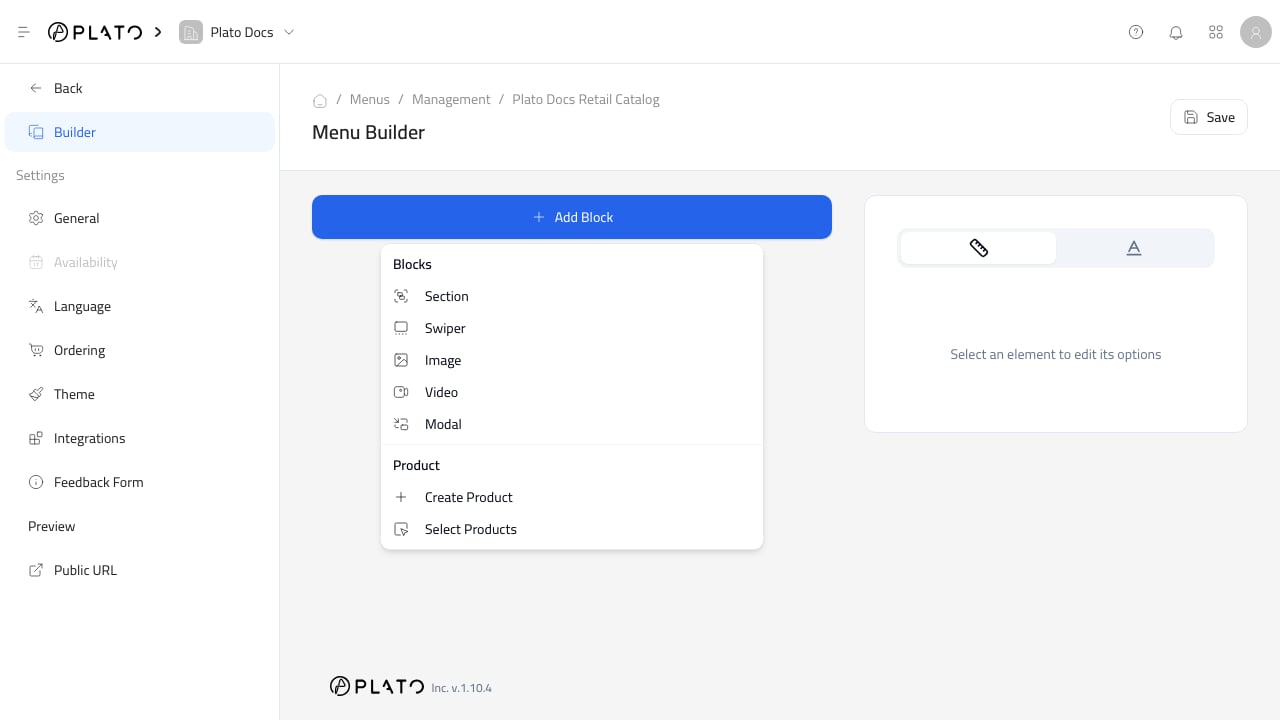
Start with the simplest working catalog:- Add the most important category or product section.
- Add a few real products.
- Save the builder.
- Open the public URL.
- Check the catalog on desktop and mobile.
Builder Habits
Keep the catalog easy to scan. Put high-priority products near the top, group similar products together, and avoid overloading the first screen with too many sections. Save after meaningful changes, then preview before sharing the URL or QR code.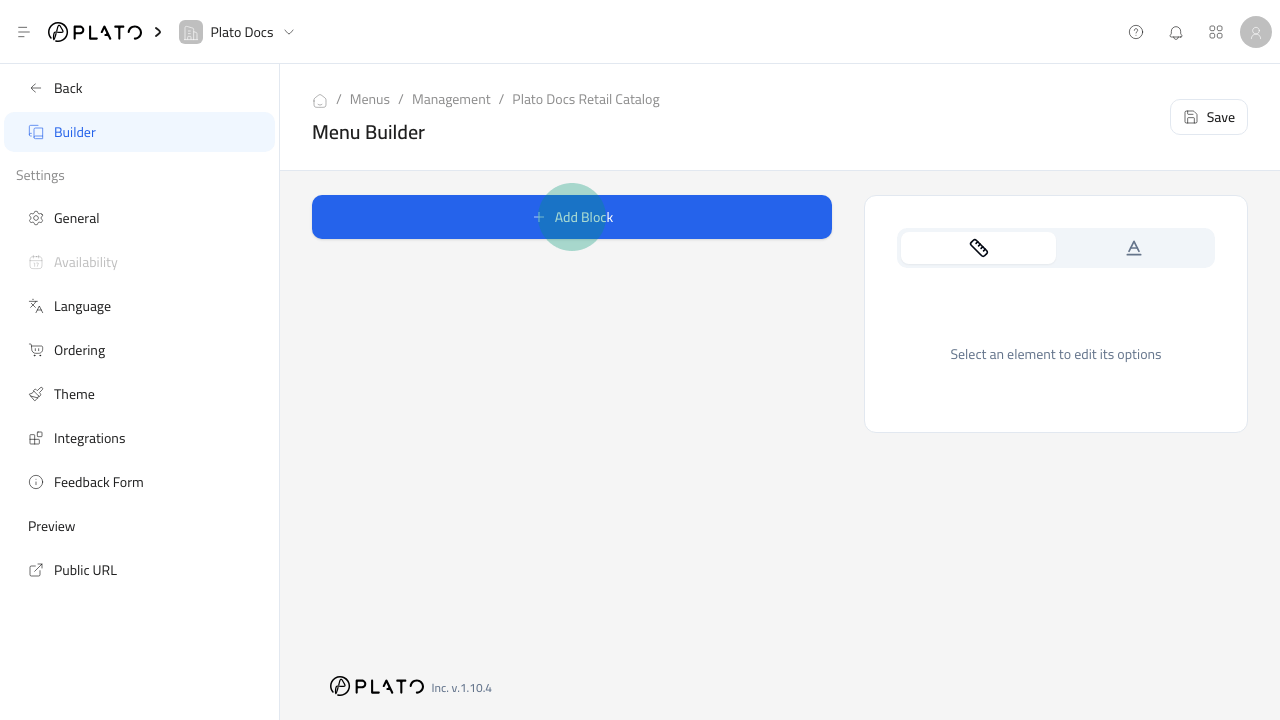
Before Publishing
Before customers use the catalog, confirm:- Product names and prices are correct.
- Images are clear enough for customers.
- Sold-out and unpublished products behave as expected.
- Checkout options match what the store can fulfill.
- Payment methods and operating hours are correct.