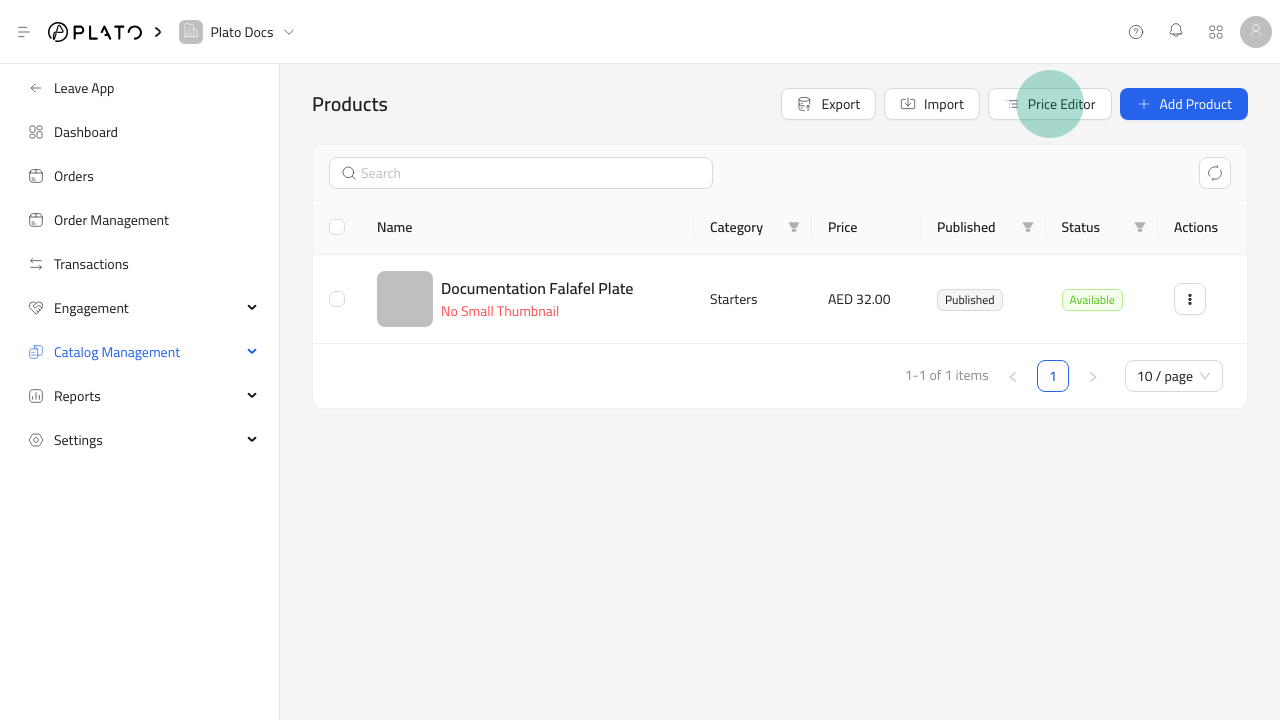
The price editor is the fastest place to adjust prices across many products. Use it for price increases, seasonal changes, promotion cleanup, and correcting price options before a catalog goes live. Open the price editor

Before Saving

Before saving price changes:
  • Confirm the selected products.
  • Check the currency.
  • Review every edited price option.
  • Keep a note of why a large pricing change was made.
After changing prices, open the public catalog or POS flow and confirm one test product shows the expected price.