

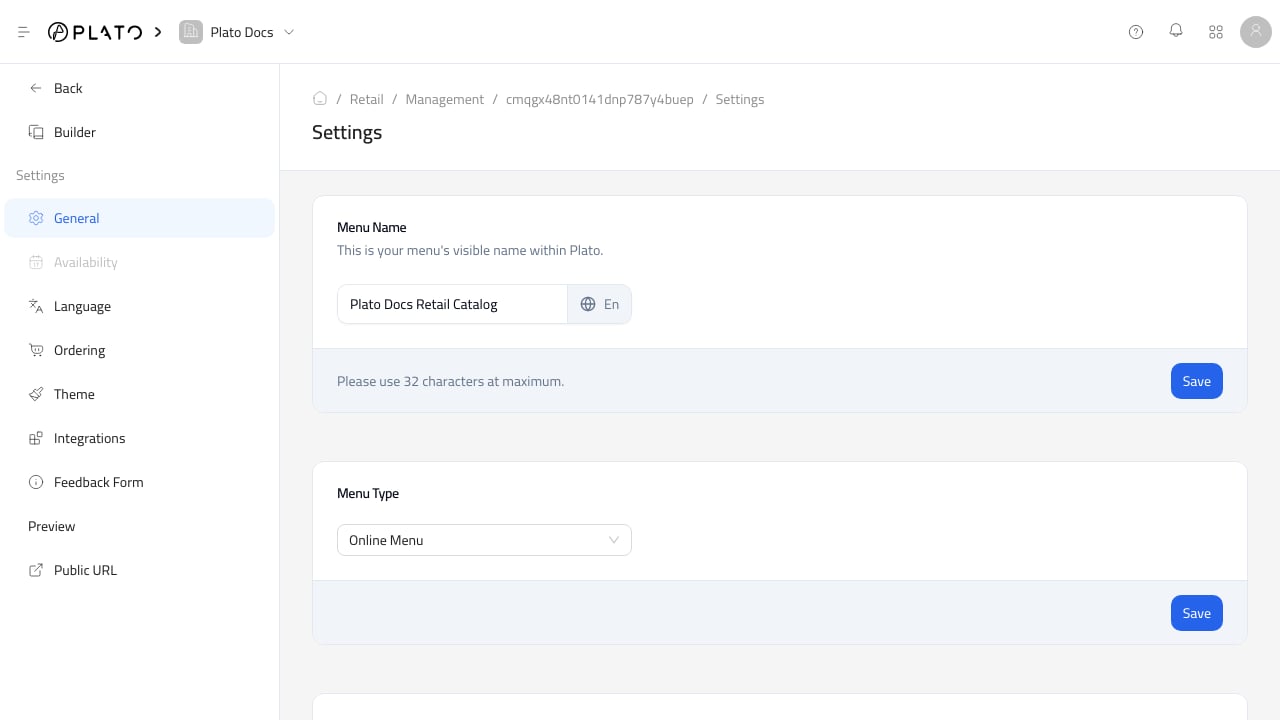
General
UseGeneral to update:
- Catalog name.
- Catalog type.
- Price visibility.
- Public slug and connected domain.
- Catalog deletion.
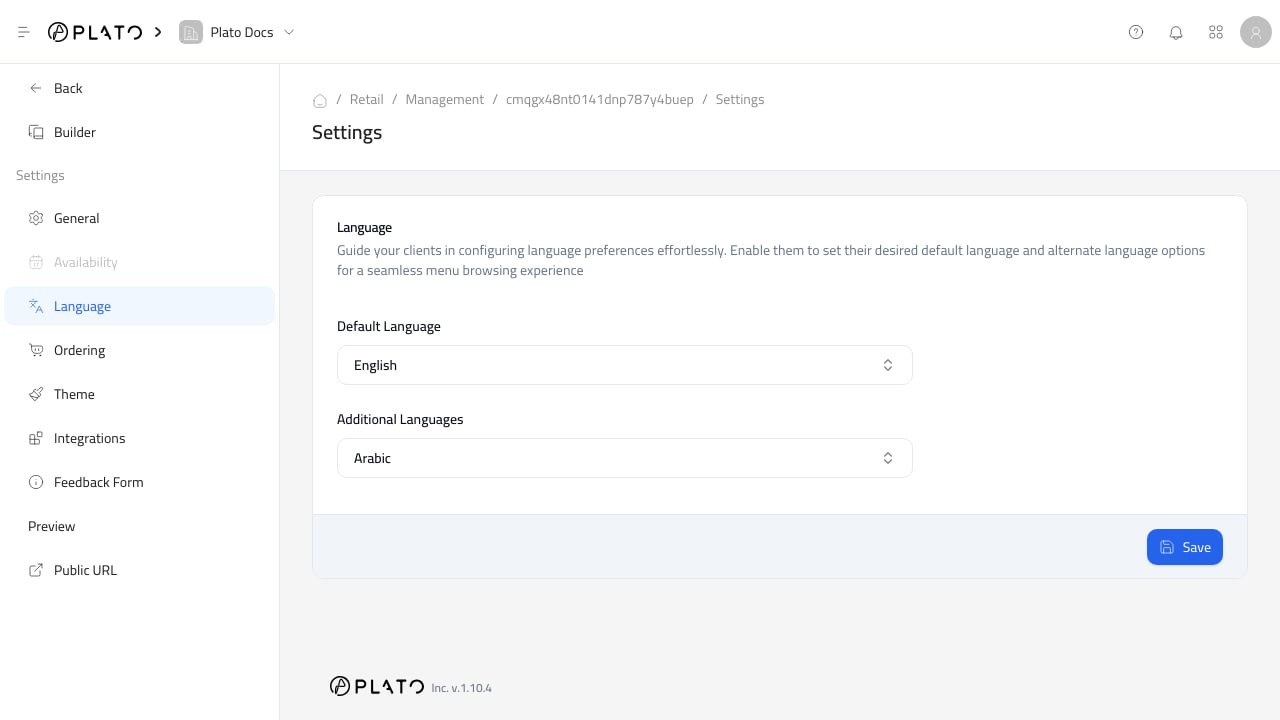
Language
UseLanguage to manage the default language and additional languages for public catalog text.
Keep product names, categories, and customer-facing checkout text complete in every enabled language.
Public URL
UsePublic URL to open the customer-facing catalog.
Before sharing it, test the public catalog without relying only on the builder preview. Confirm product display, checkout settings, customer fields, payments, and order submission.