

Language to manage the default language and additional languages for public catalog text.
Keep product names, categories, and customer-facing checkout text complete in every enabled language.
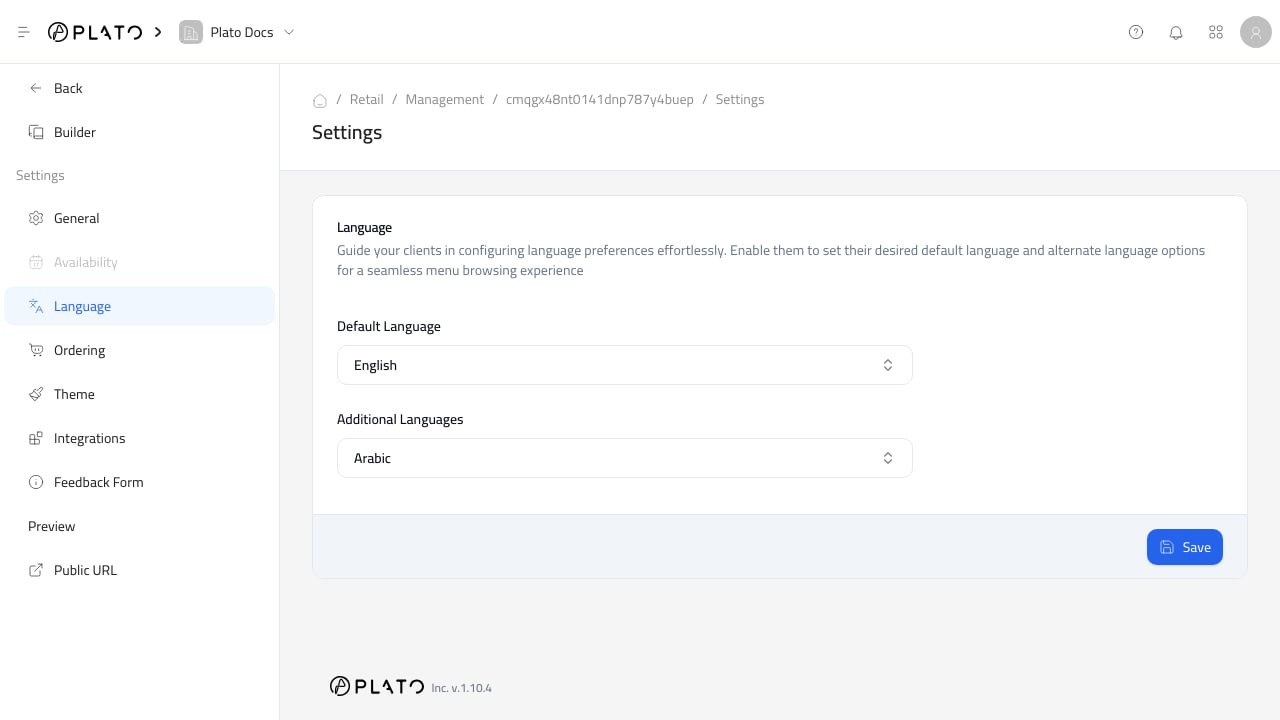
Before Enabling A Language
Before enabling a language, confirm:- Catalog name and description are translated.
- Category names are translated.
- Product names and descriptions are translated.
- Customer field labels are understandable.
- Checkout text is ready for customers.