Common Device Tasks
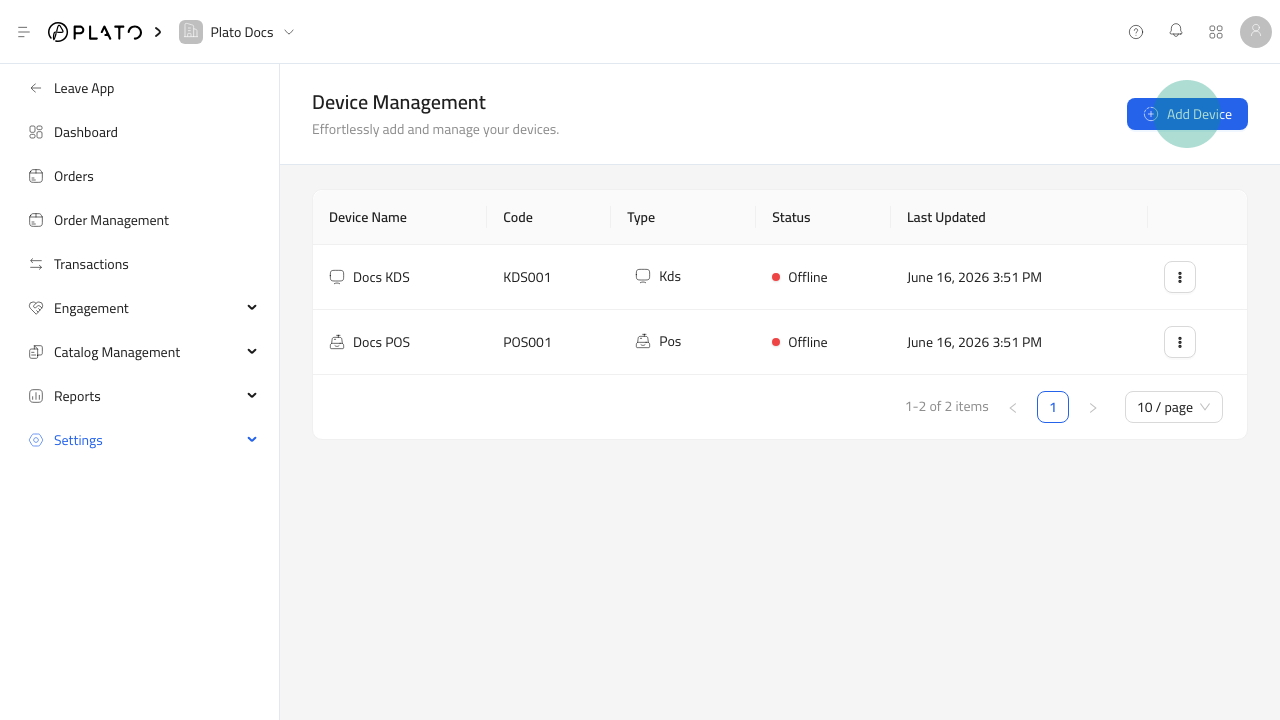
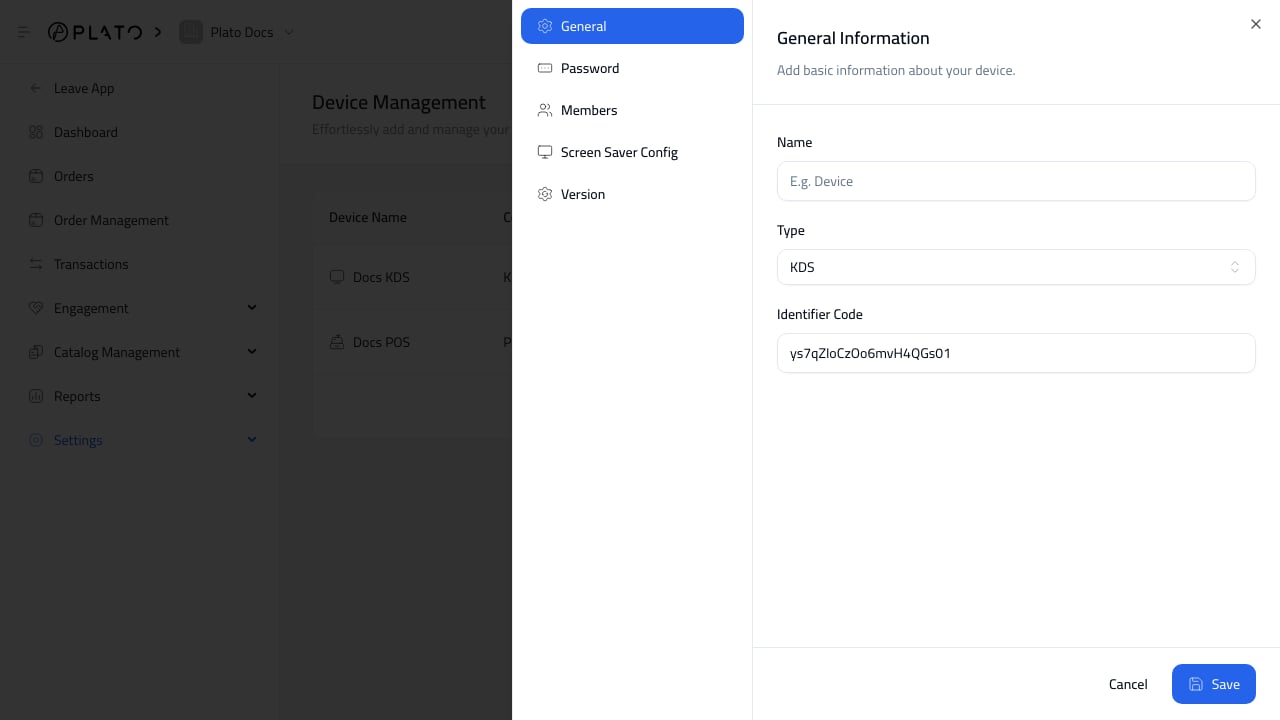
- Add a POS or connected device.
- Configure POS general details.
- Choose service options and order behavior.
- Connect printers and displays.
- Set void reasons and order types.
- Confirm device names match the physical store layout.
Device Names
Use names that staff recognize, such asMain Cashier, Front Counter POS, Receipt Printer, or Back Office Printer.
Clear names make troubleshooting easier during service.
POS Staff Flows
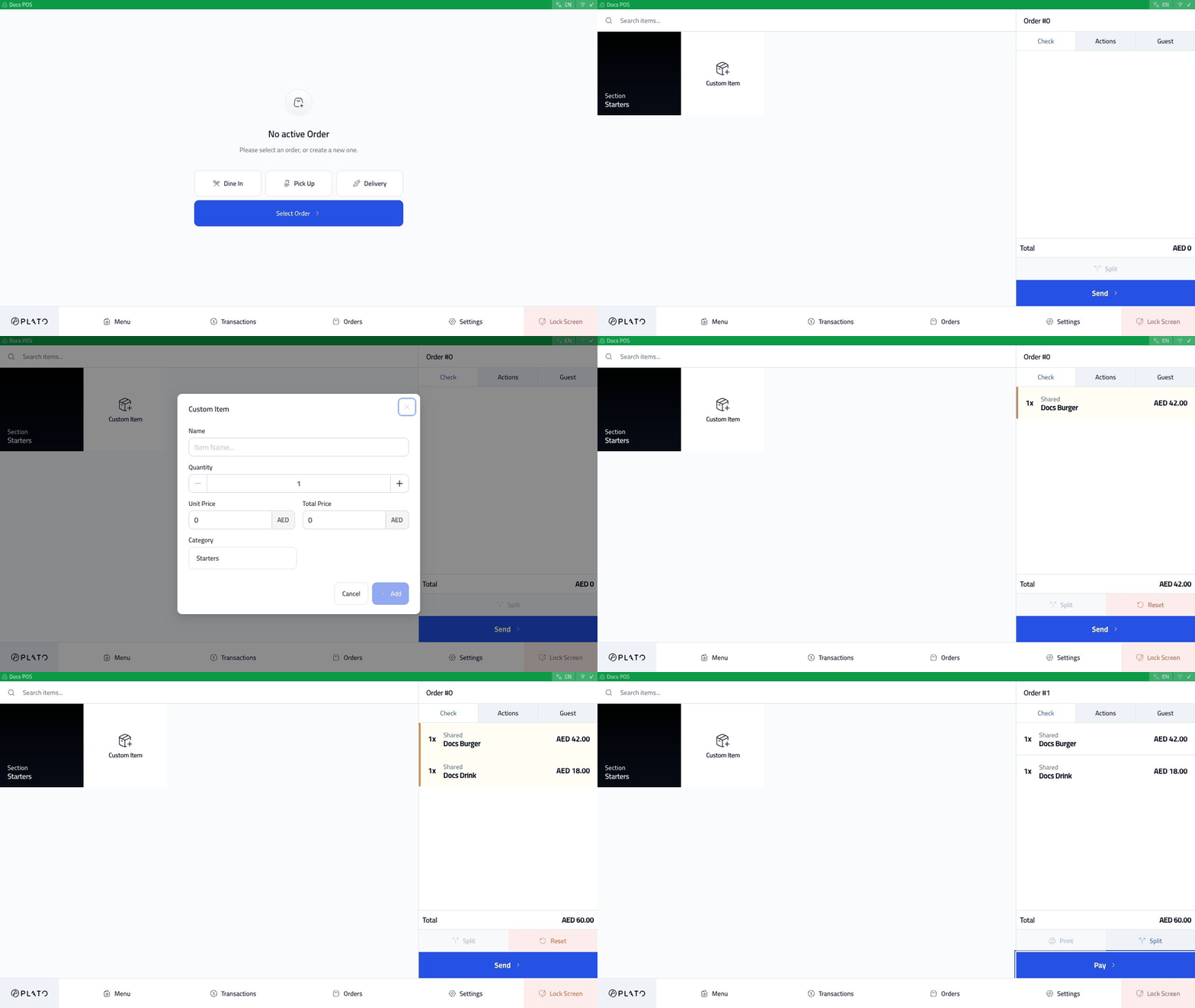
For hands-on POS usage, use the Restaurant Devices docs because the staff device flows are shared:- Open POS And Start A Shift
- Create An Order And Send It
- Settle An Order In Cash
- Settle An Order By Card
- Fix Orders, Void Items, And Reopen