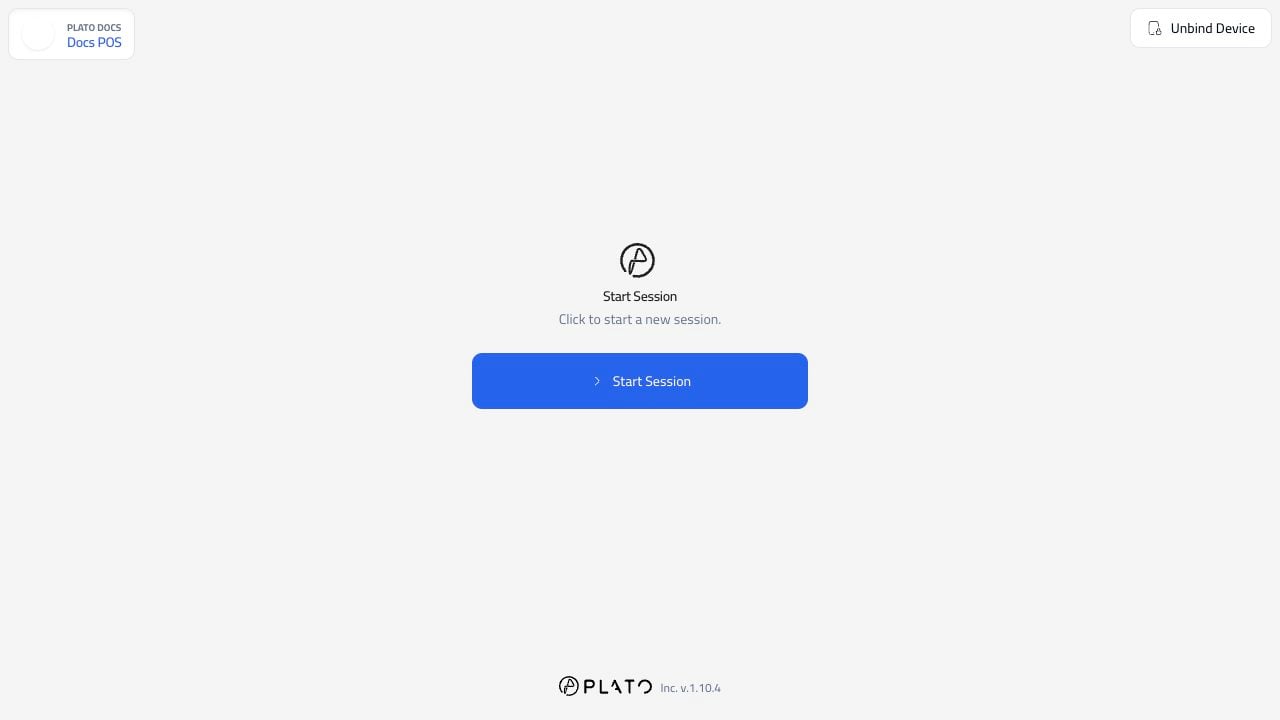
Start The Session
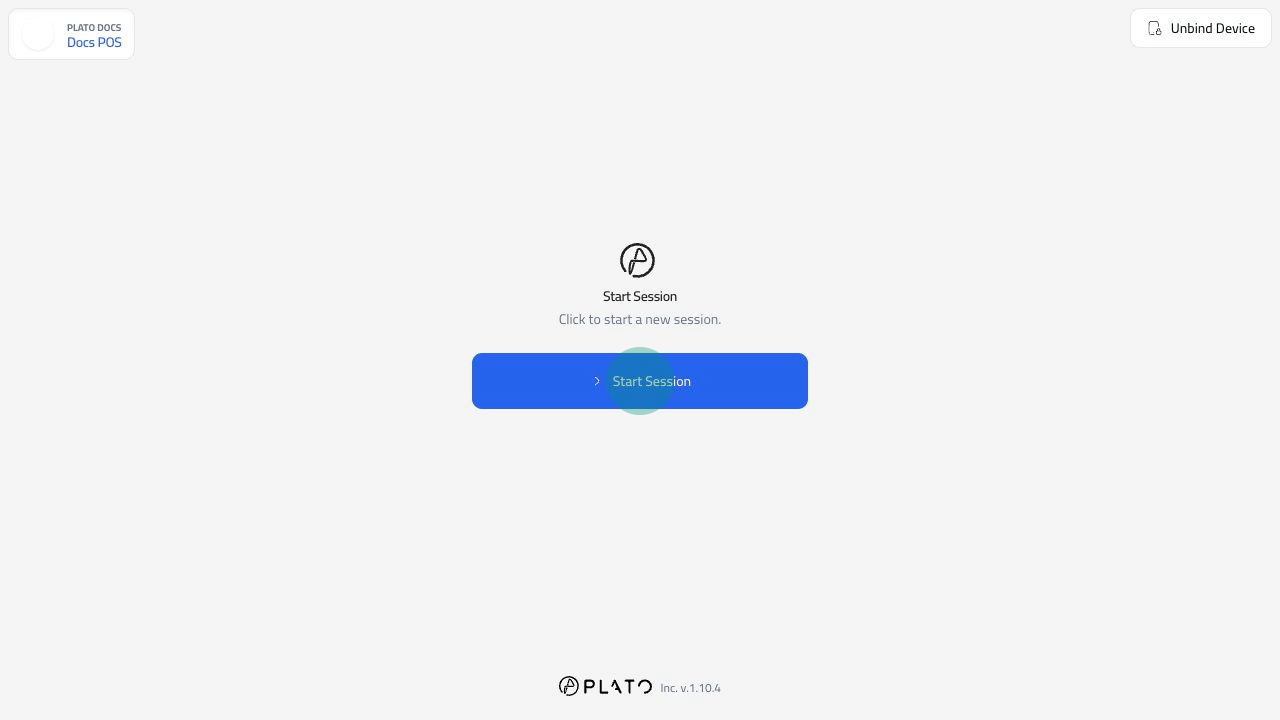
ClickStart Session.
Confirm The Station Is Ready
After the session opens, POS shows the order starting area and the bottom navigation.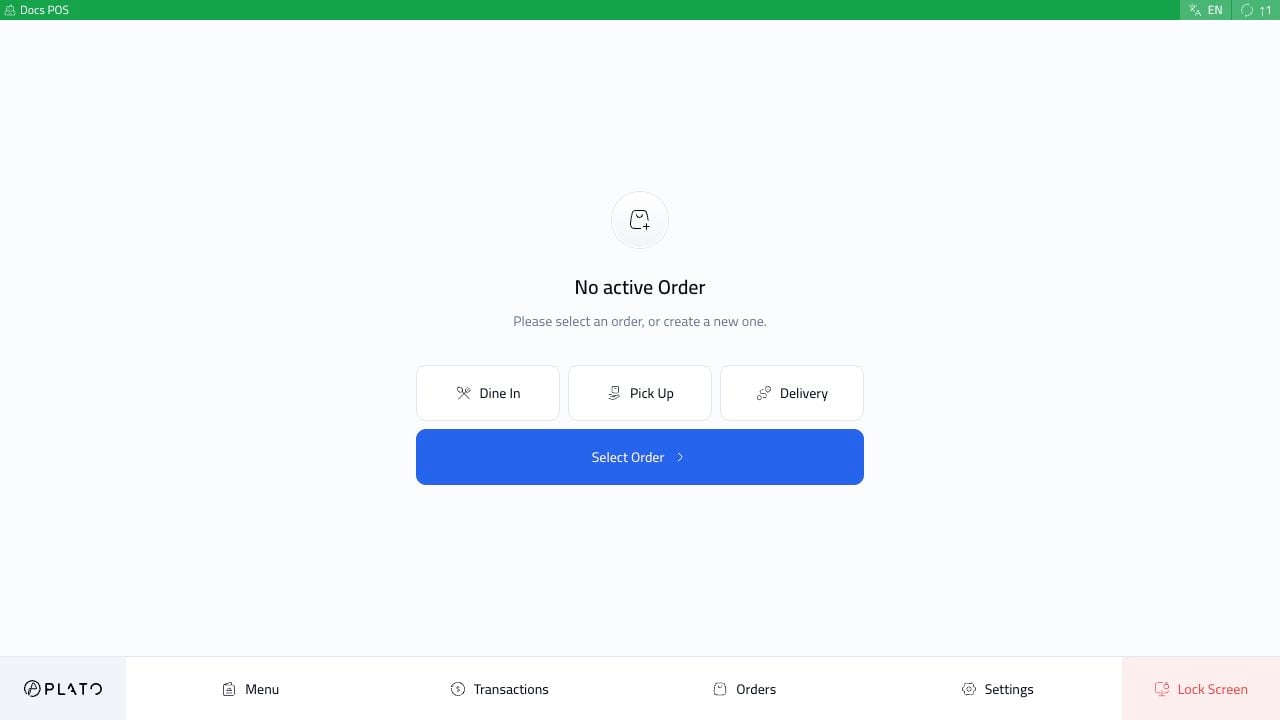
- The correct POS name appears in the top bar.
- The station is online.
- The correct order types are visible, such as
Dine In,Pick Up, andDelivery. - The bottom navigation has the tools this station should use, such as
Menu,Transactions,Orders,Settings, andLock Screen.
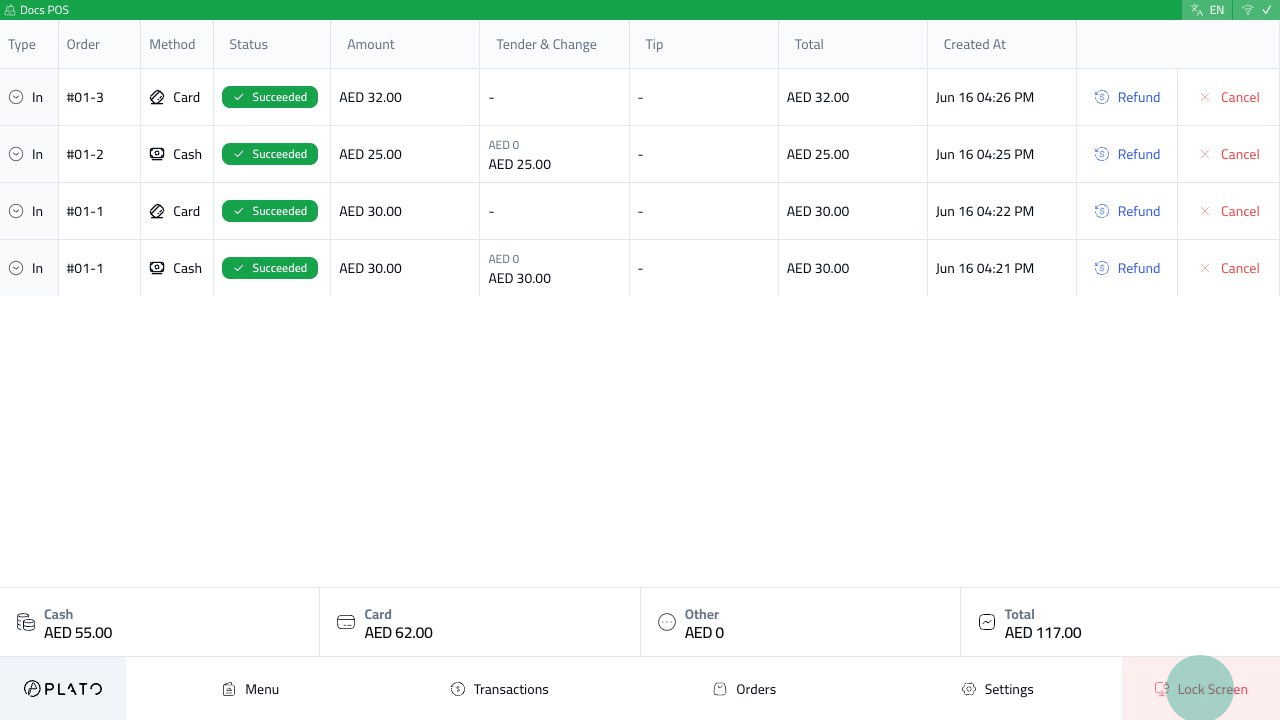
Lock The Station
UseLock Screen when staff step away from the device.