Use cash settlement when the customer pays with physical cash and the cashier needs Plato to record tender, change, and the receipt step.

Before Taking Cash

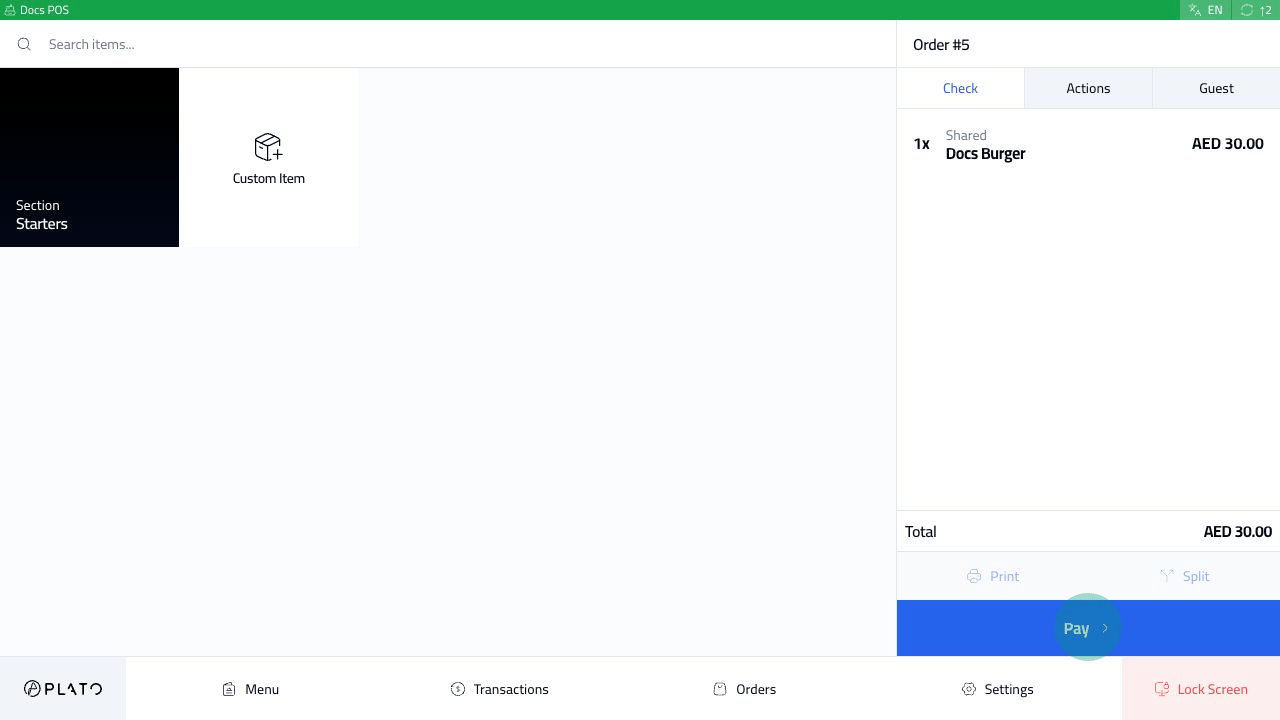
The order should already be sent or ready to pay. Cash order ready to pay Check the total in the order sidebar before opening payment.
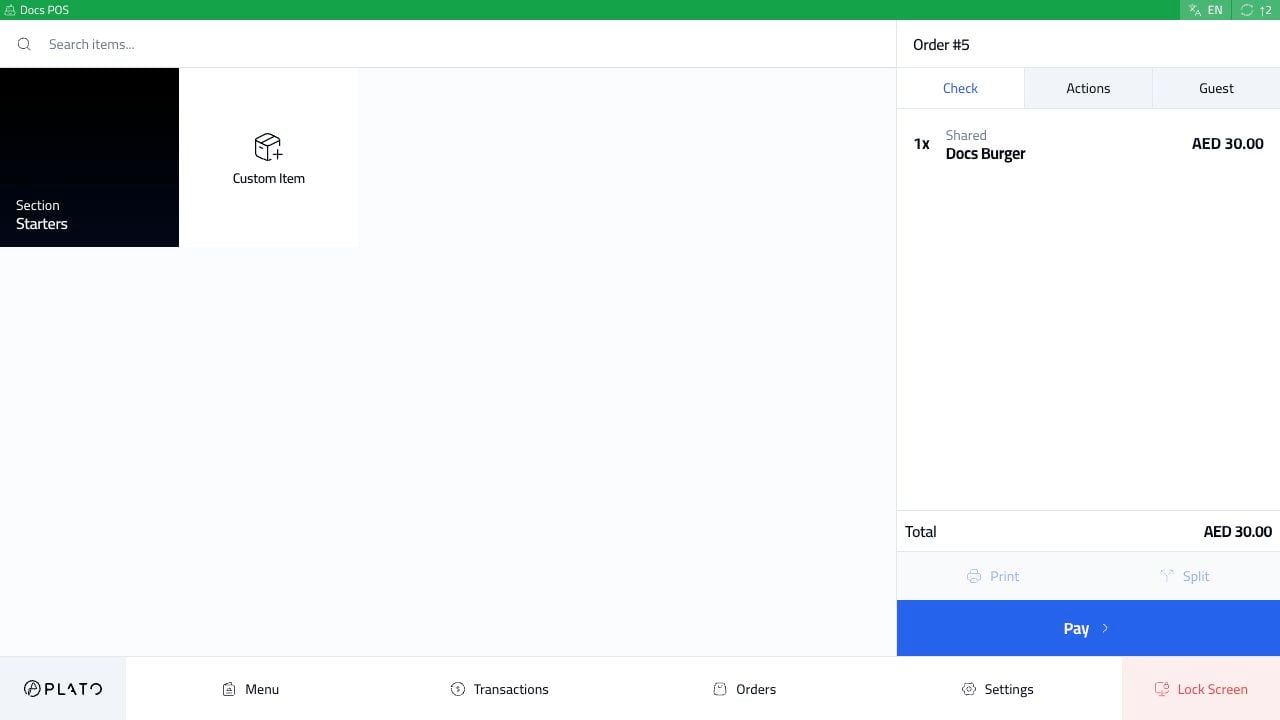
Open Payment

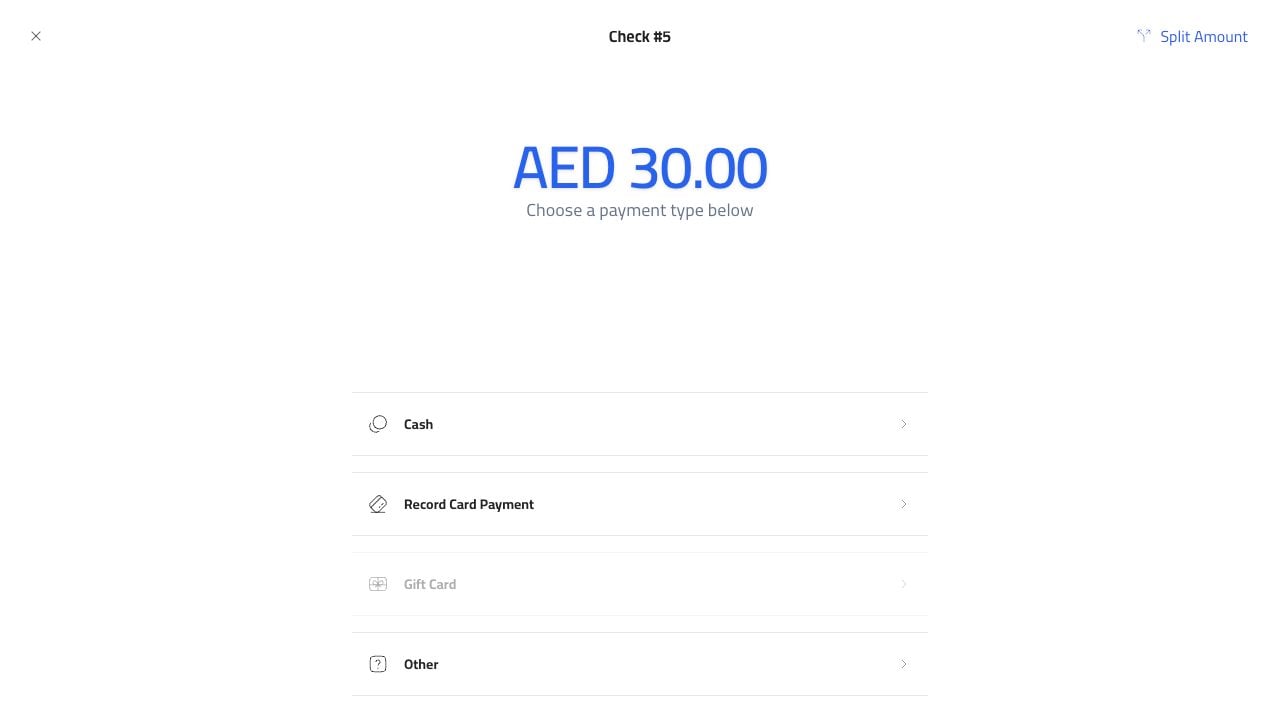
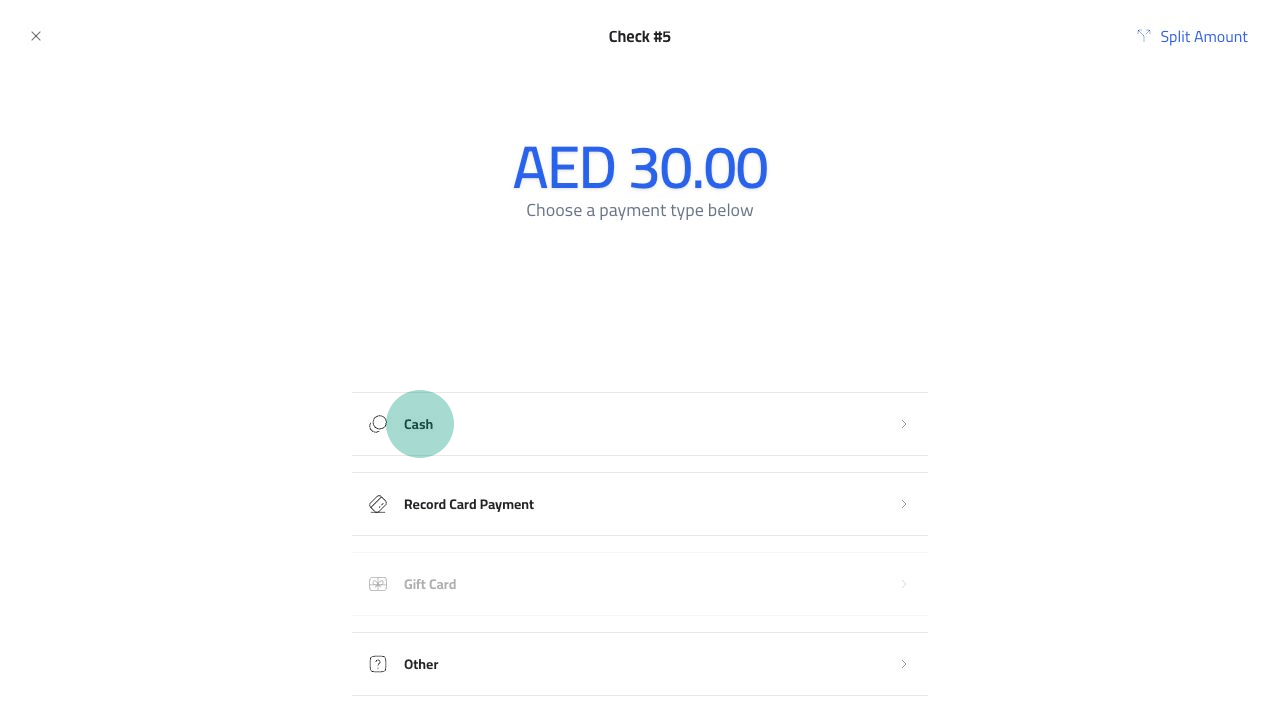
Click Pay. Pay button The payment screen shows the amount due and the available payment methods. Payment methods Choose Cash. Cash payment method

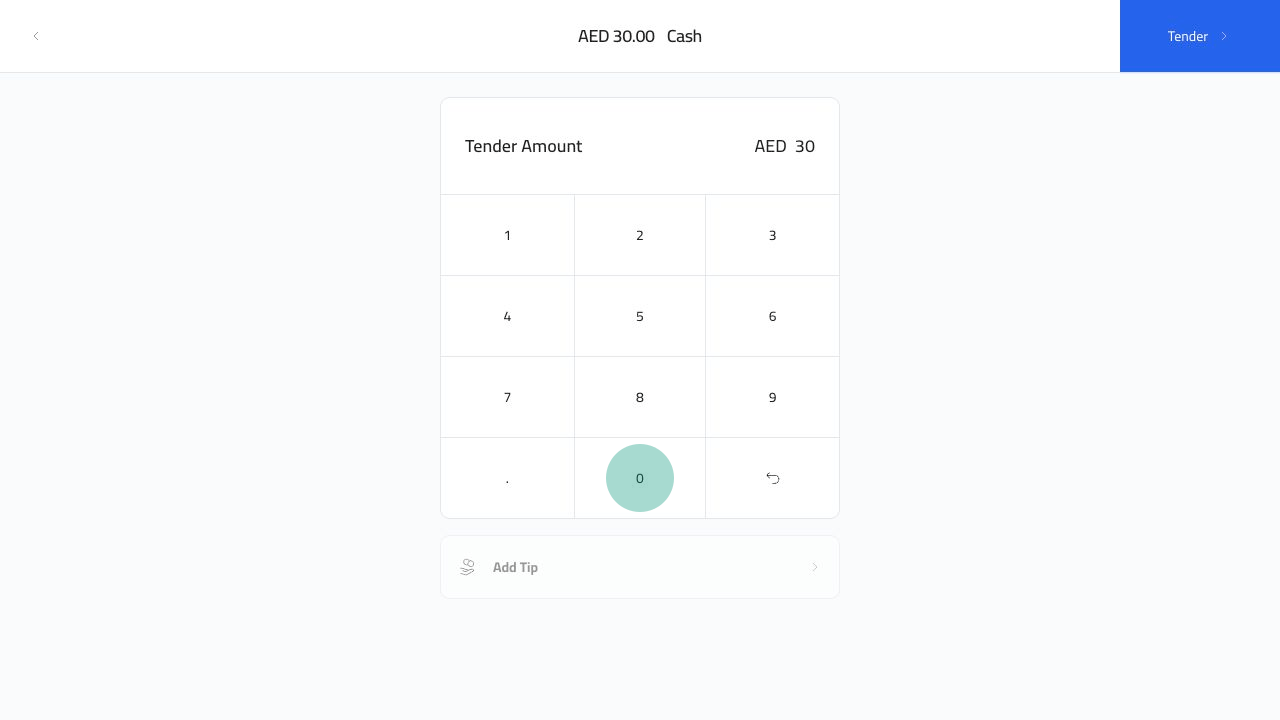
Enter Tender

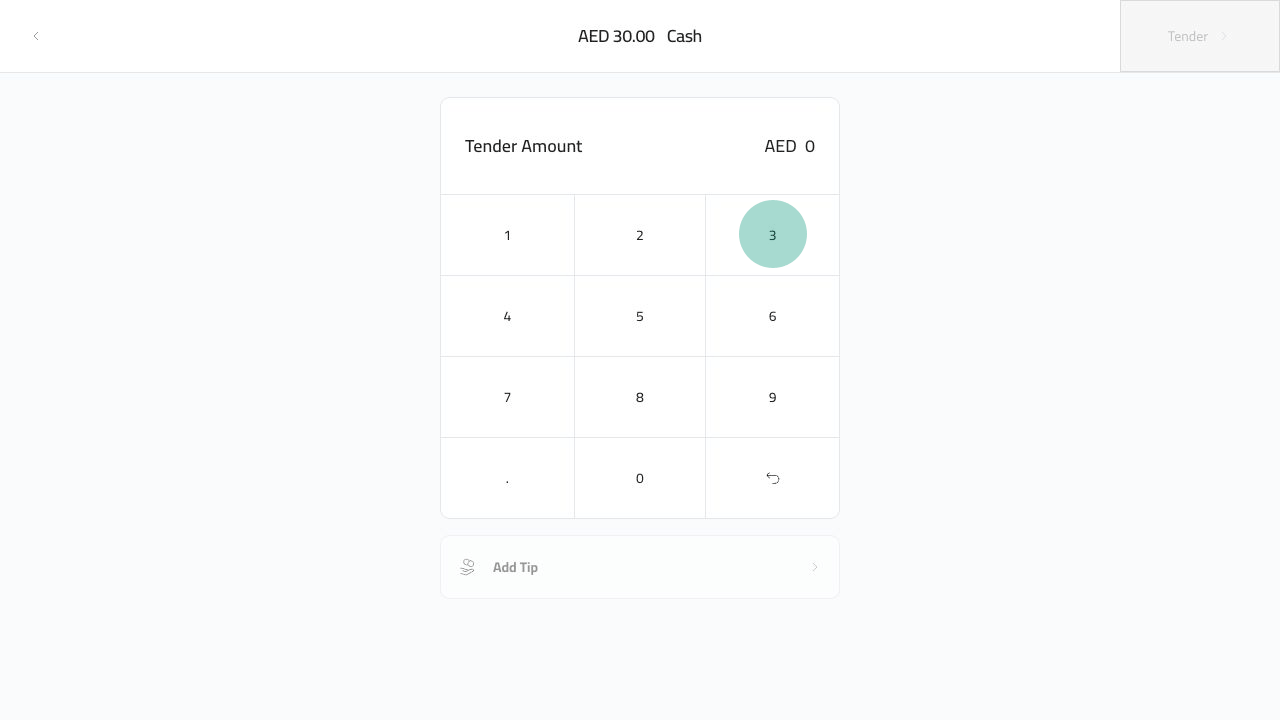
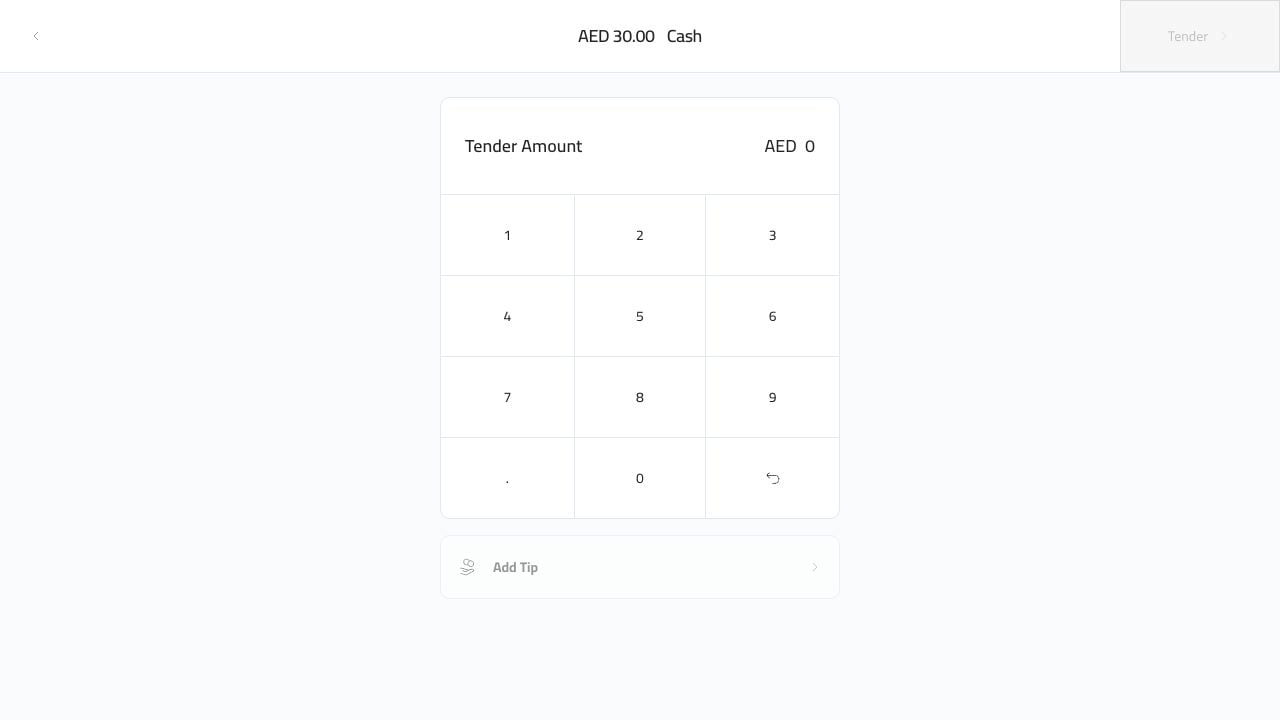
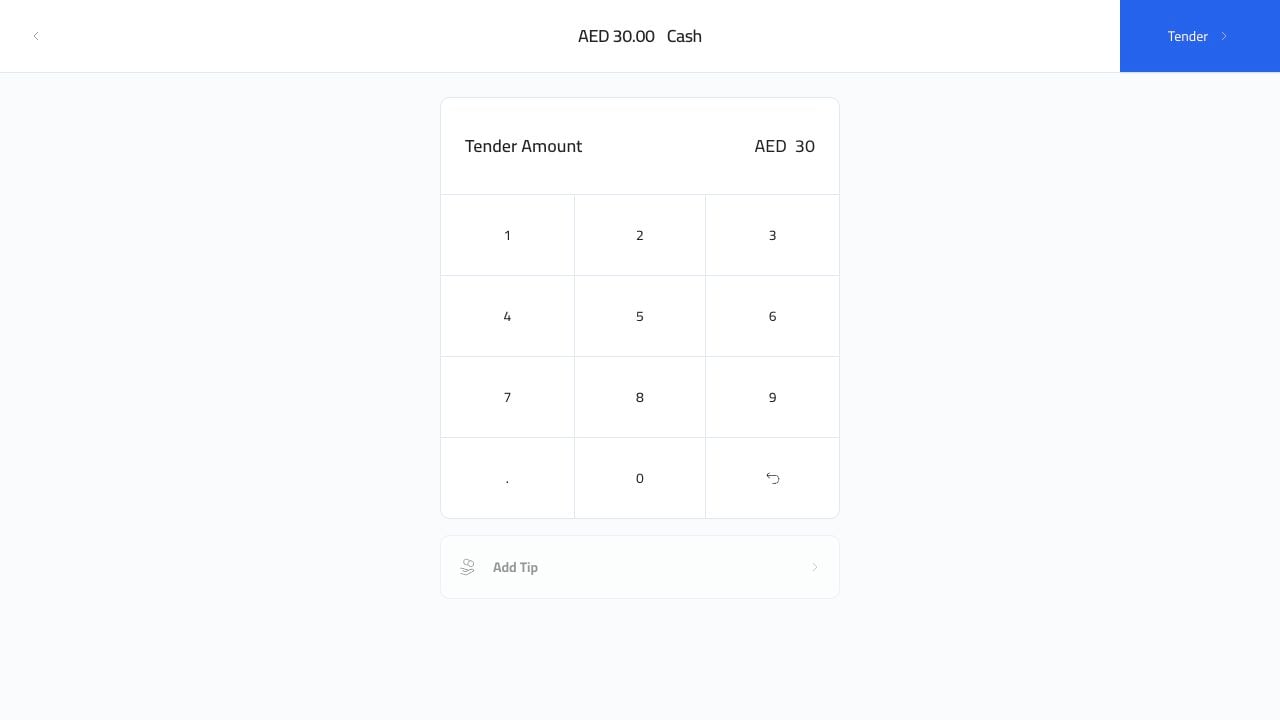
The cash tender screen shows the amount due and a keypad. Cash tender screen Enter the amount the customer gave you. The example below enters 30. Cash keypad 3 Cash keypad 0 The Tender button becomes available after the amount is entered. Cash amount entered
Finish The Sale

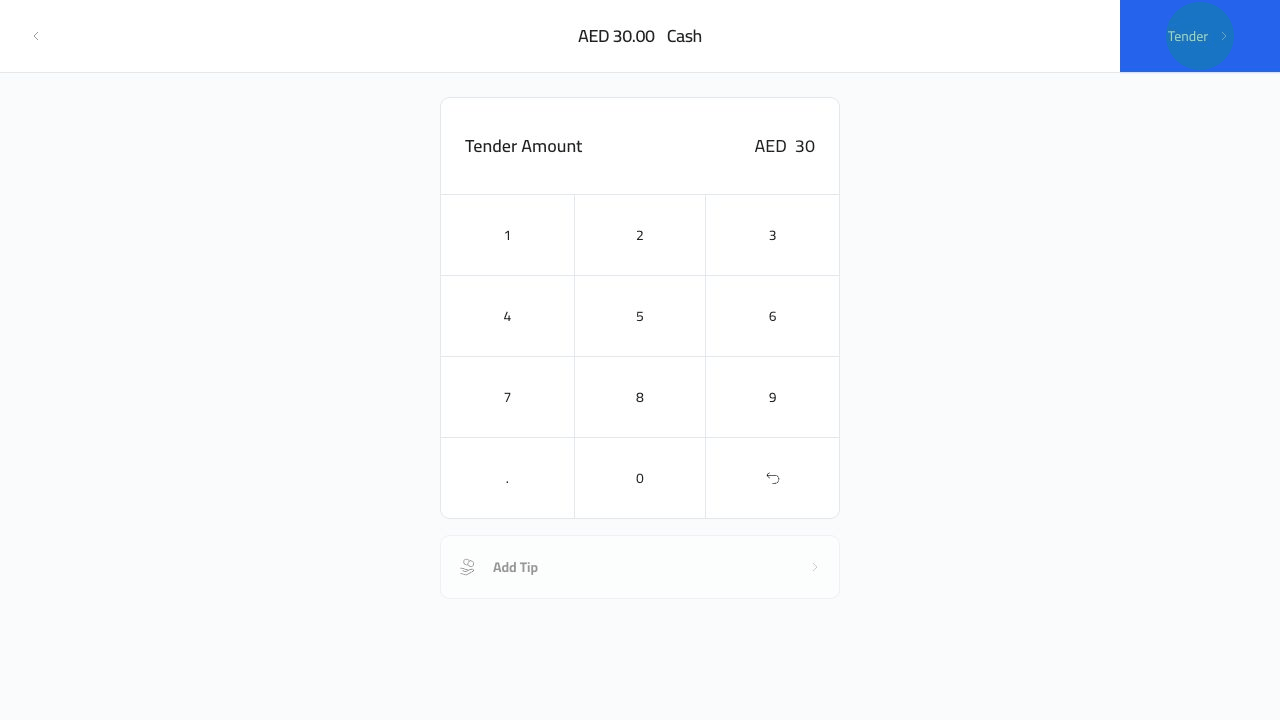
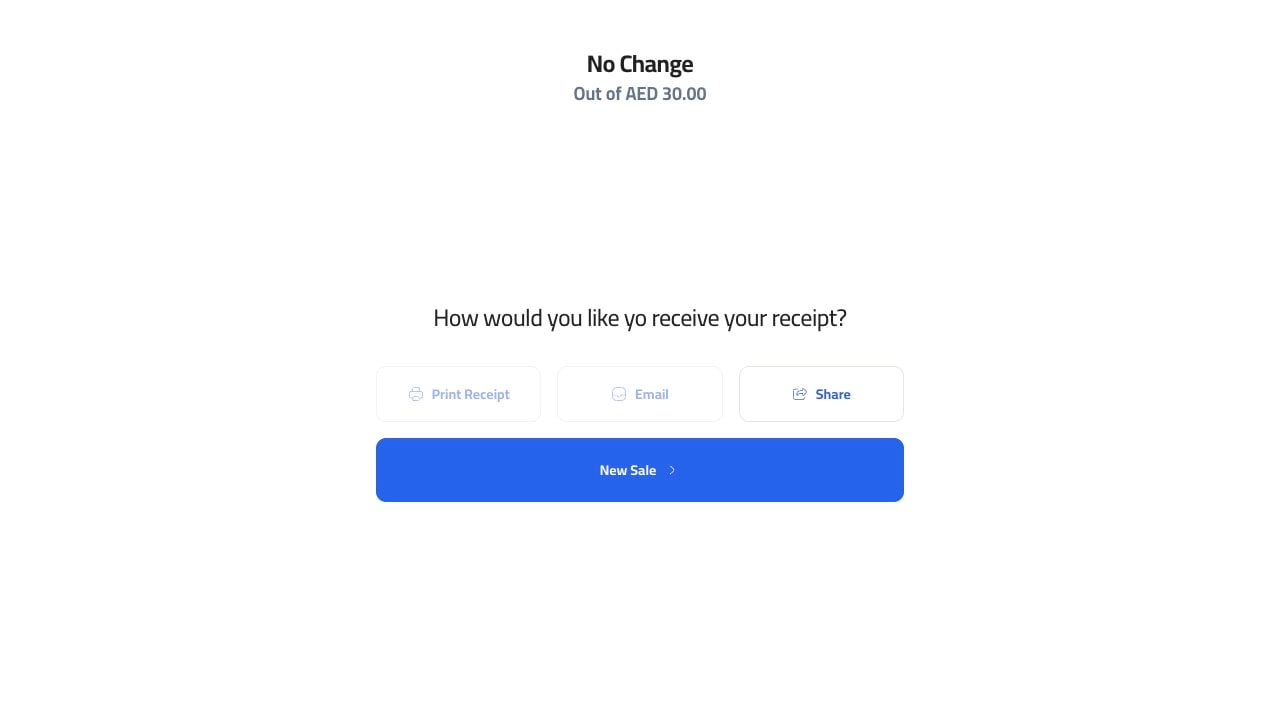
Click Tender. Tender cash payment Plato closes the order and opens the receipt screen. From here the cashier can print, email, share, or start a new sale. Cash receipt screen If the customer gave more than the total, use the change shown on the success screen before starting the next sale.