General settings are the first place to check when store behavior depends on workspace configuration. Use Settings in Retail for store-level options, then use Console configuration when the change affects the entire workspace. Workspace configuration
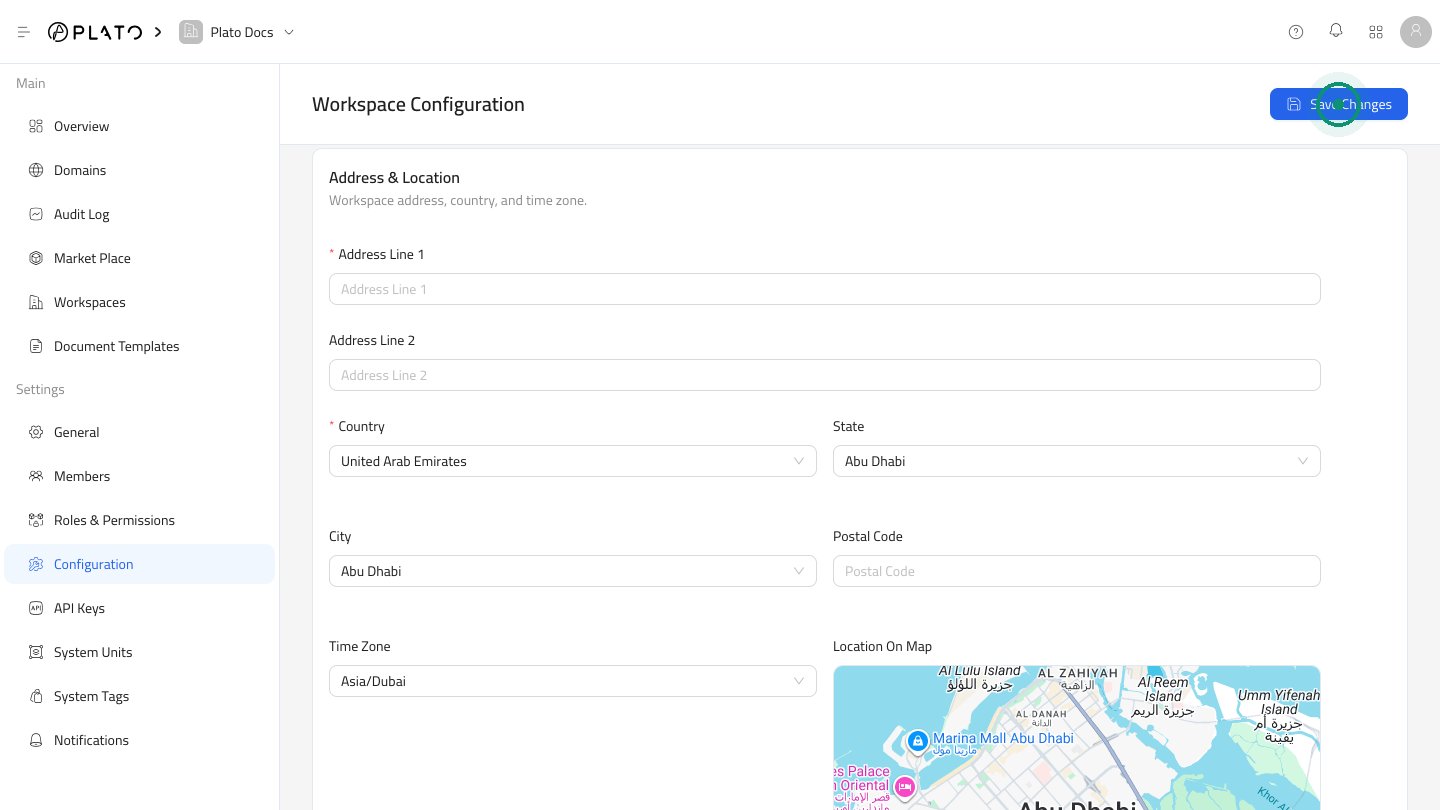
What To Check

Before going live, confirm:
  • Business name and workspace details.
  • Default currency.
  • Tax and VAT behavior.
  • Languages.
  • Time zone.
  • Order defaults.
  • Branch access, when the workspace has branches.

Retail Settings Versus Console Settings

Retail settings affect store operations inside the Retail app. Console settings affect the whole workspace, including apps, domains, members, roles, account settings, and system catalogs. If a setting changes how every app behaves, check Console Configuration.