

Manage Members from the Members area.
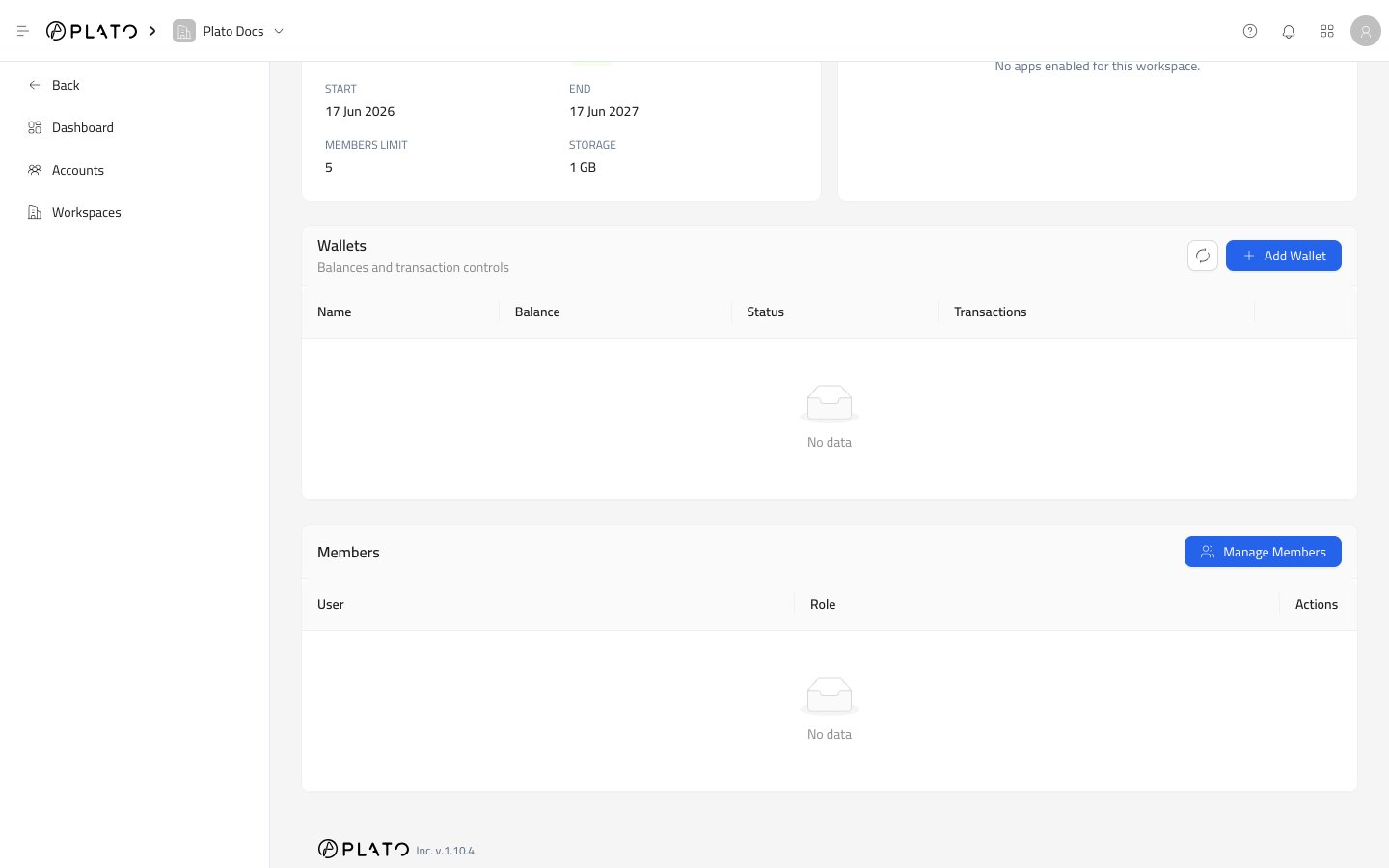
Manage Members
UseManage Members when an existing partner account needs access to the workspace.
The drawer lets you search accounts, filter by membership state, add accounts, and remove existing members.
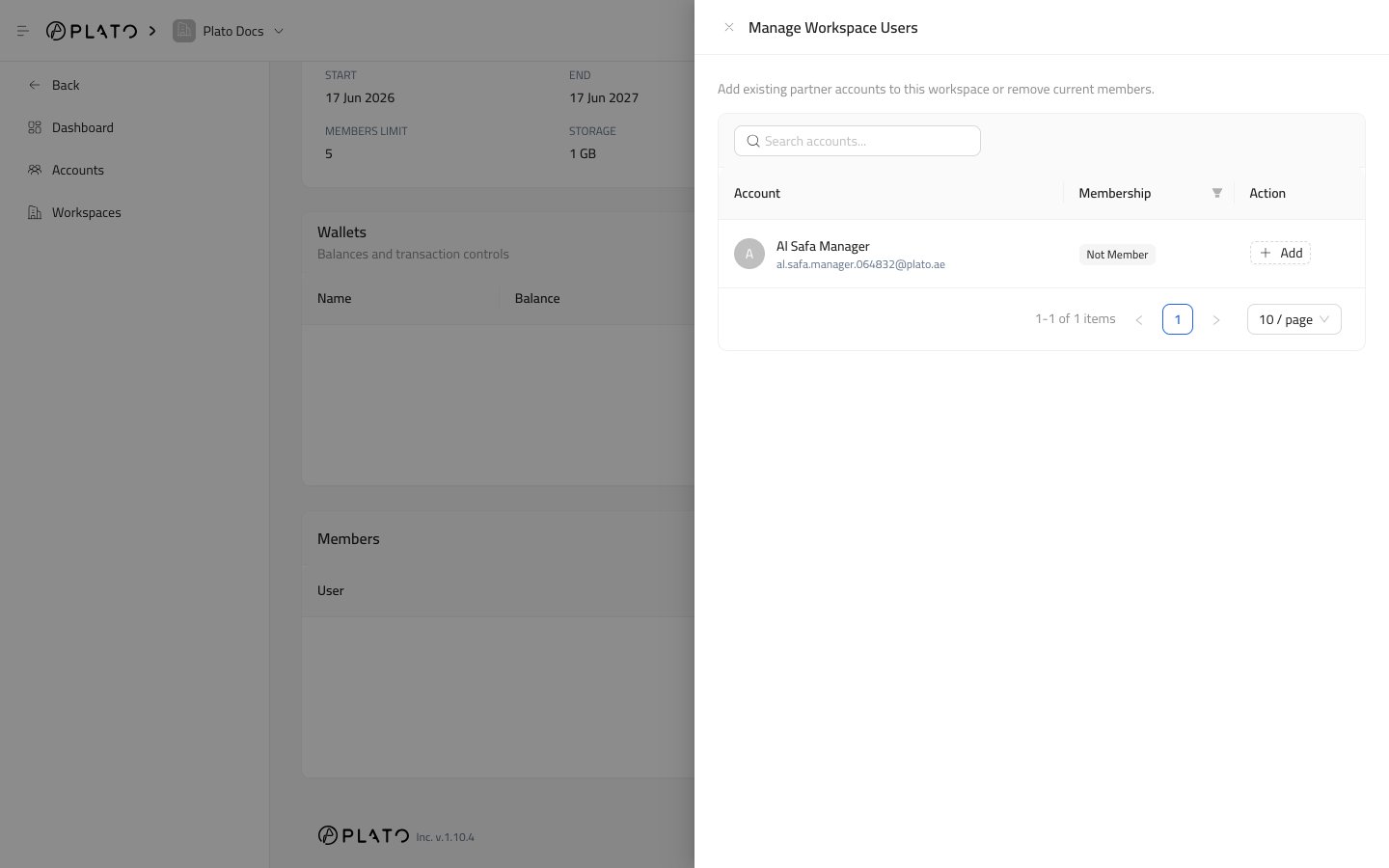
Search
Use the search field when the partner account list is long. Search by name, email, or username.Membership Filter
Use the membership filter to switch between:Member, for accounts already connected to the workspace.Not Member, for accounts that can still be added.
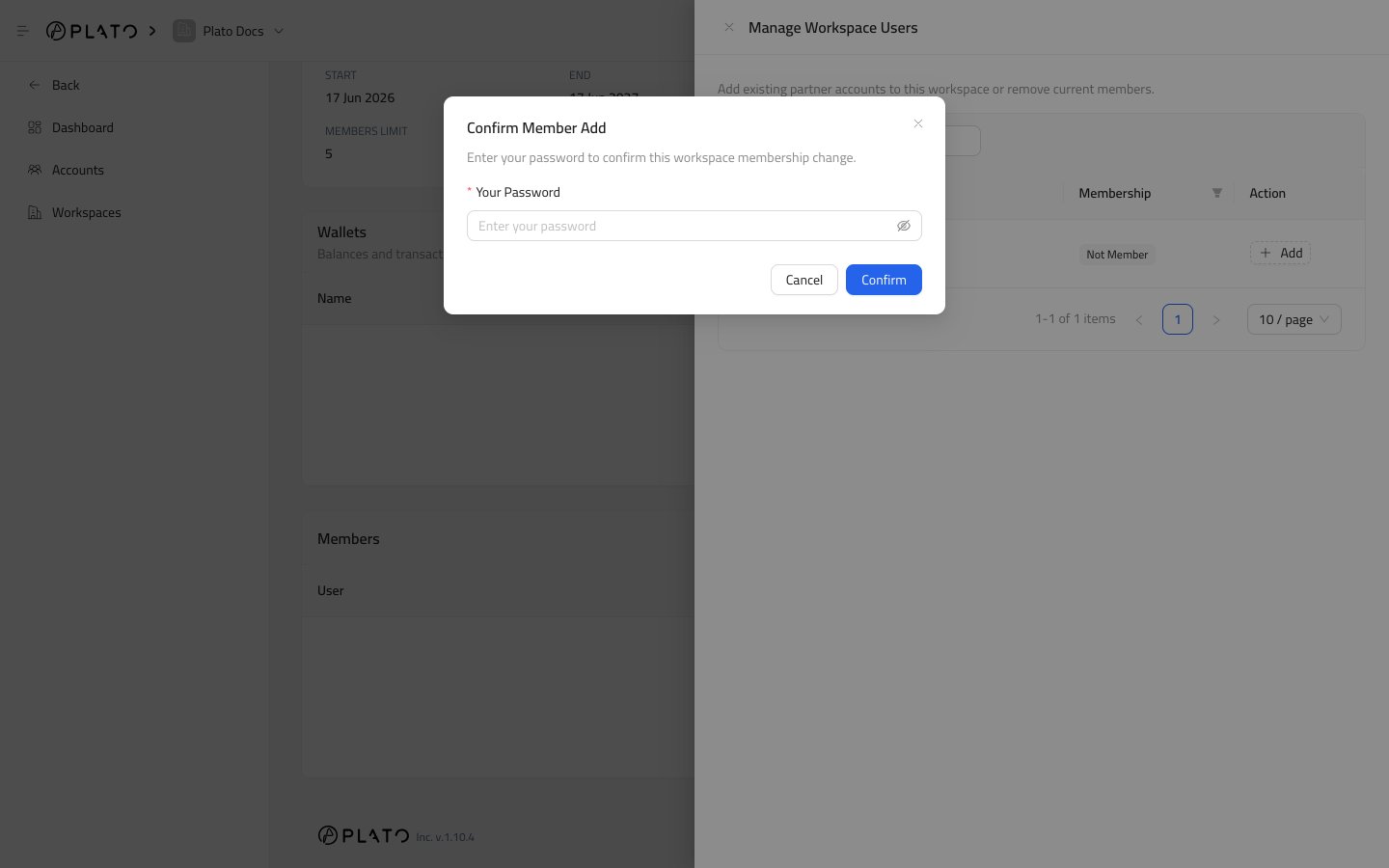
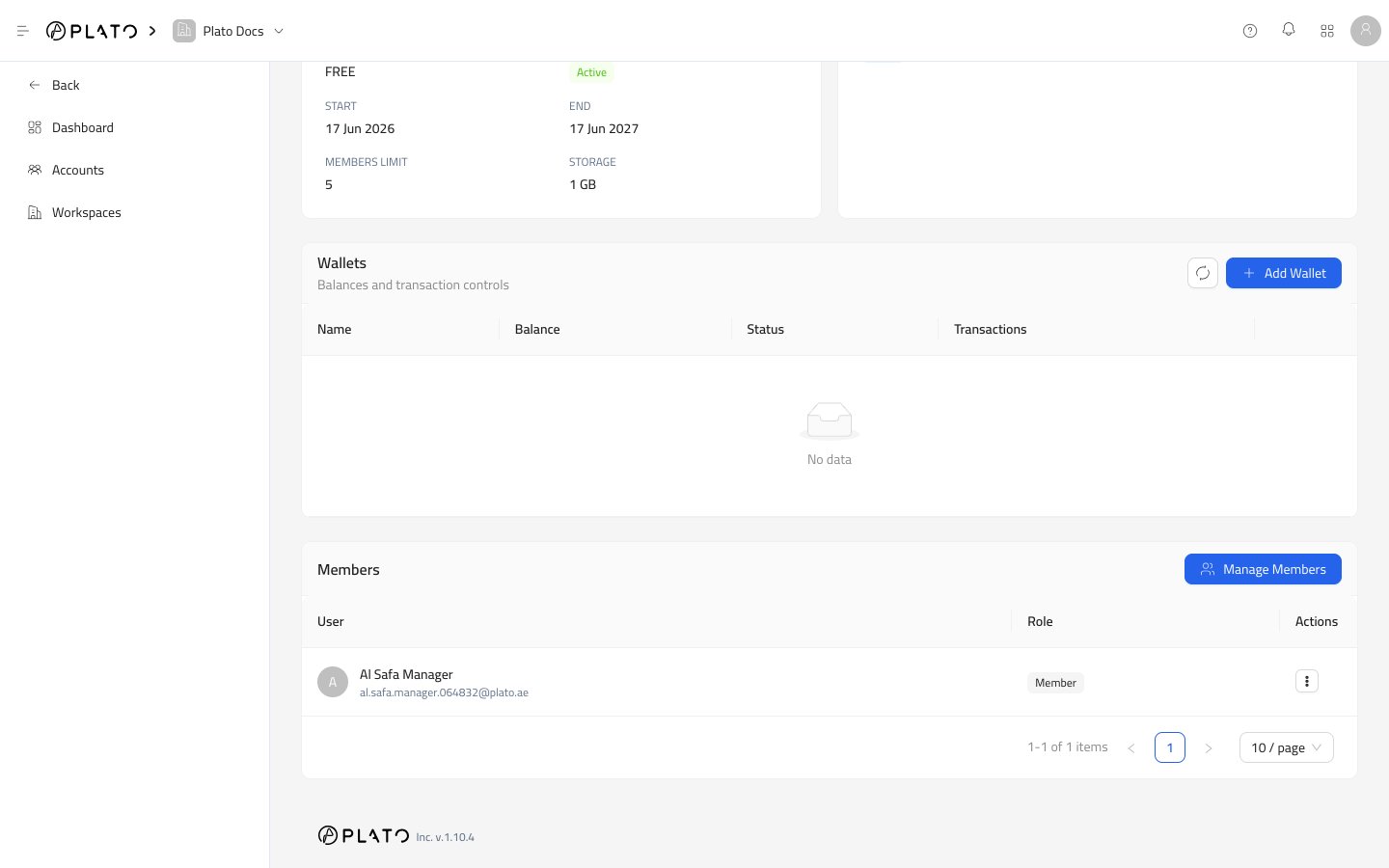
Add A Member
- Open
Manage Members. - Switch to
Not Memberif needed. - Find the account.
- Click
Add. - Confirm your password if Plato asks.
Remove A Member
- Open
Manage Members. - Switch to
Memberif needed. - Find the account.
- Click
Remove. - Confirm your password if Plato asks.
Member Row Actions
Inside the workspace Members table, the row actions menu can include:Make Owner, for transferring workspace ownership to that member.Remove, for removing that member from the workspace.
Make Owner is not available for the current owner.