Search Workspaces
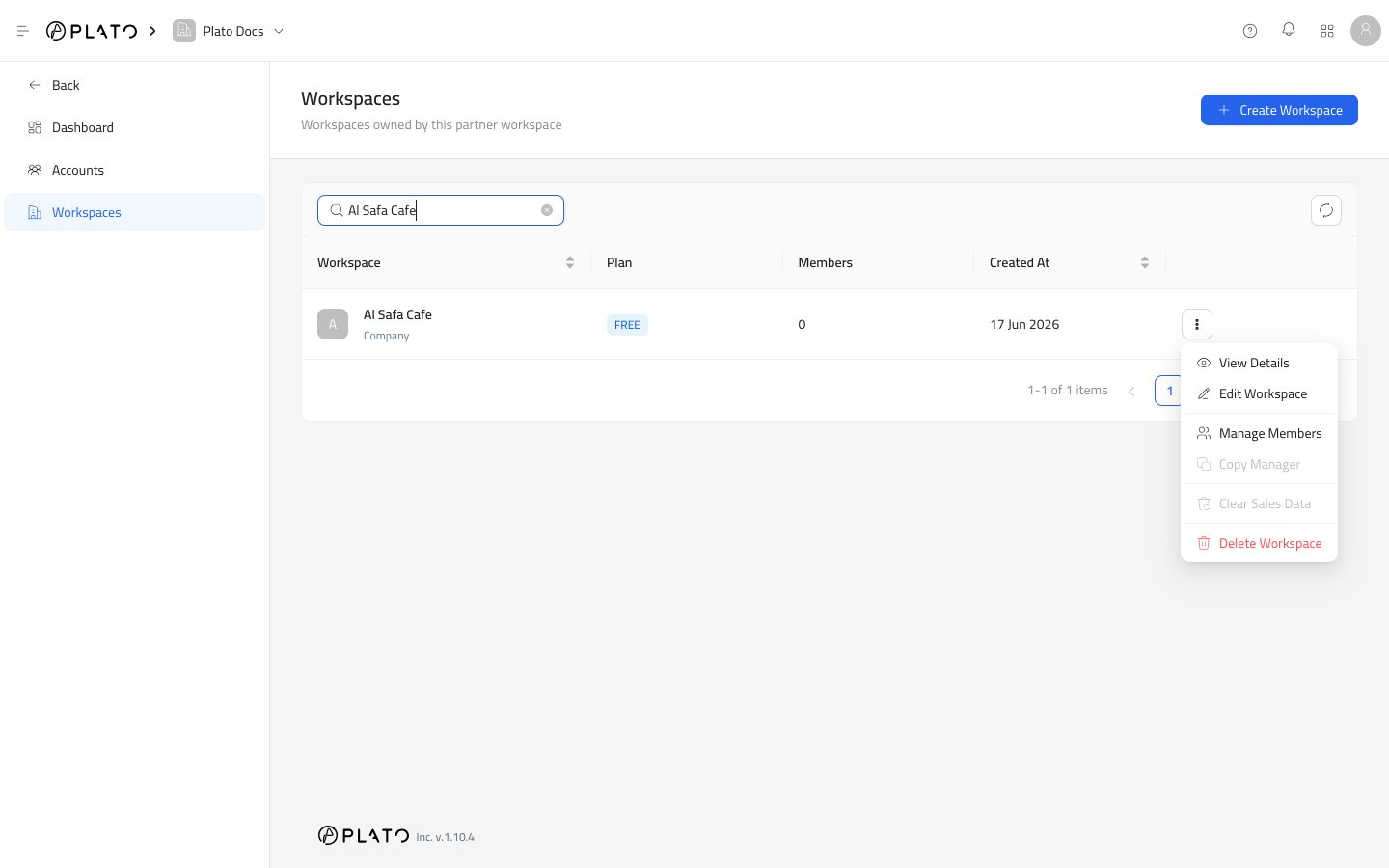
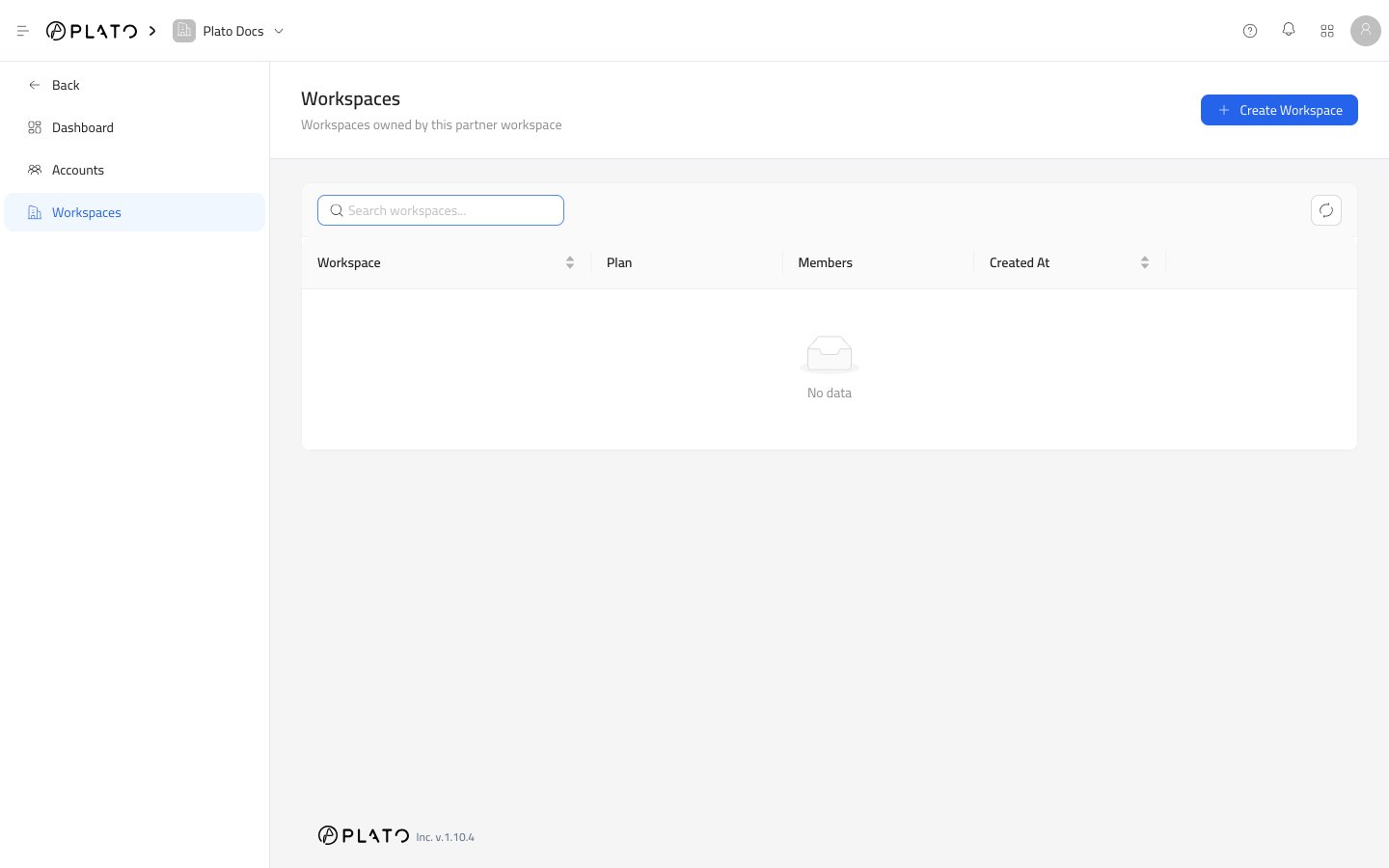
Use the search field to find a workspace by name or slug. This is the quickest way to locate a customer when the partner manages many workspaces.Refresh
Use the refresh button when another teammate just created, edited, or deleted a workspace.Create Workspace
UseCreate Workspace when you need to set up a new customer workspace.
Go to Create A Workspace for the full flow.
Open Workspace Details
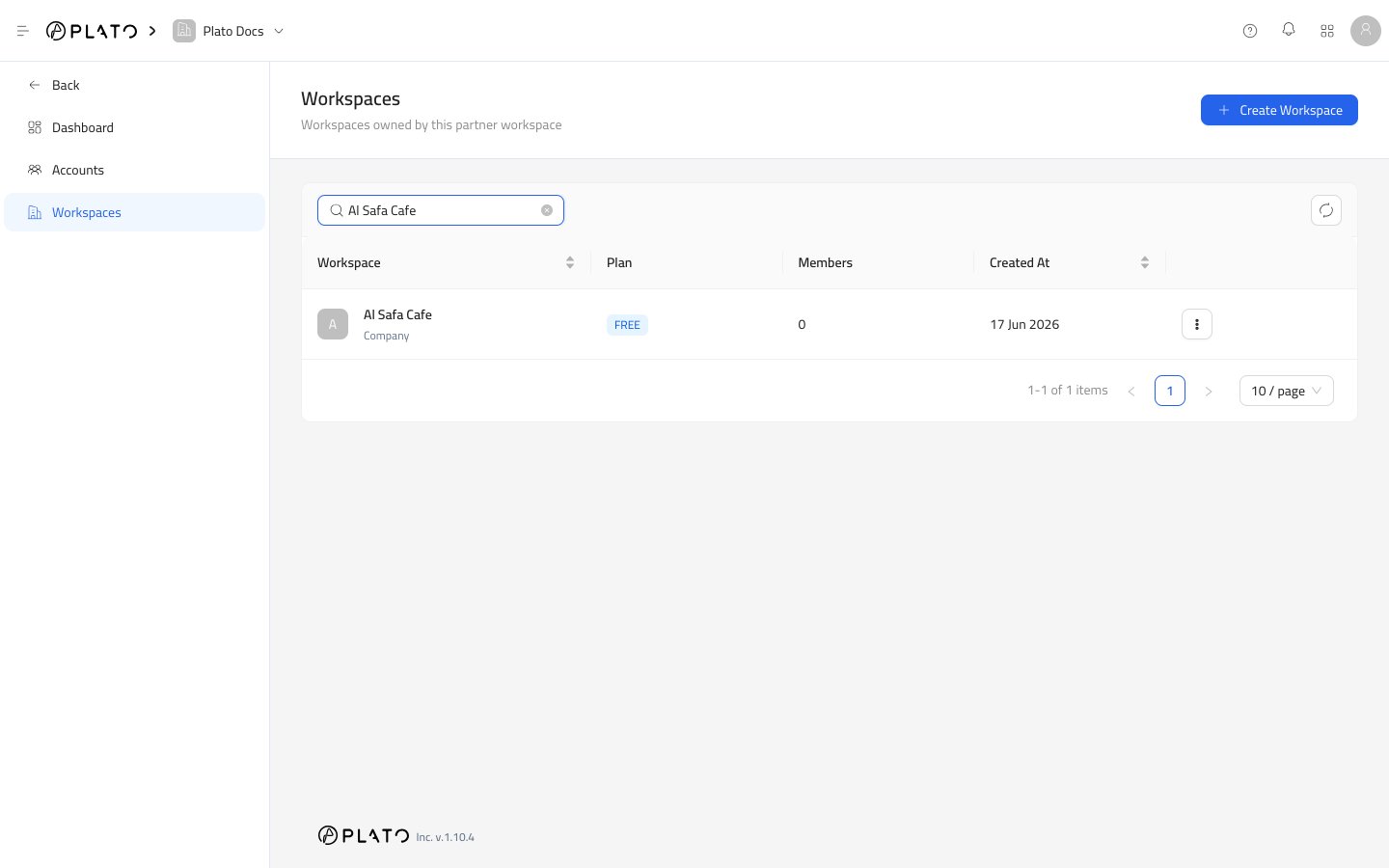
ChooseView Details from the row actions menu.
The details page shows subscription status, renewal dates, enabled apps, wallets, and members.
Row Actions
Every workspace row can expose these actions when your role allows them:View Detailsopens the workspace record.Edit Workspaceopens the workspace setup drawer.Manage Memberslets you add or remove partner accounts from the workspace.Copy Managerappears as a future or restricted action when it is not available.Clear Sales Dataappears as a future or restricted action when it is not available.Delete Workspaceremoves the workspace after password confirmation.