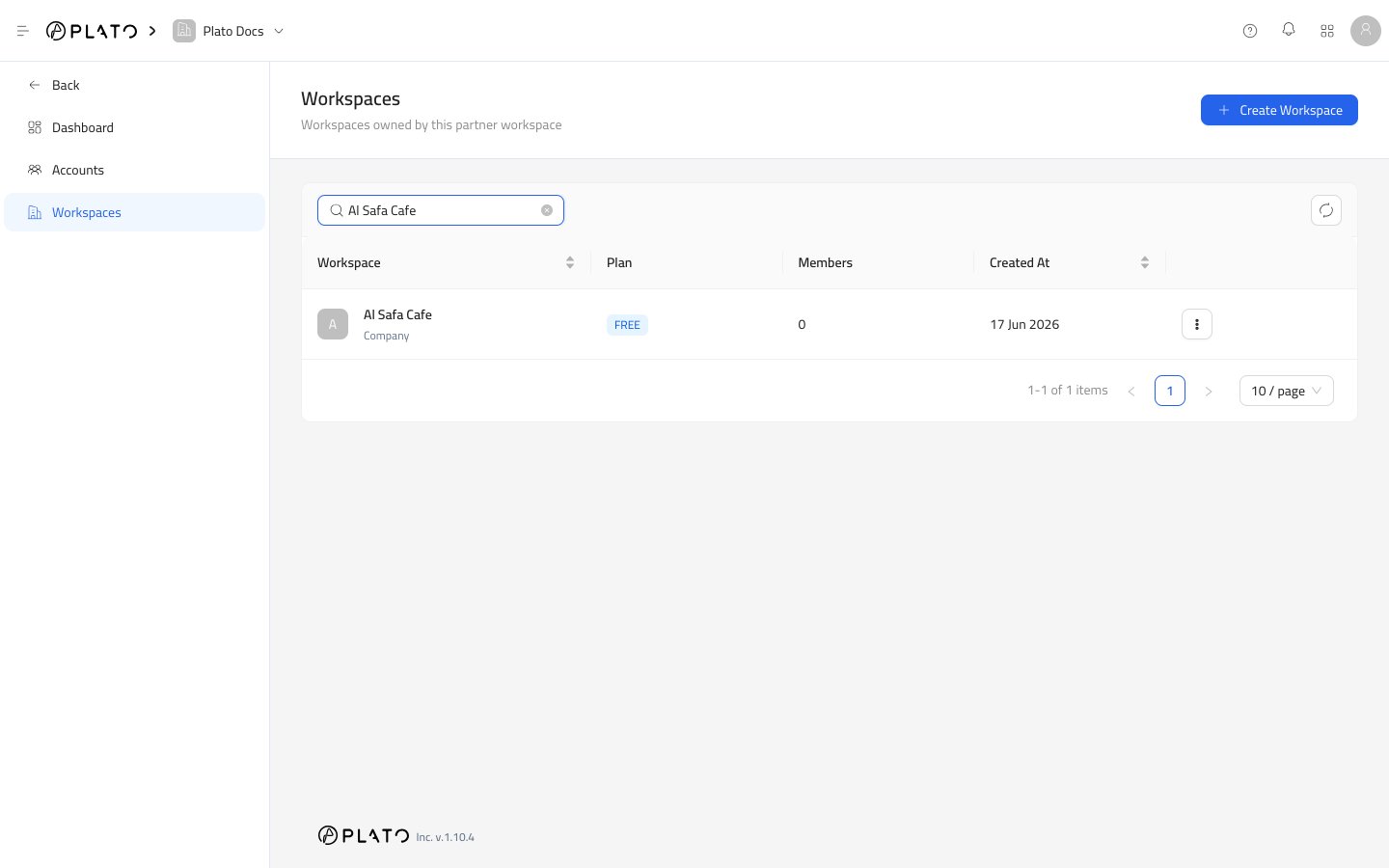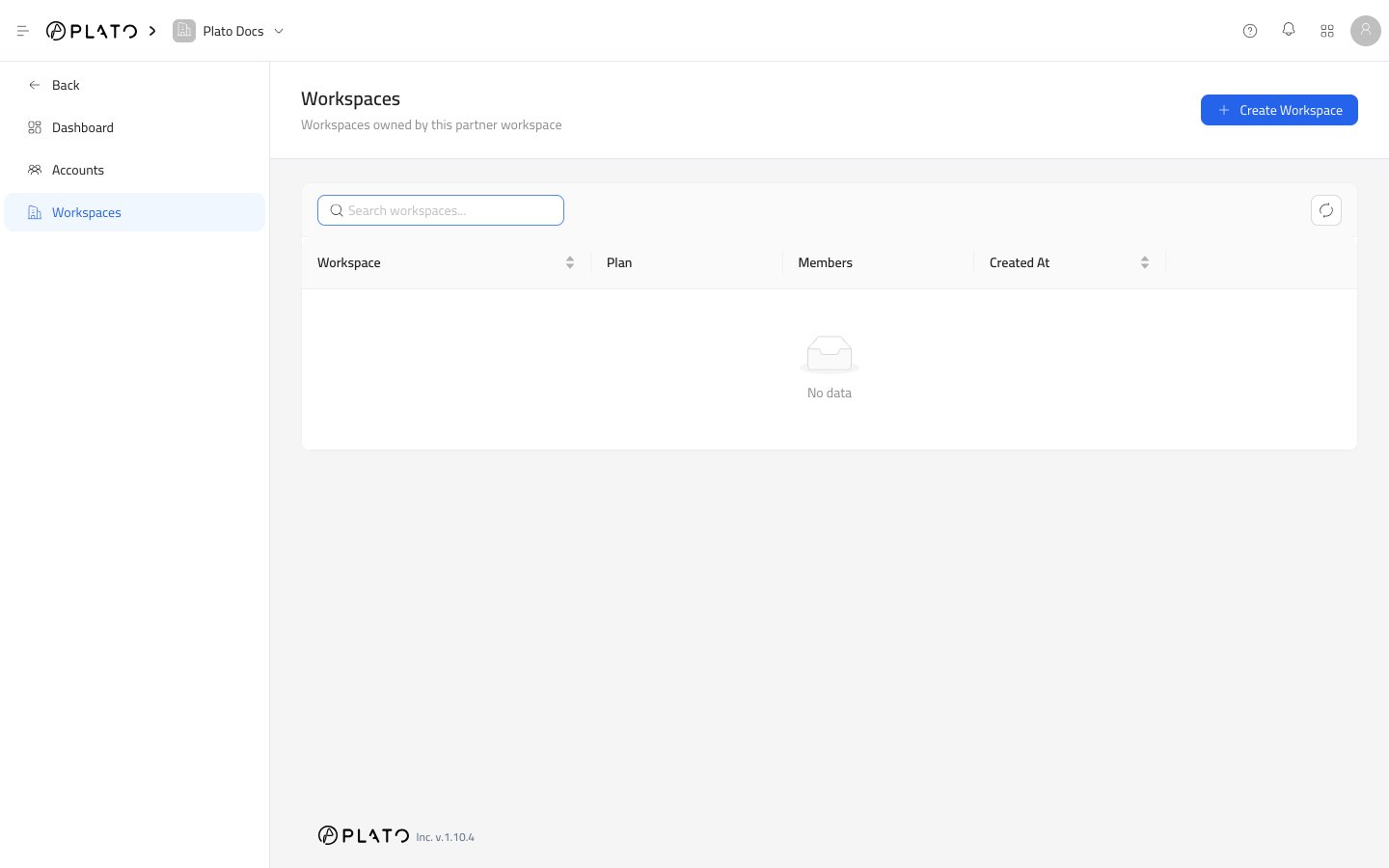
Open The Drawer
- Open
Partners. - Go to
Workspaces. - Click
Create Workspace.
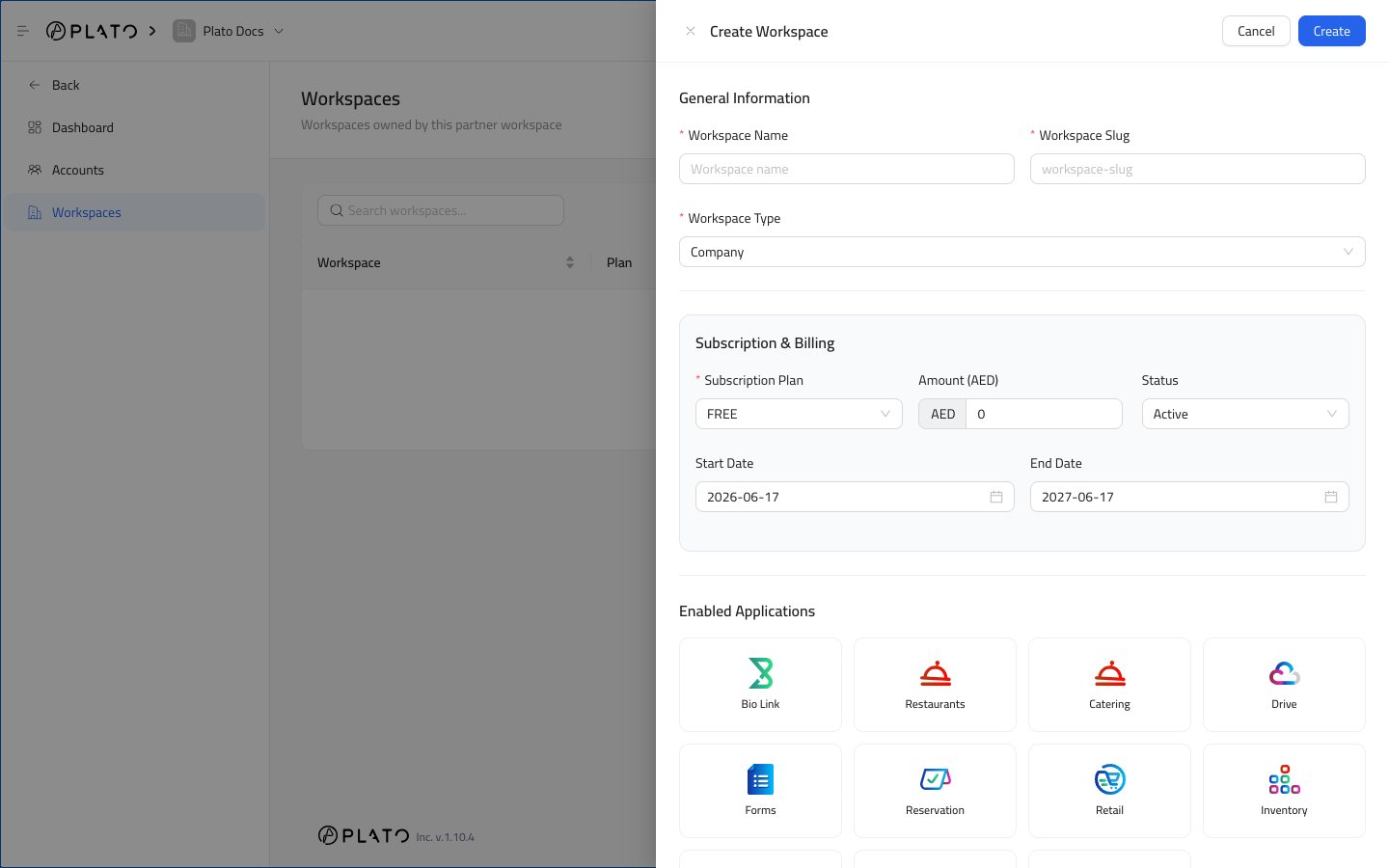
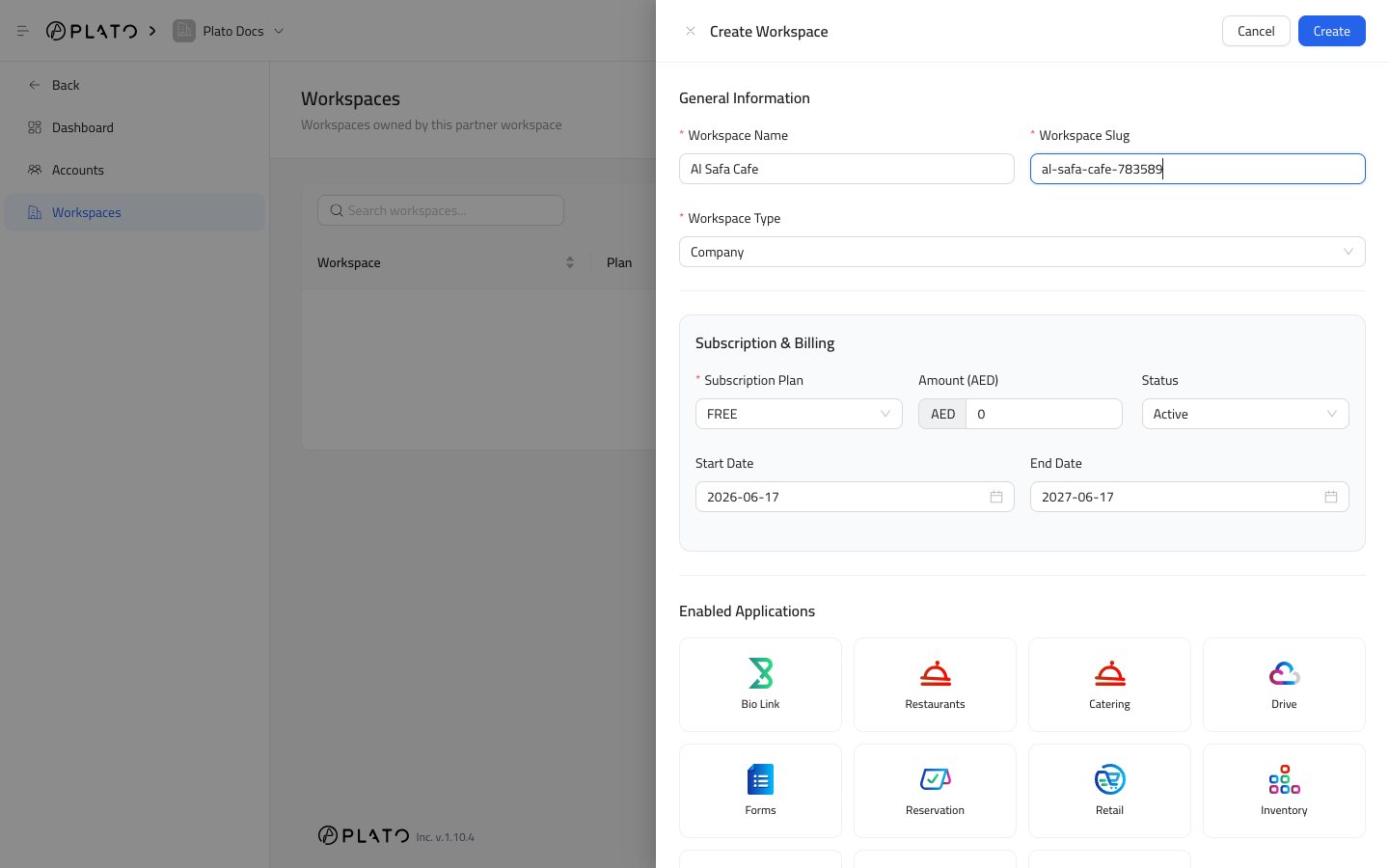
General Information
Workspace Name is the customer-facing workspace name.
Workspace Slug is the clean URL-friendly identifier for the workspace.
Workspace Type defines the workspace category. Most customer workspaces use Company.
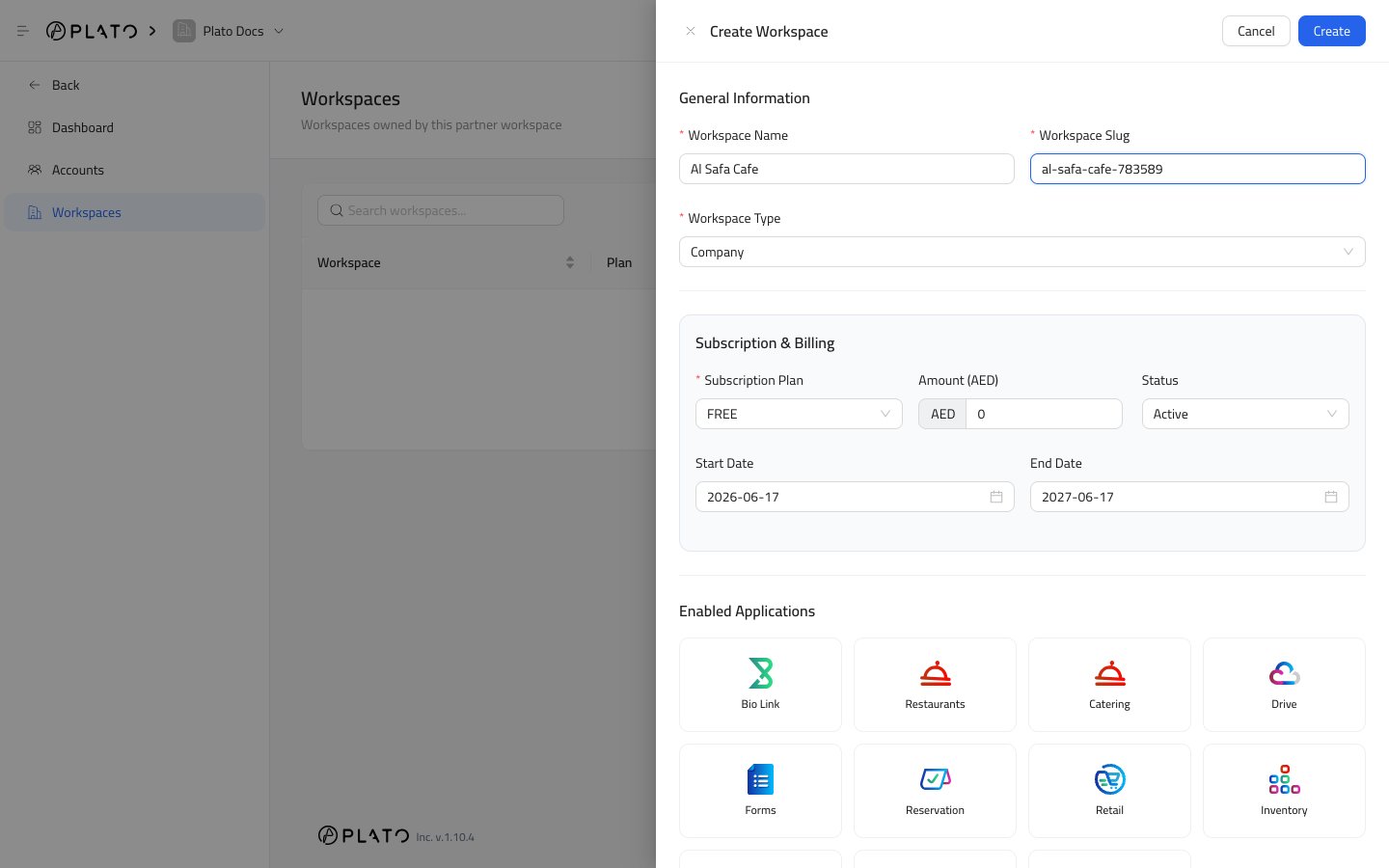
Subscription And Billing
Subscription Plan is the plan assigned to the workspace.
Amount (AED) is the amount expected for the subscription period.
Status controls whether the subscription is active, trialing, past due, unpaid, or another available state.
Start Date is when the subscription period begins.
End Date is the renewal or expiry date used by dashboard and renewal reports.
Enabled Applications
Choose the Plato apps the customer should be able to use. Available app cards can include:- Bio Link.
- Restaurants.
- Catering.
- Drive.
- Forms.
- Reservation.
- Retail.
- Inventory.
- Pay.
- Connect360.
- Accounting.
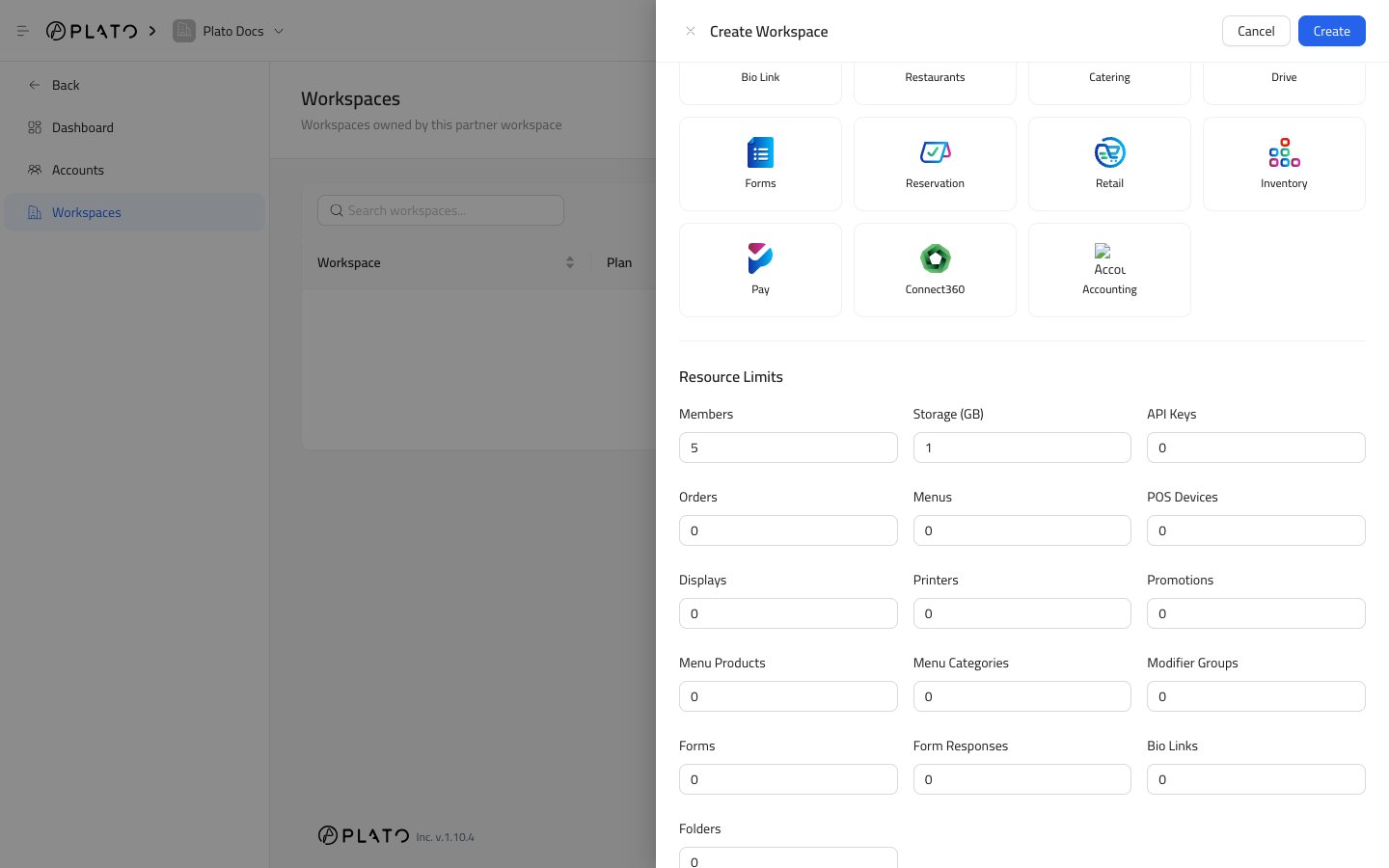
Resource Limits
Resource limits control how much the workspace can create or use.Members controls how many active members the workspace can have.
Storage (GB) controls file storage capacity.
API Keys controls how many API keys the workspace can create.
Orders controls order volume limits.
Menus controls how many menus can be created.
POS Devices controls how many POS devices can be connected.
Displays controls display screen limits.
Printers controls printer limits.
Promotions controls promotion code limits.
Menu Products controls product count limits.
Menu Categories controls category count limits.
Modifier Groups controls modifier group limits.
Forms controls form count limits.
Form Responses controls response limits.
Bio Links controls public Bio Link page limits.
Folders controls folder limits.
Create The Workspace
ClickCreate when the name, slug, subscription, apps, and limits are ready.
After creation, open the workspace details page to review subscription cards, enabled apps, wallets, and members.