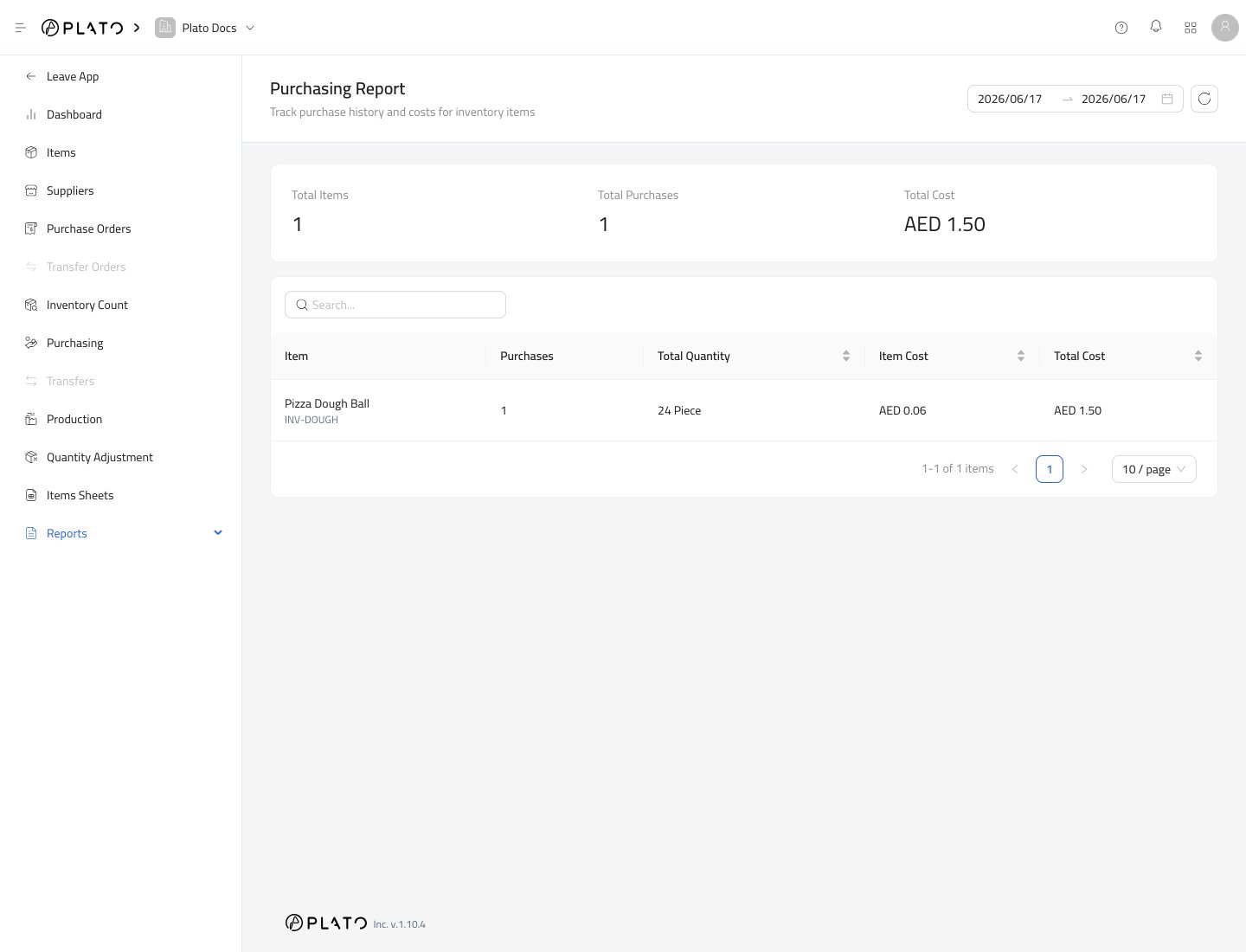
Purchasing Report summarizes received purchasing activity. Use it to review what was bought, how much was received, and what it cost. Purchasing report

Choose a Date Range

Set the start and end dates for the period you want to review. Click refresh after changing the range.

Summary Cards

The report summarizes:
  • Total purchased items.
  • Total purchases.
  • Total cost.

Item Rows

Each item row shows purchasing activity for that item in the selected period. Use the report to compare supplier costs, review ordering patterns, and confirm received items.

Before Comparing Costs

Make sure purchases were received with the correct quantity and cost. Draft purchases do not count as received stock.