

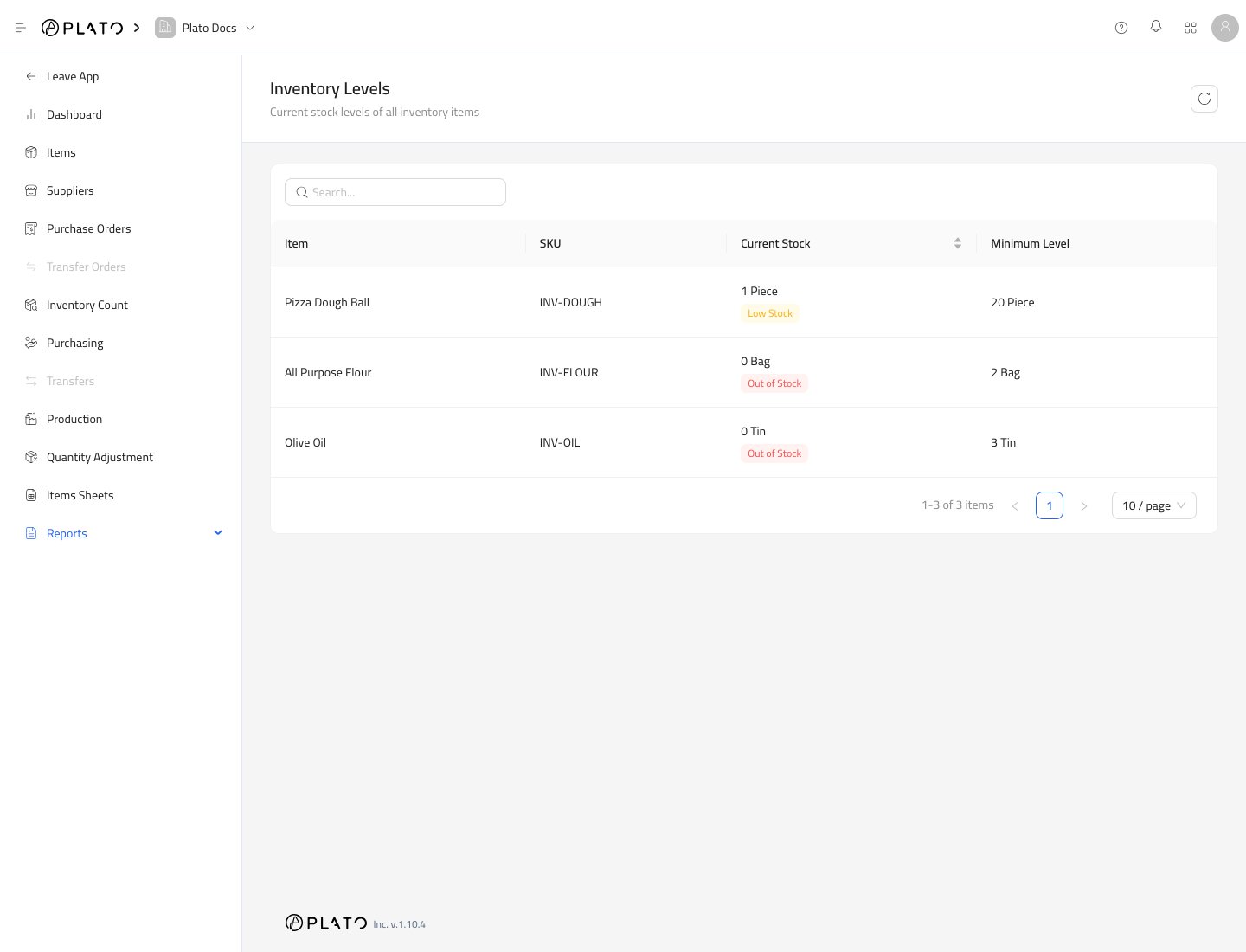
What to Look For
Check the status label first:Out of Stockmeans the item has no current stock.Low Stockmeans the item is below its minimum level.
Search Items
Use the search field to find an item by name or SKU. This is useful when the item list is long and you only need to check one product or ingredient.Refresh the Report
Use the refresh button after receiving stock, submitting a count, submitting production, or submitting an adjustment.What Changes This Report
Inventory Levels can change after:- A purchase is received.
- An inventory count is submitted.
- A production record is submitted.
- A quantity adjustment is submitted.
- Connected consumption is recorded.