

Choose a Report
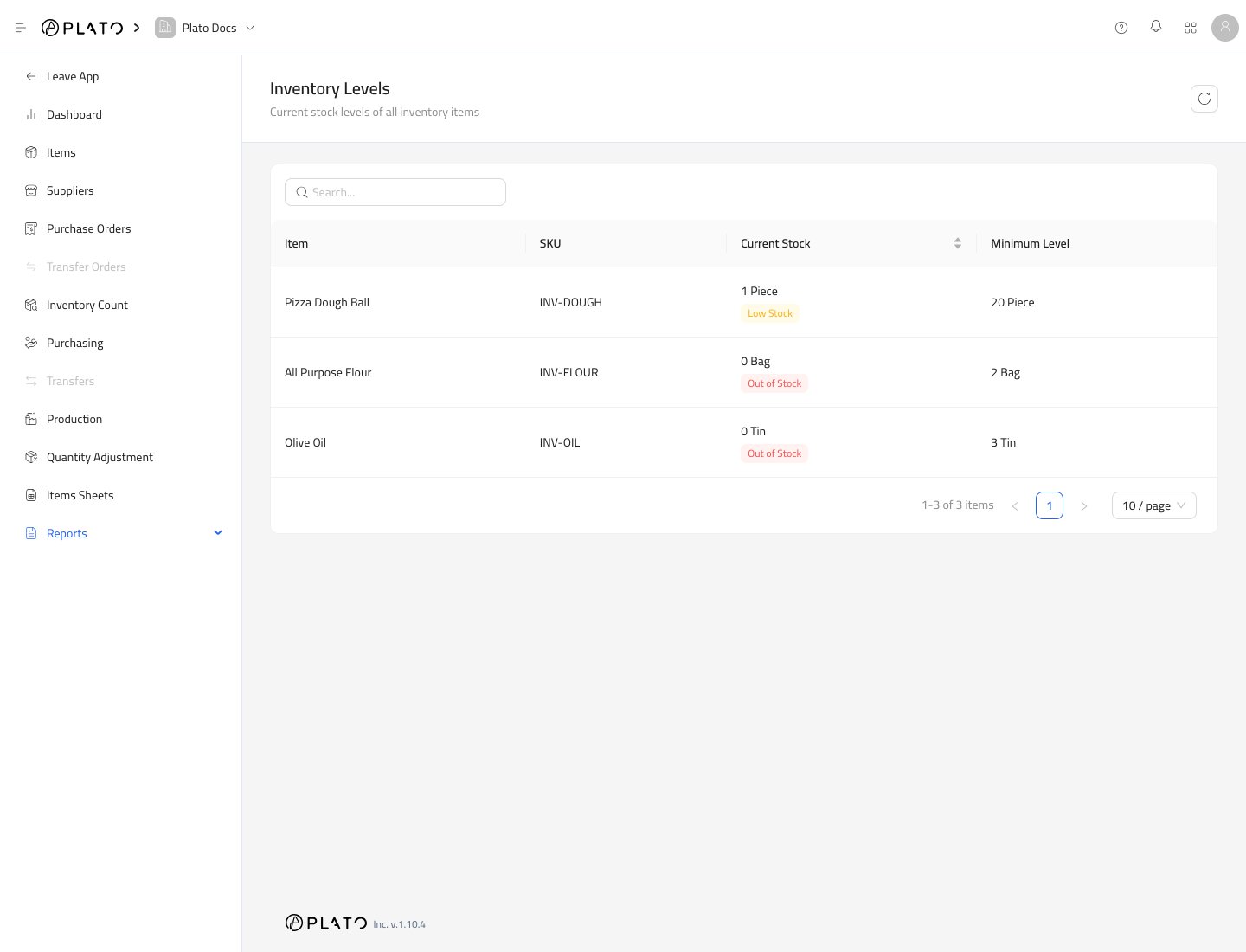
Inventory Levels
See current stock, minimum levels, and stock status.
Inventory History
Review stock-changing transactions by date.
Purchasing Report
Review purchased items, quantities, and costs across a date range.
Daily Consumption
Review item usage, cost, and consumption across a date range.
When Reports Update
Reports update after stock-changing work is submitted or received. Purchasing appears after items are received. Counts, production, and adjustments appear after they are submitted. Consumption appears after connected product, modifier, or item usage is recorded.Good Daily Review
At the end of the day, check:- Inventory Levels for low-stock or out-of-stock items.
- Inventory History for unexpected stock changes.
- Purchasing Report for received items and costs.
- Daily Consumption for usage and cost trends.