

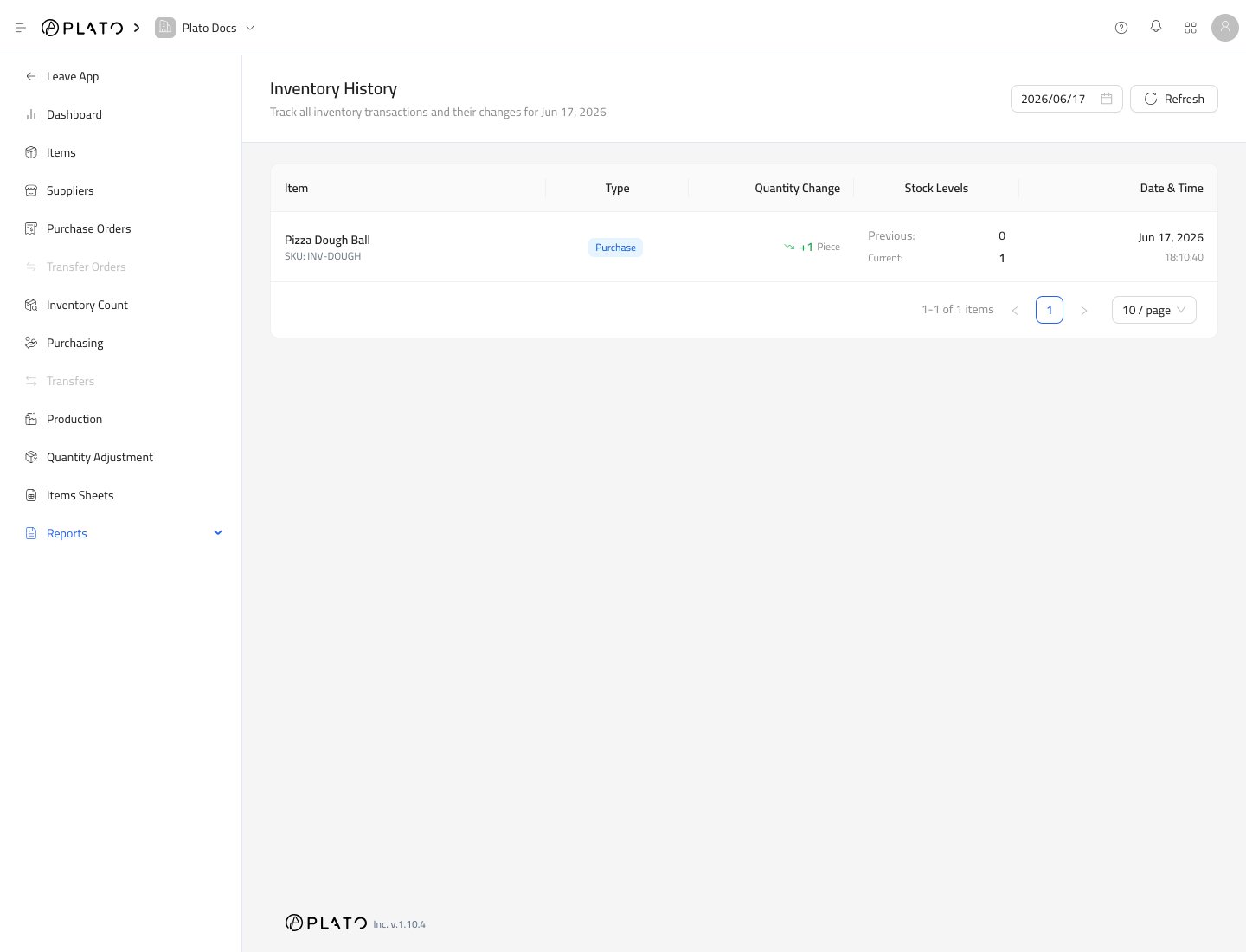
Choose a Date
Use the date picker to select the day you want to review. The report shows transactions recorded on that date.What the Table Shows
Each row helps answer:- Which item changed?
- What type of transaction changed it?
- How much did stock change?
- What was the stock before and after?
- When did it happen?
Common History Types
You may see history from purchasing, sale or consumption, adjustment, waste, transfer, return, count, or production activity. The exact type depends on the workflow that created the movement.When to Use It
Use Inventory History when:- Stock does not match expectations.
- A manager wants to review adjustments.
- A received purchase needs to be checked.
- A count changed an item more than expected.