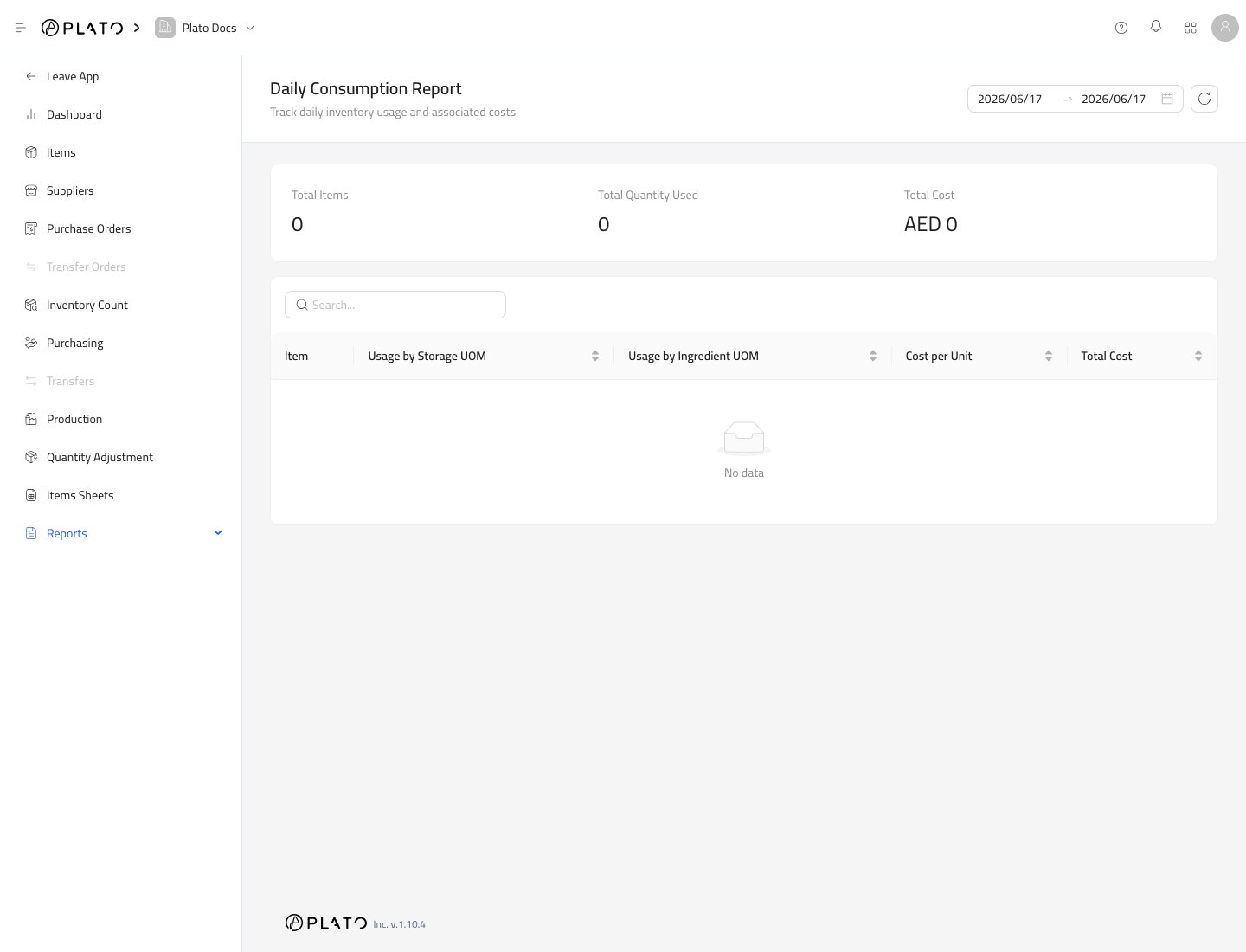
Daily Consumption helps your team review how inventory is being used. Use it after products, modifiers, production, or linked usage has recorded consumption. Daily consumption report

Choose a Period

Use the date range controls or quick range buttons to choose the period. Refresh the report after changing the range.

What the Report Shows

The report summarizes:
  • Total items used.
  • Total quantity used.
  • Total cost.
The table shows usage by storage unit and ingredient unit so your team can compare operational usage with stock units.

When to Use It

Use Daily Consumption when you want to:
  • Review recipe or product usage.
  • Compare consumption cost over time.
  • Spot unusual item usage.
  • Check that consumption links are working as expected.

If the Report Is Empty

Check that the item has consumption triggers or formulas, and that the connected workflow has recorded usage in the selected date range.