

When to Use Menu Consumption
Use consumption triggers when:- A menu product uses an inventory item.
- A modifier uses an inventory item.
- One inventory item should consume another item.
Add a Trigger from Inventory
- Open
Inventory. - Go to
Items. - Open the item settings page.
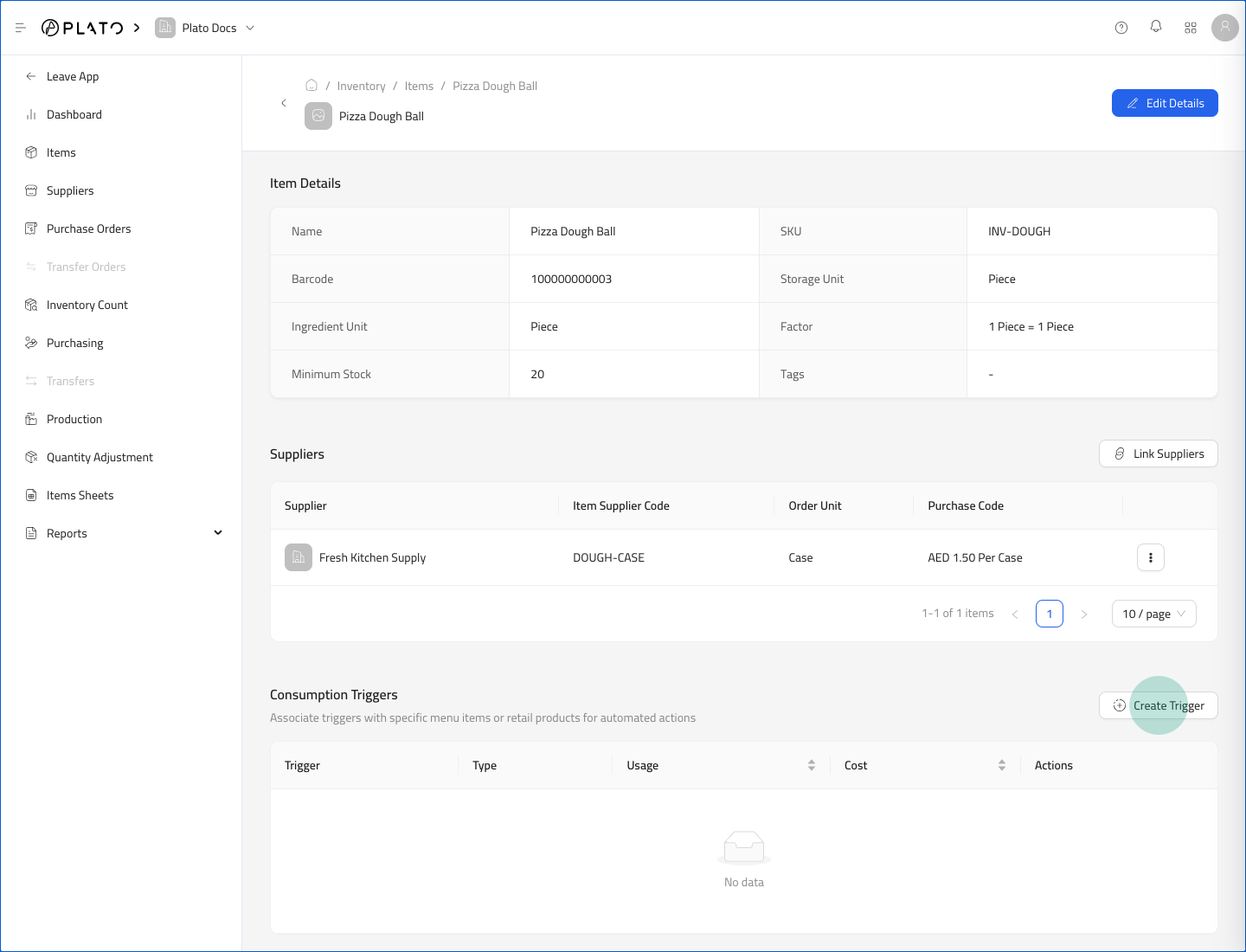
- Scroll to
Consumption Triggers. - Click
Create Trigger.
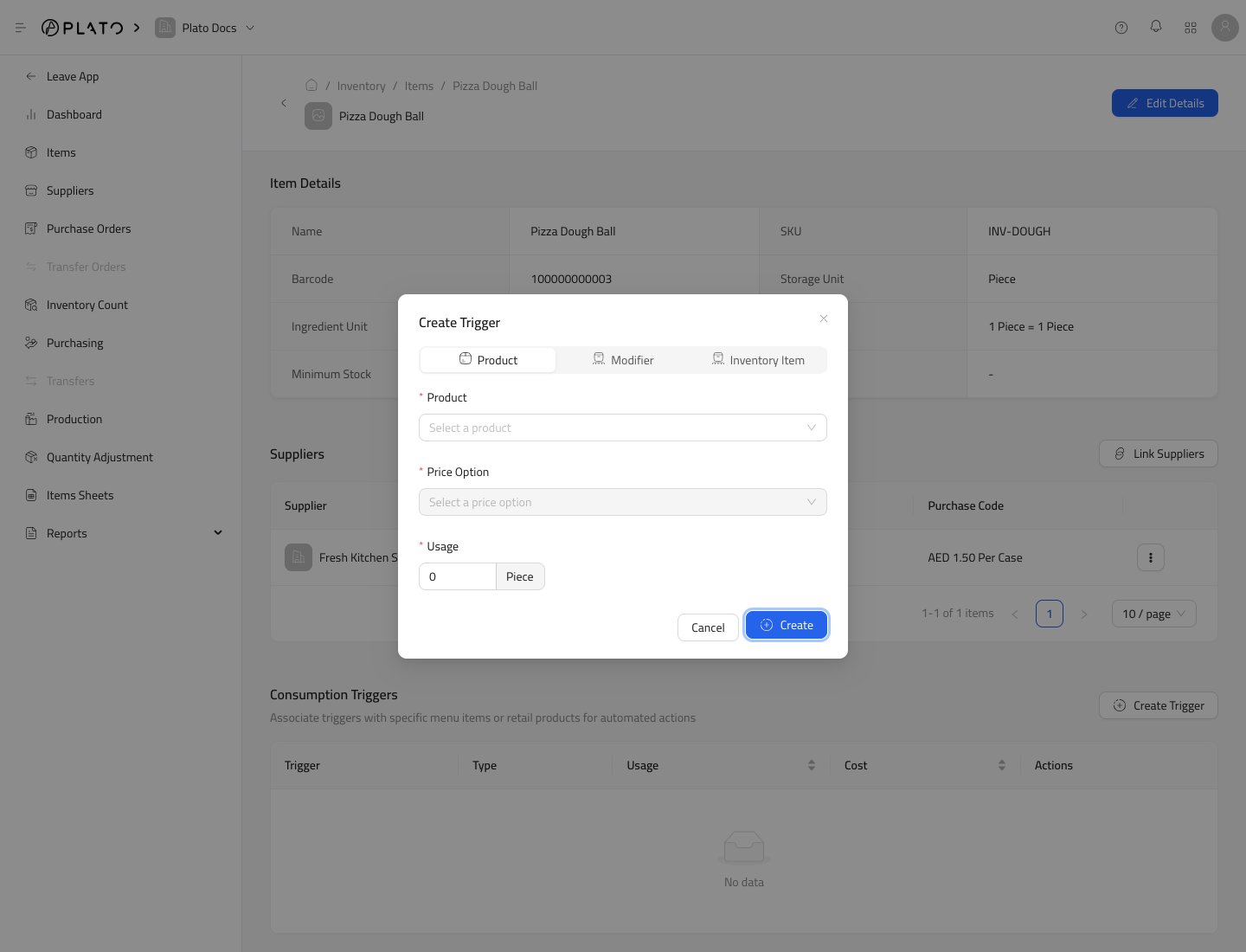
- Choose the trigger type.
- Select the connected product, modifier, or inventory item.
- Enter the usage amount.
- Click
Create.