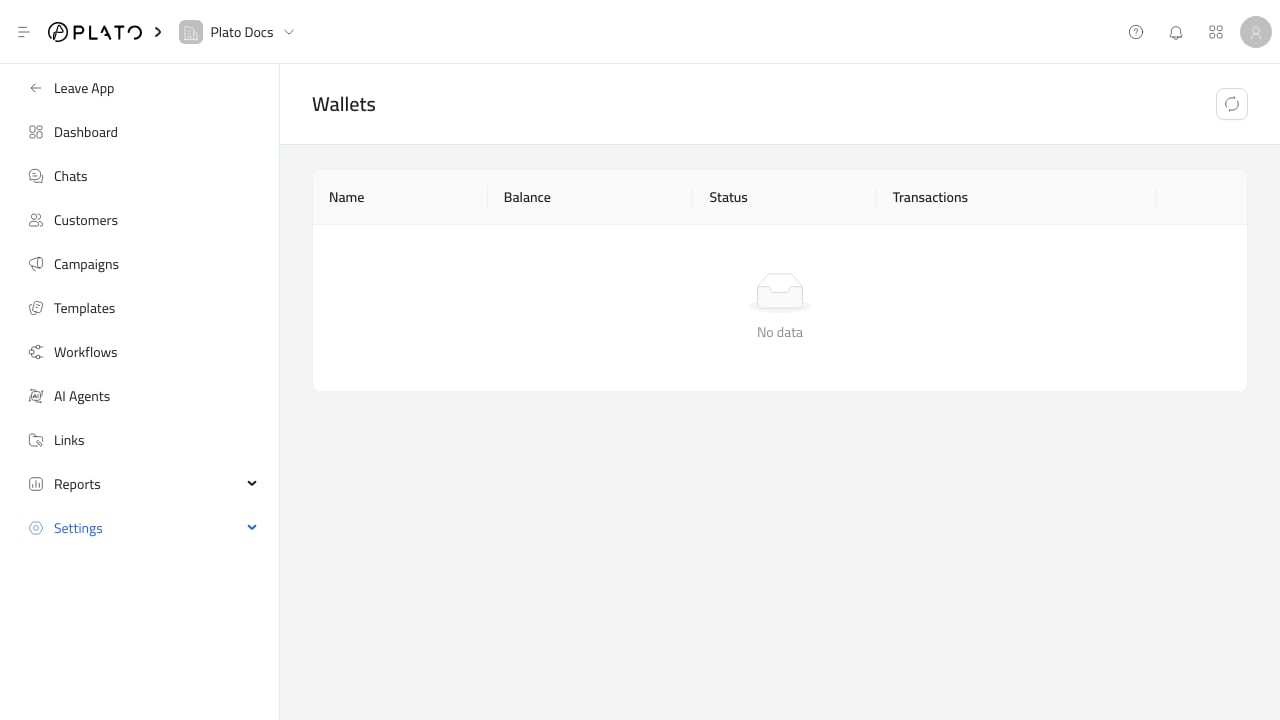
Wallets track the balance used for messaging transactions. Connect360 checks wallet balance before sending paid messages. If the workspace does not have a messaging wallet, or the balance is too low, sending can fail. Connect360 wallets For the sending checklist, see Wallets And Balance.

Review Wallets

The Wallets page shows:
  • Wallet name.
  • Balance.
  • Status.
  • Transaction count.
Use this page before large campaigns or when messages fail due to balance.

Transaction History

Open row actions and choose Transactions History. The history drawer shows wallet details and transactions for the selected date range, including:
  • Transaction type.
  • Amount.
  • Balance after the transaction.
  • Date.
Use date presets such as today, last 7 days, last 14 days, last 30 days, and last 90 days to review recent usage.

Balance Tips

Before sending a campaign:
  1. Estimate the recipient count.
  2. Confirm the selected channel has a cost model you understand.
  3. Check the wallet balance.
  4. Review recent debits if usage looks higher than expected.
Top-up actions may depend on workspace billing setup and can appear disabled in the wallet list.