

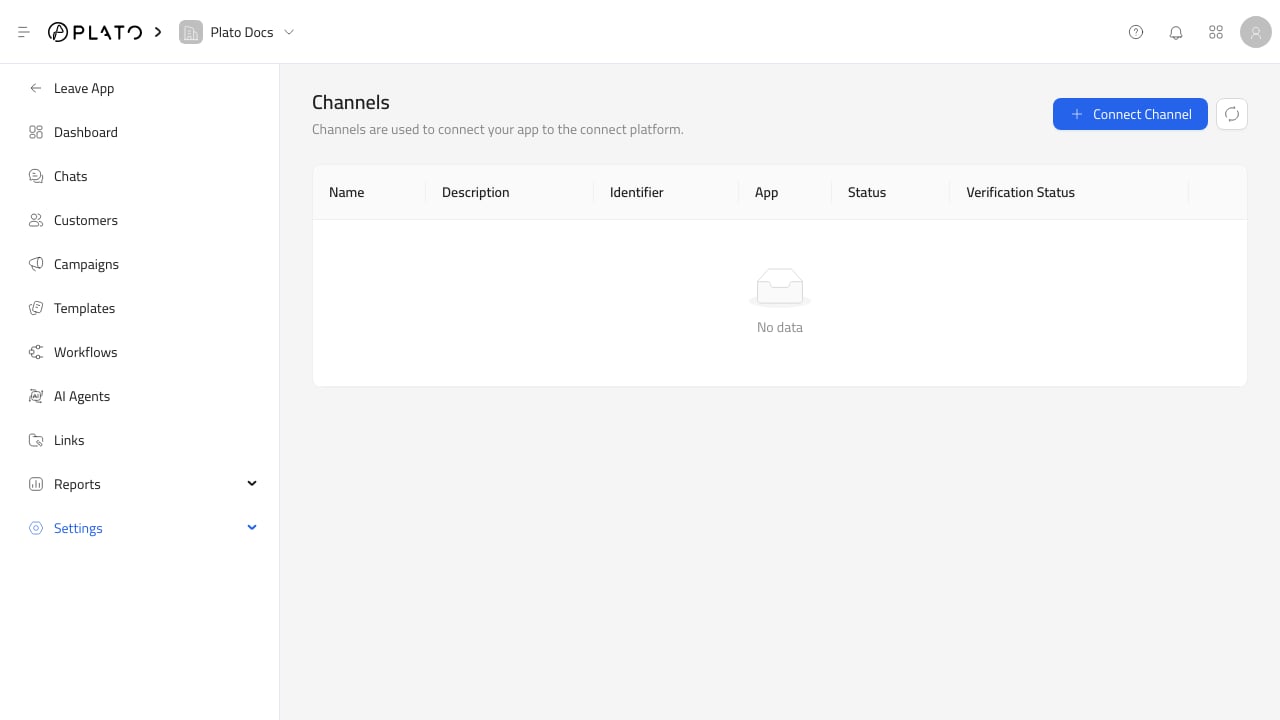
Connect A Channel
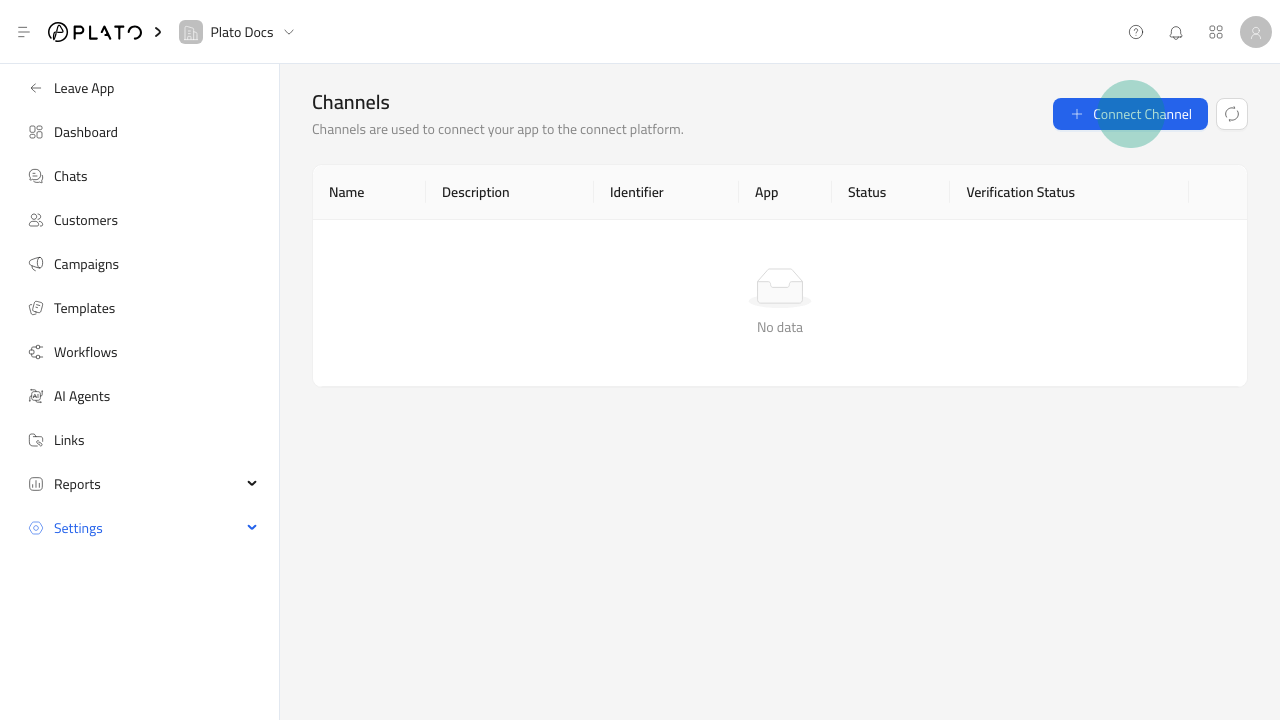
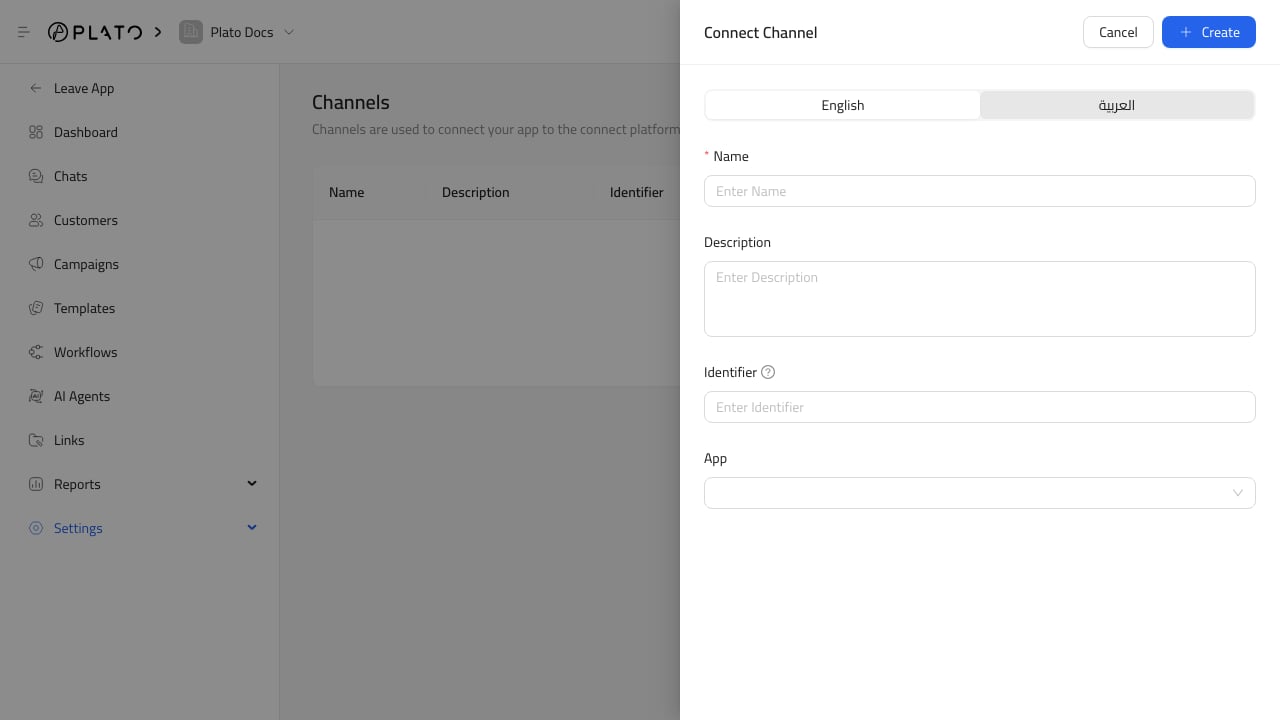
Connect Channel, then fill in:
- Name.
- Optional description.
- Identifier, such as a WhatsApp phone number or sender identifier.
- App from the installed Messaging apps list.
Channel Status
The Channels page shows:- Name.
- Description.
- Identifier.
- App.
- Status.
- Verification status.
WhatsApp Webhook And API Key
For 360dialog WhatsApp channels, row actions include:Set Webhook URL.Reset API Key.
Set Webhook URL when the channel needs to point provider webhooks back to Plato.
Use Reset API Key when provider credentials changed or need to be rotated.
Before Sending
Before using a channel in chat, templates, or campaigns, check:- The channel is active.
- Verification status is verified.
- The identifier is correct.
- The app matches the intended provider.
- The workspace has a messaging wallet with enough balance.