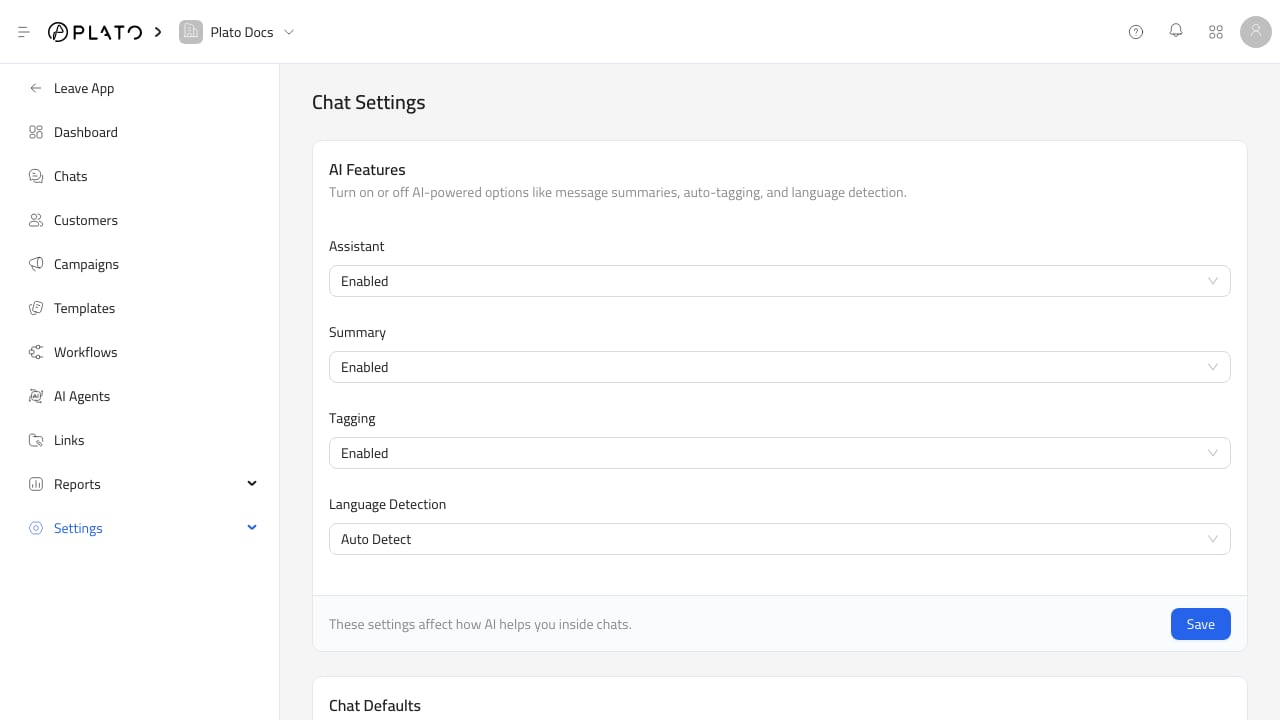
AI Features
Use AI feature toggles to enable or disable assistant features, message summaries, auto-tagging, and language detection. Only enable features the team is ready to review and use.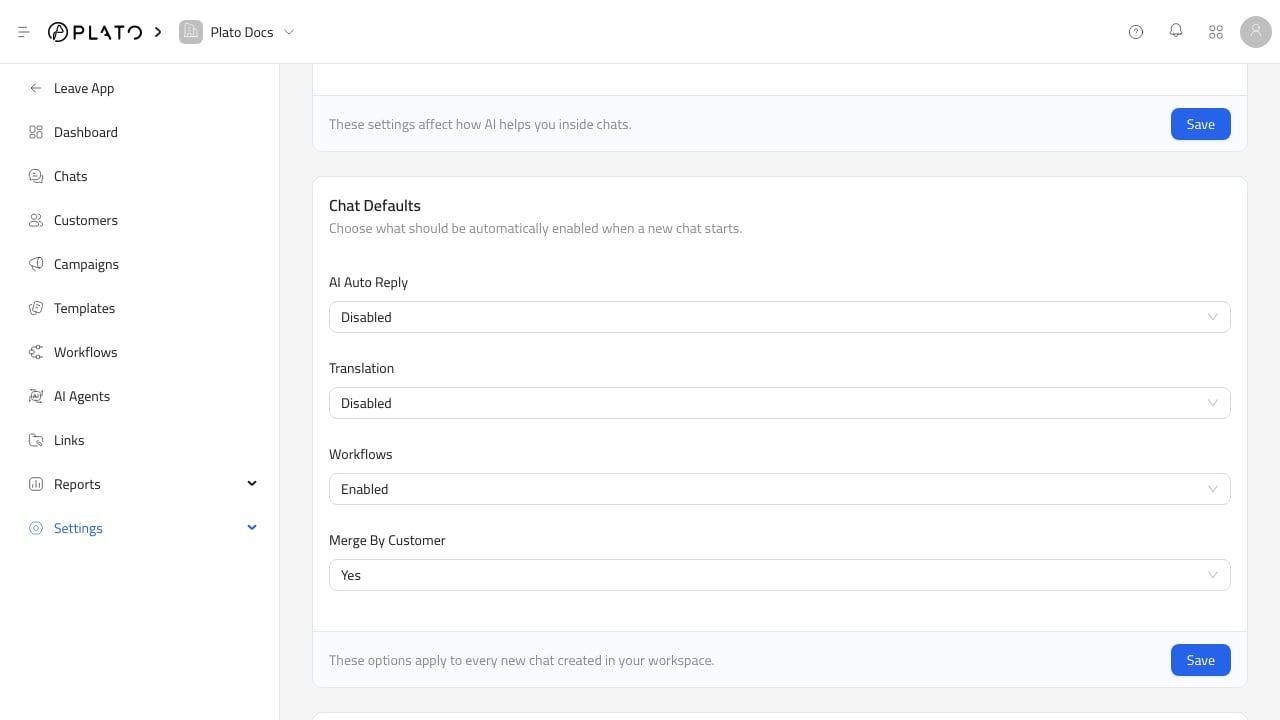
Chat Defaults
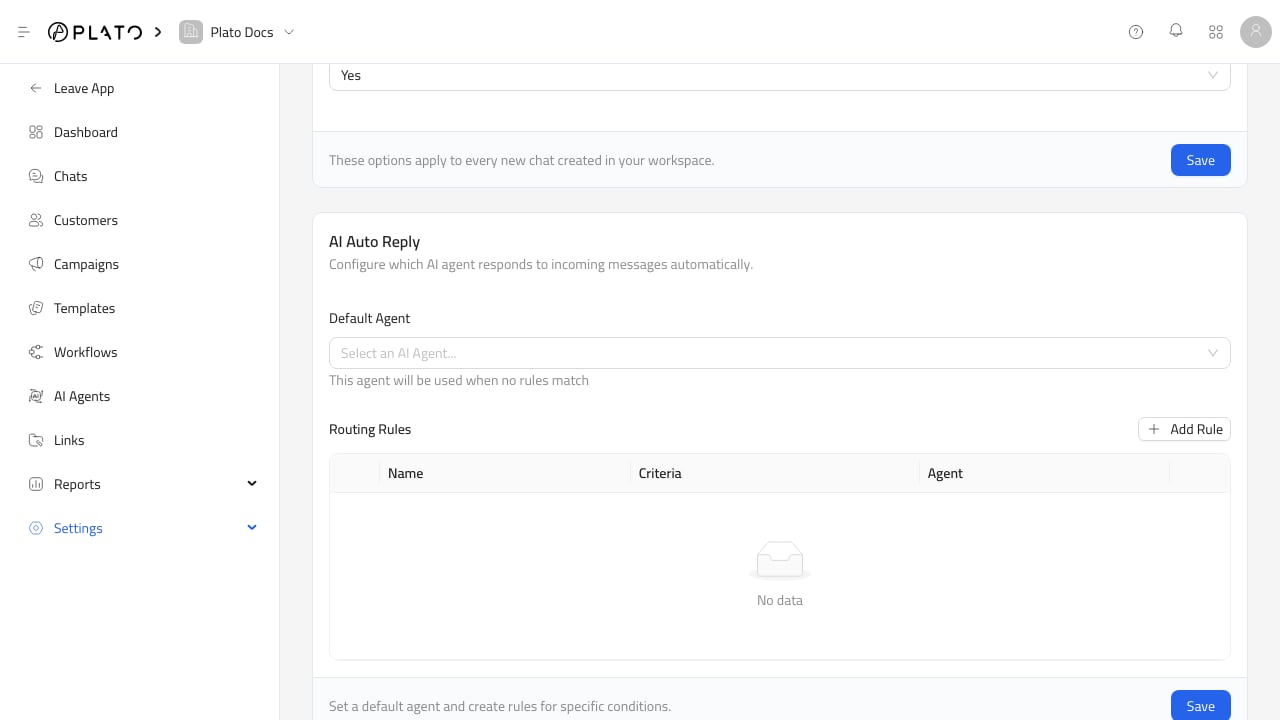
Defaults apply to new conversations. Use them for AI auto-reply, translation, workflows, and merge-by-customer behavior. Defaults do not replace reviewing sensitive conversations manually.