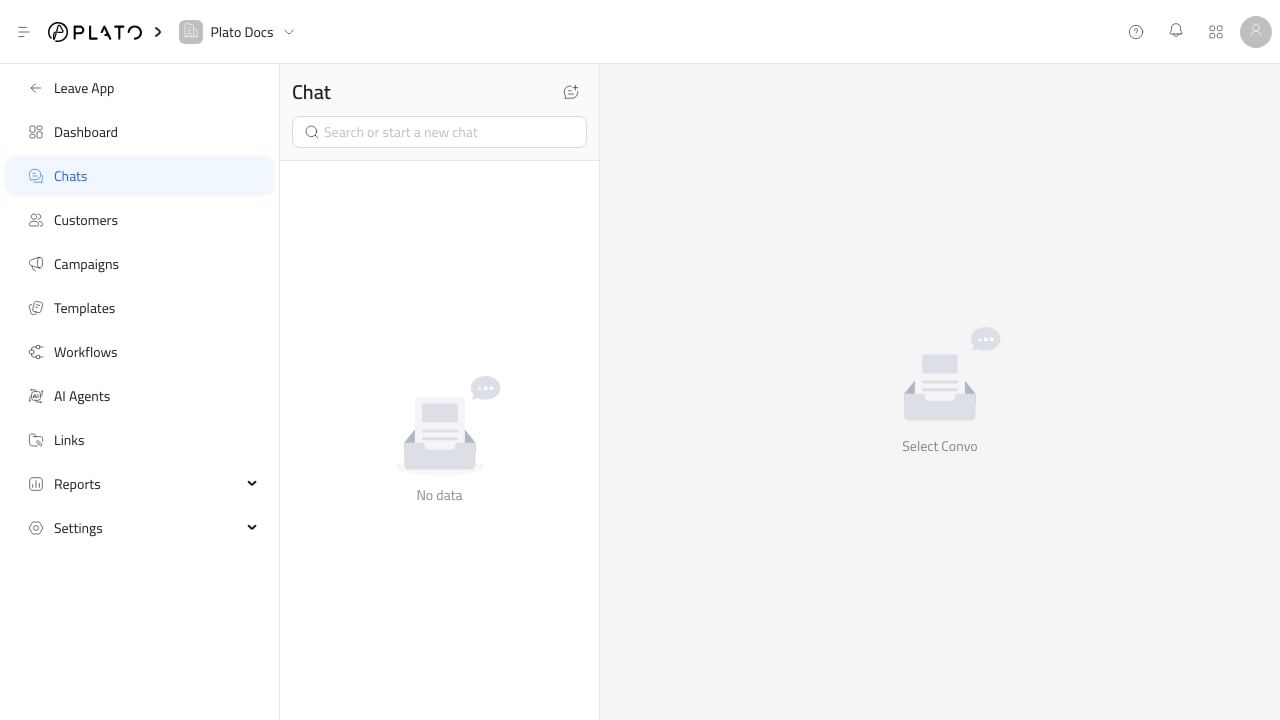
The chat help sidebar keeps customer context close to the conversation. Connect360 chat inbox

Open Conversation Actions

Open a conversation, then use the chat header or action area to show related tools. Depending on workspace setup, the sidebar can include:
  • Customer profile.
  • Related orders.
  • Products.
  • Templates.
  • Team members.
  • Workflow toggles.
  • AI auto-reply.
  • AI translation.
  • Chat history actions.

Update Customer Details

Keep customer names, phone numbers, and tags clean while chatting. Good customer records make campaigns, reports, and routing rules more reliable. For customer record setup, see Add Customers.

Use Internal Notes

Use internal notes for anything the next teammate should know before replying. Notes help avoid sending manager-only context to the customer.

Hand Off Carefully

When adding members, explain why they are being added in the conversation. That makes the handoff clear without requiring screenshots outside Plato.