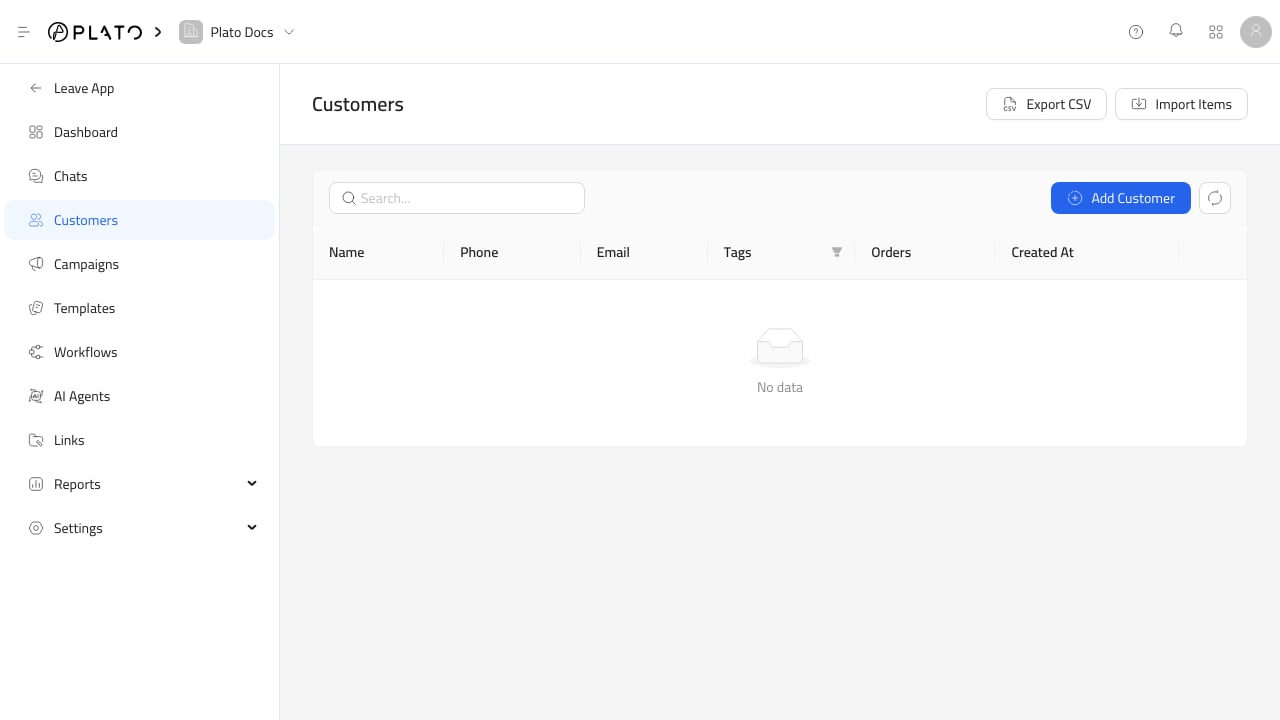
Connect360 uses the same customer records as Restaurant. That means customer names, phone numbers, addresses, tags, orders, and conversation history can support both service operations and messaging workflows. Connect360 customers

What You Can Do

From the Customers page, you can:
  • Review customer records.
  • Add or edit customer details.
  • Use tags to group customers.
  • Import or export customer lists, when that workflow is enabled.
  • Open customer context while working conversations and campaigns.
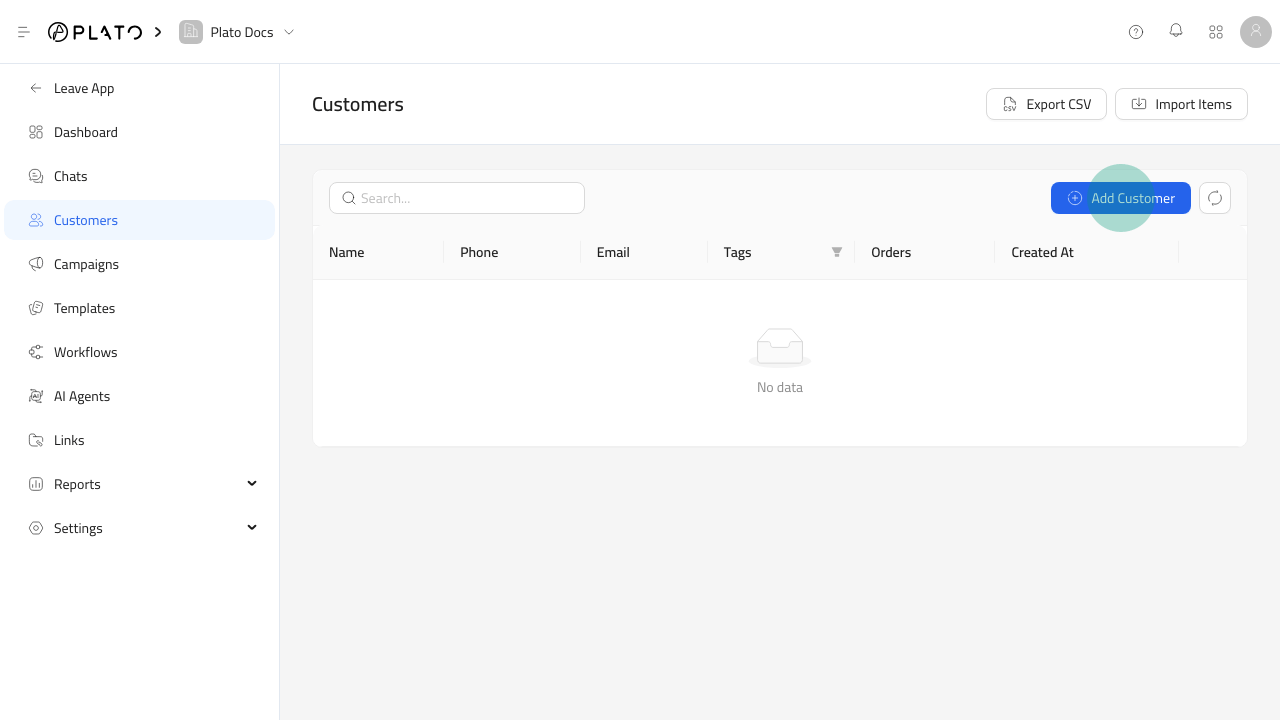
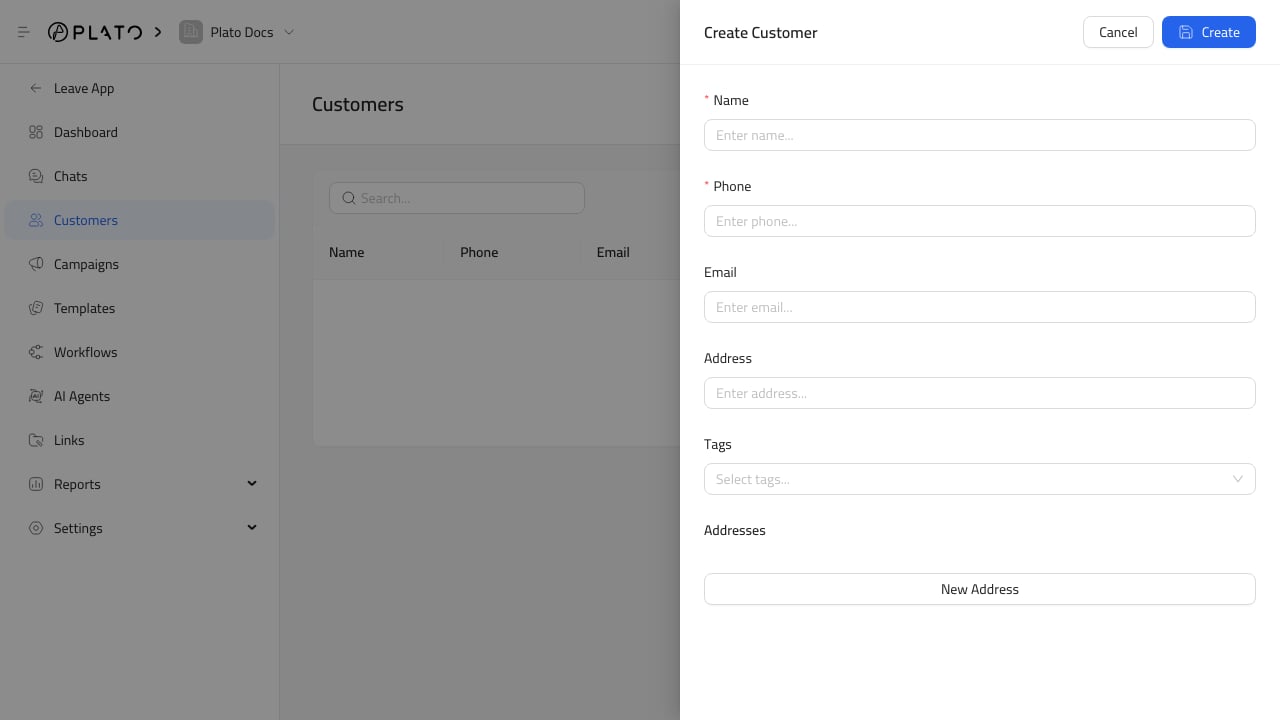
Add Customer button Connect360 customer form For deeper customer record setup, see Restaurant Customers.

Where Customers Matter In Connect360

Customers are used by:
  • Chat conversations.
  • Campaign recipient selection.
  • Customer filters.
  • Template variables.
  • Workflow triggers and actions.
  • Customer distribution reports.

Customer Data Tips

Keep customer records practical and easy for staff to trust. Use clear names, correct phone numbers, useful tags, and complete addresses when delivery or location-based reporting matters. Before sending a campaign, review the filter result and selected customer count so the message goes to the intended audience.