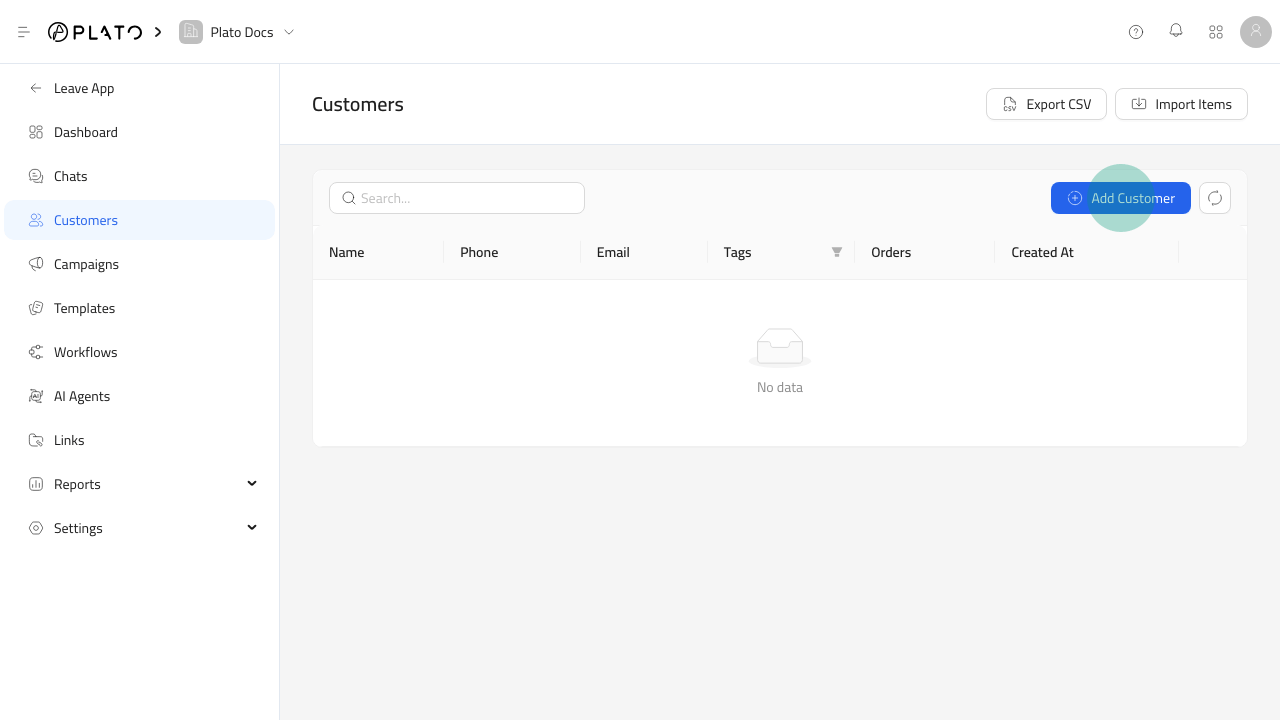
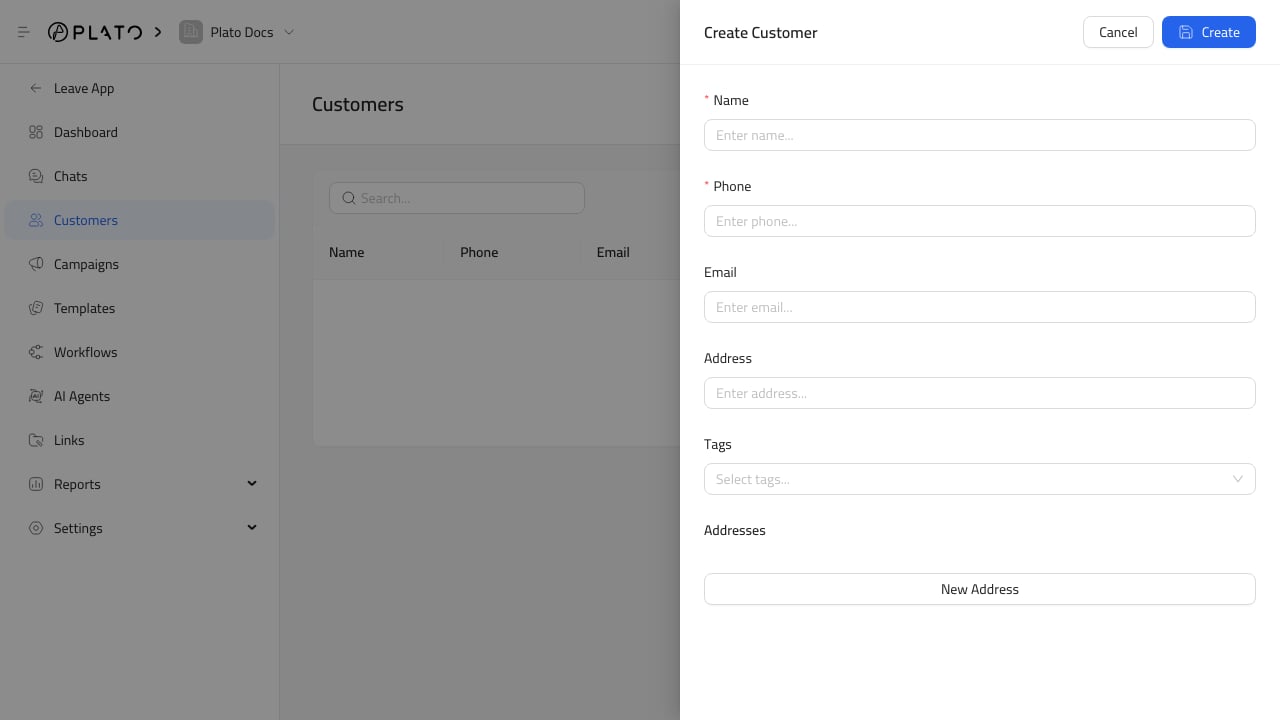
Add the customer name and contact details your team will recognize. Add tags when the customer belongs to a useful group, such as VIP, delivery area, campaign audience, or support priority.Keep phone numbers and email addresses clean because they can affect chat matching, campaign filters, and reporting.
Use the customer in conversations, campaign recipient filters, templates, workflow actions, and reports.If a customer appears twice, clean up duplicates before launching a campaign.