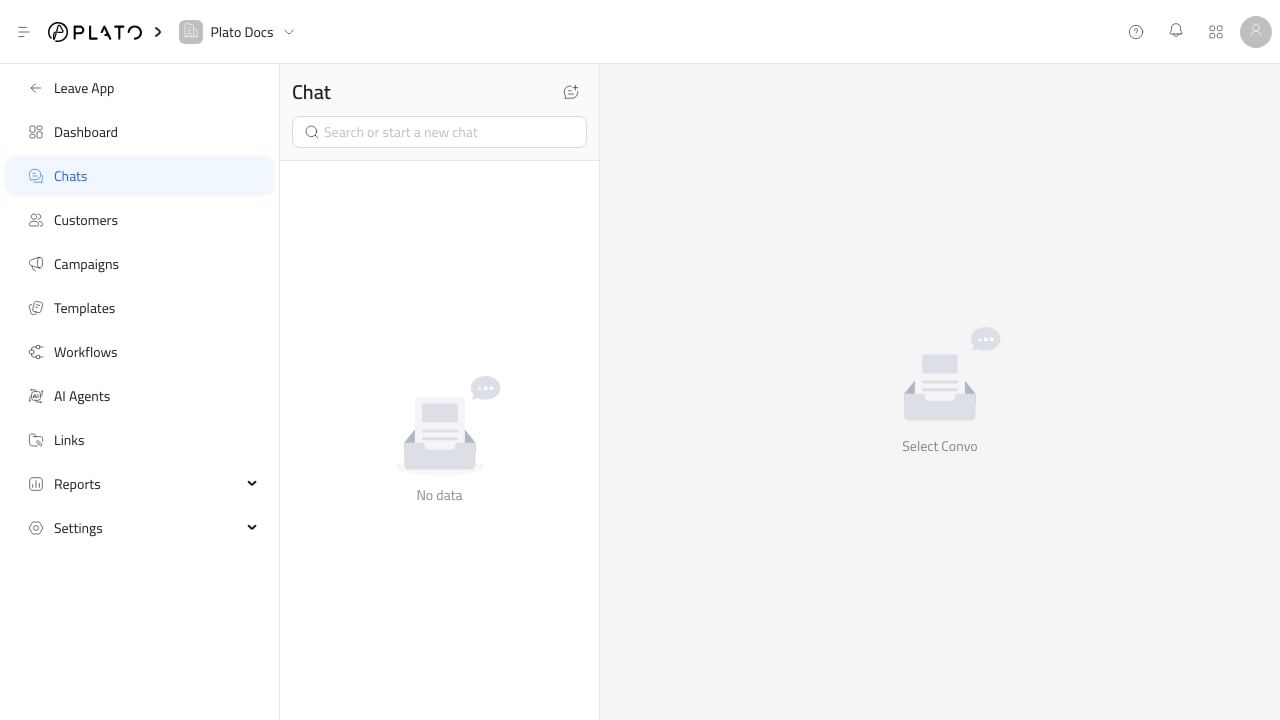
Use the chat composer for daily customer replies and internal handoffs. Connect360 chat inbox

Open The Right Chat

  1. Go to Connect360 > Chats.
  2. Use search when the list is long.
  3. Open the conversation.
  4. Join the conversation when required.

Send A Reply

Type in the message box and send when the message is ready. Use normal customer-facing replies for anything the customer should receive. Use internal notes when the message is only for your team. Internal notes are useful for manager approvals, handoffs, and reminders that should not be sent to the customer.

Add Attachments

Use attachments when the conversation needs a file, image, document, or receipt. Connect360 uses Plato Drive for file selection, so uploaded files can be reused later. Before sending, confirm the file is meant for the customer and not only for internal staff.

Voice And Media

Use voice messages when the channel and workflow support them. Keep voice messages short and clear so the next teammate can understand the thread quickly.

When The Composer Is Hidden

If AI auto-reply is enabled for a conversation, the manual composer can be hidden. Open the conversation actions or chat settings to review AI auto-reply before expecting a manual reply box.