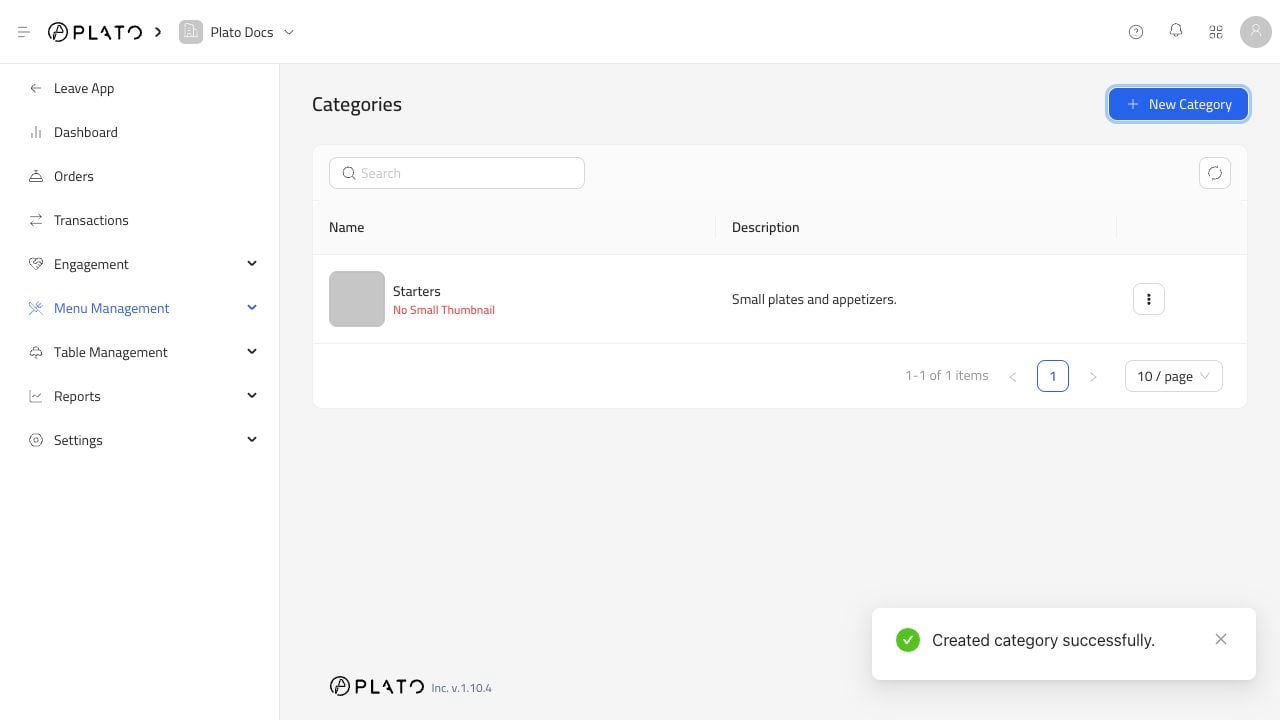
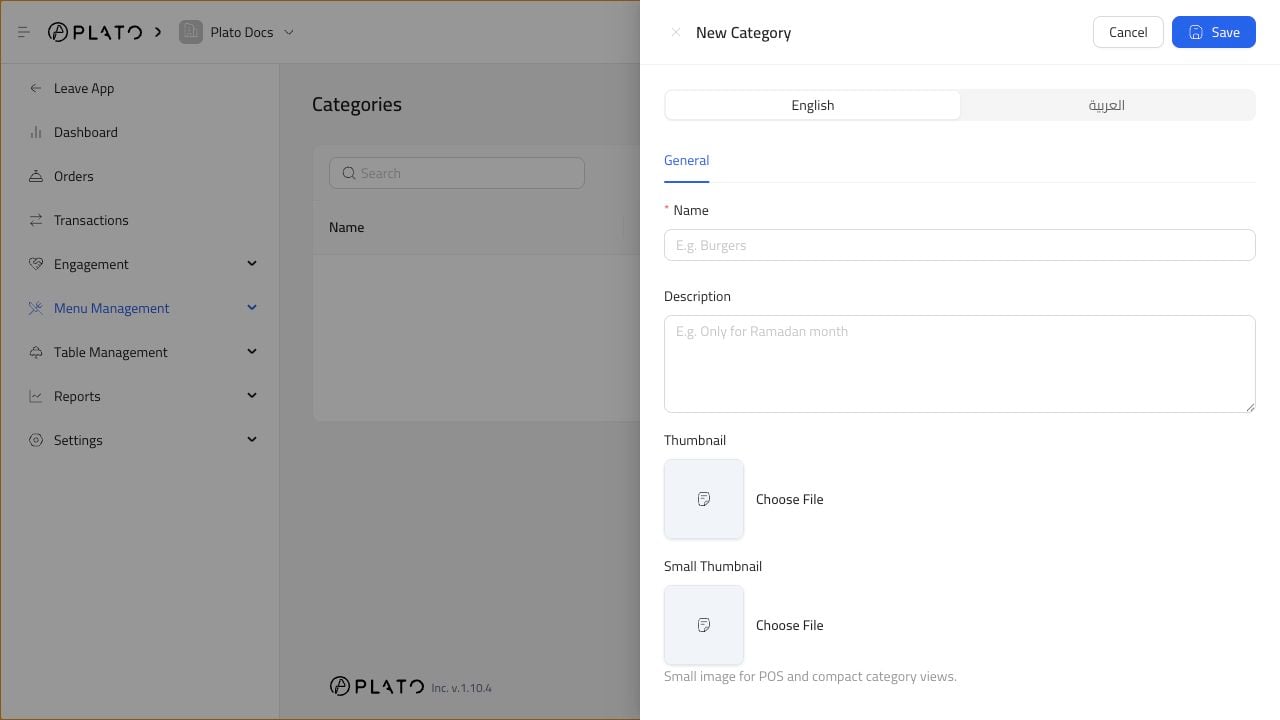
Click New Category.Add a name and optional description. You can also upload category images for menu and POS views.Use simple names such as Starters, Burgers, Desserts, or Drinks.
Create categories before adding many products. Products can be filtered and displayed more cleanly when every item has the right category.If a product belongs to a temporary campaign, create a seasonal category and remove or hide it later.