

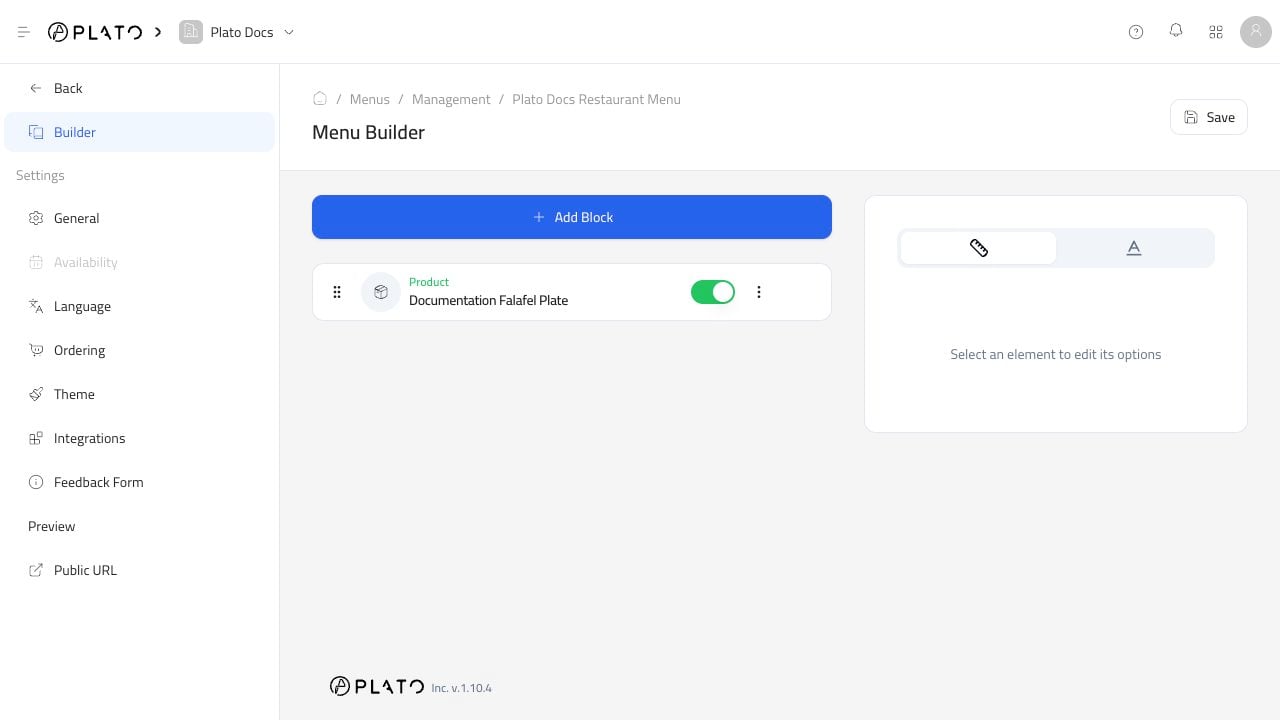
Save Changes
ClickSave after adding, removing, hiding, or reordering blocks.
If you leave the builder before saving, the public menu may not match what you just changed.
Preview Like A Customer
UsePublic URL from the menu editor sidebar.
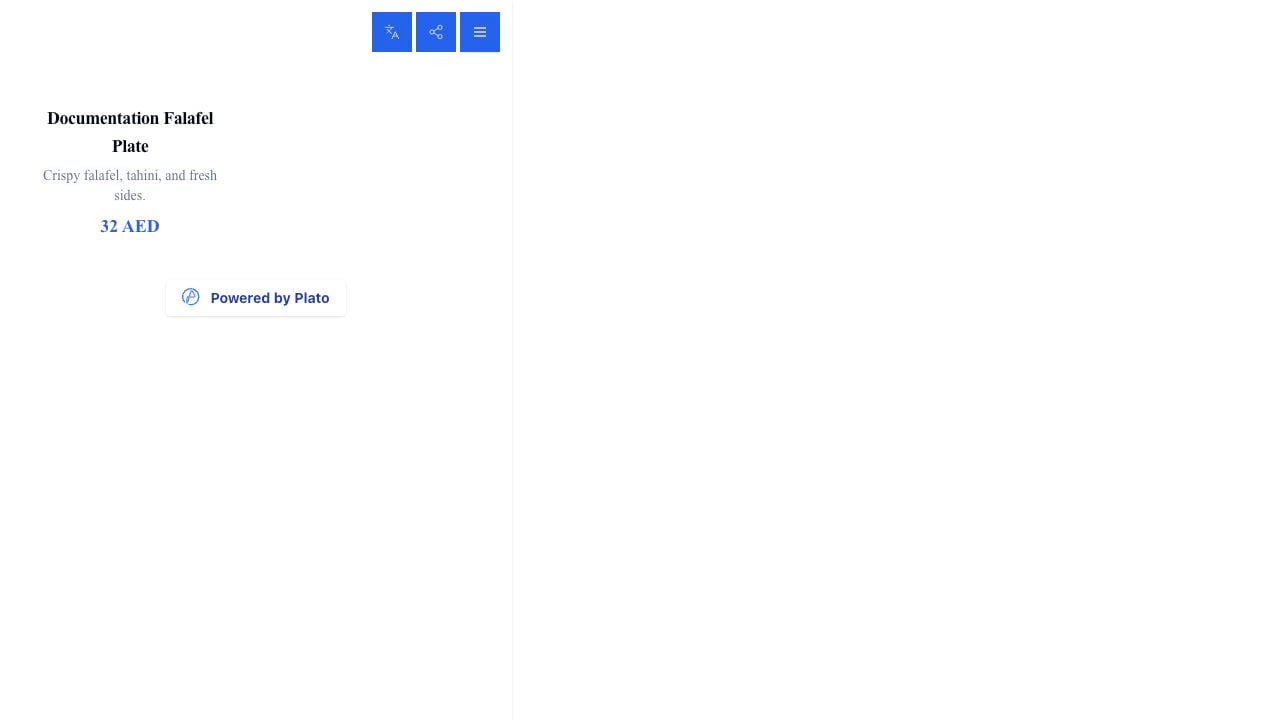
- Products appear in the right order.
- Prices are correct.
- Sold-out items behave correctly.
- Buttons and ordering options make sense.
- The menu looks good on a phone.