

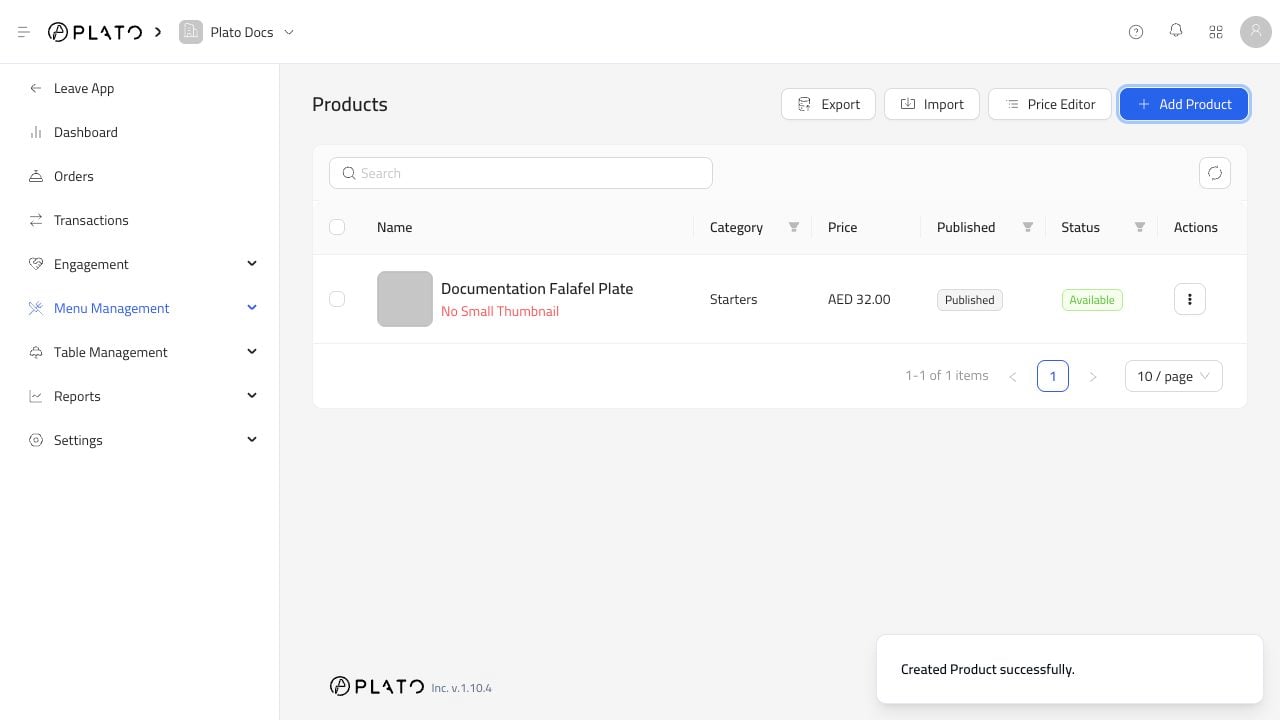
Import Products
UseImport when you already have a prepared product list.
Before importing, clean the file so names, prices, categories, and descriptions are consistent.
Import is best after you test one product manually and understand what each field does.
Export Products
UseExport when you need a spreadsheet-style copy of the product list.
Common reasons:
- Review prices.
- Check missing categories.
- Share the catalog with a manager.
- Prepare a bulk cleanup.