

Add Product when creating a new sellable item.
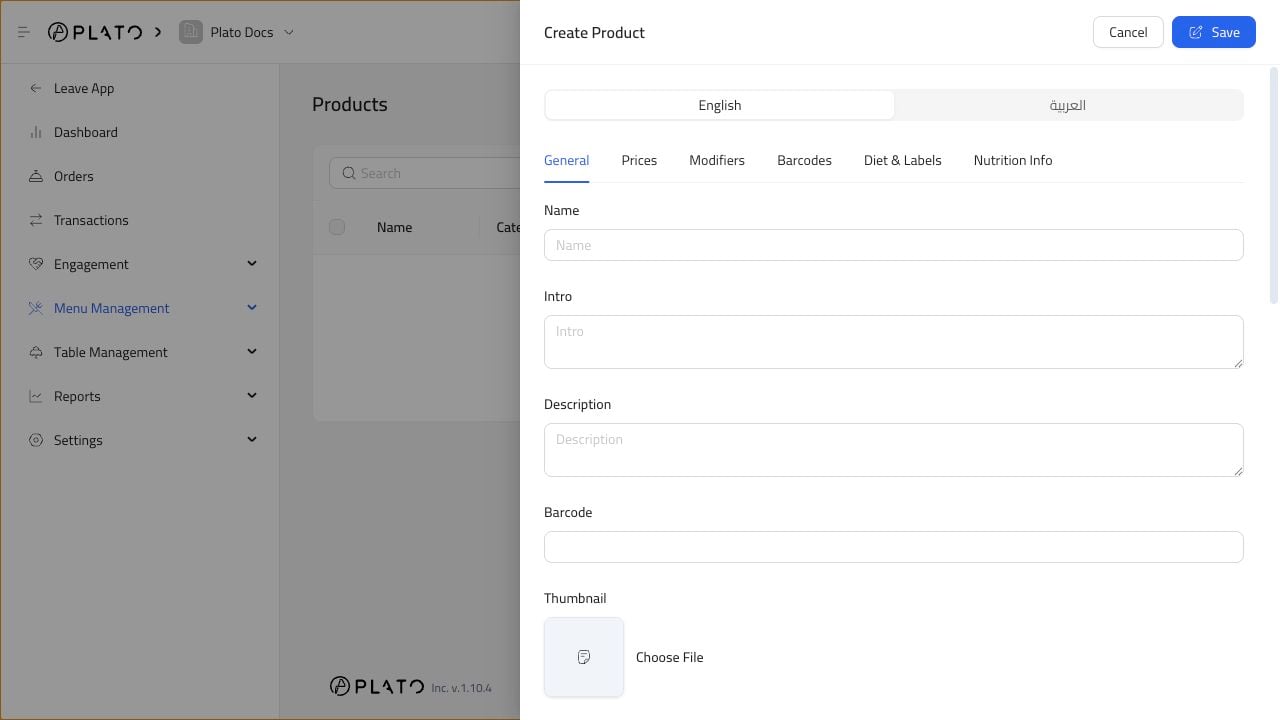
Fill The Main Details
Add:- Product name.
- Short intro.
- Description.
- Price.
- Preparation time.
- Category.
- Images when available.
Add the basic product details customers and staff need.
Add Product when creating a new sellable item.