

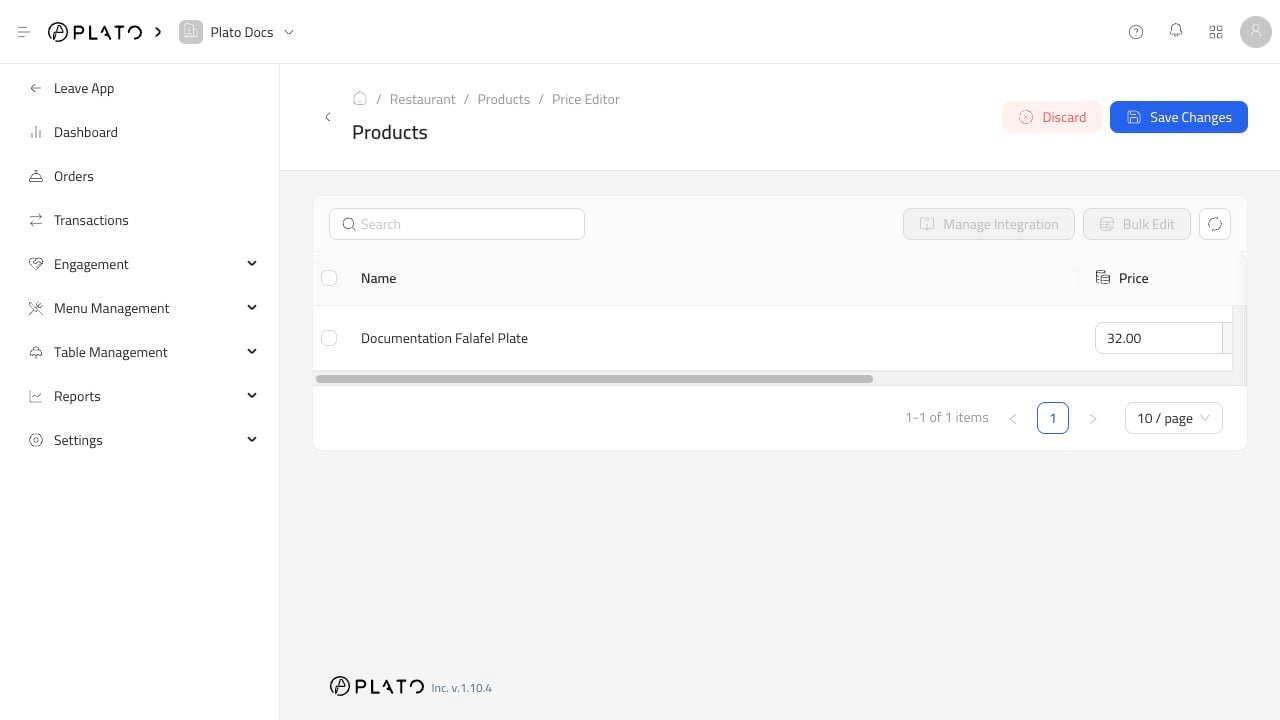
Open Price Editor
- Go to
Products. - Click
Price Editor. - Search for the products you need.
- Update prices.
- Click
Save Changes.
When To Use It
Use it for:- Menu-wide price updates.
- Supplier cost changes.
- Seasonal pricing.
- Quick corrections.
Update product prices quickly from one screen.
Products.Price Editor.Save Changes.