

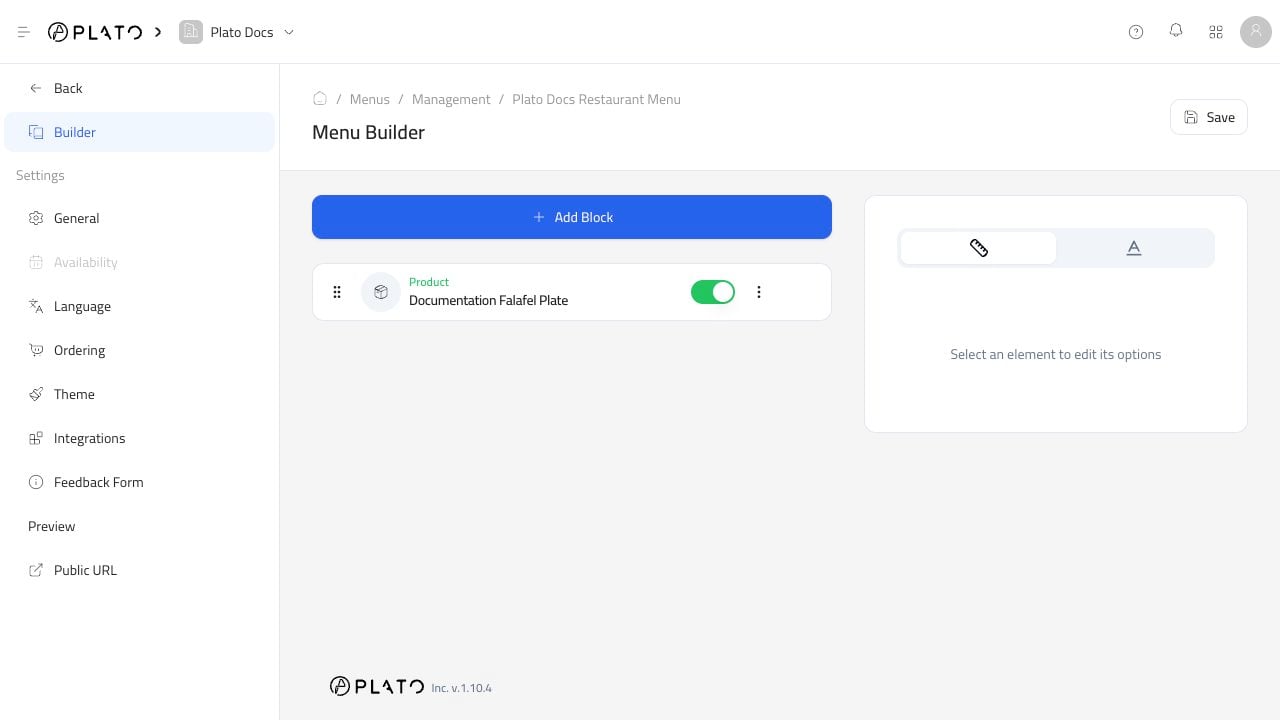
Add A Block
ClickAdd Block to add content.
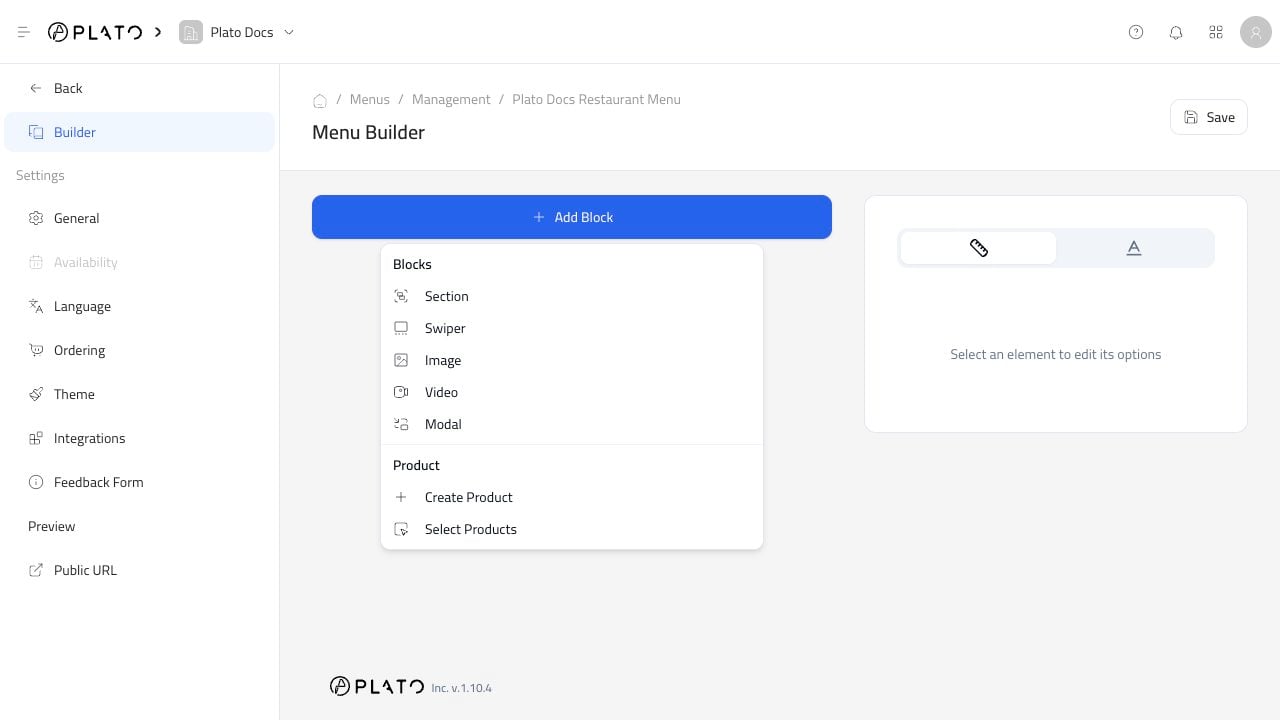
Add Existing Products
UseSelect Products when the item already exists in Products.
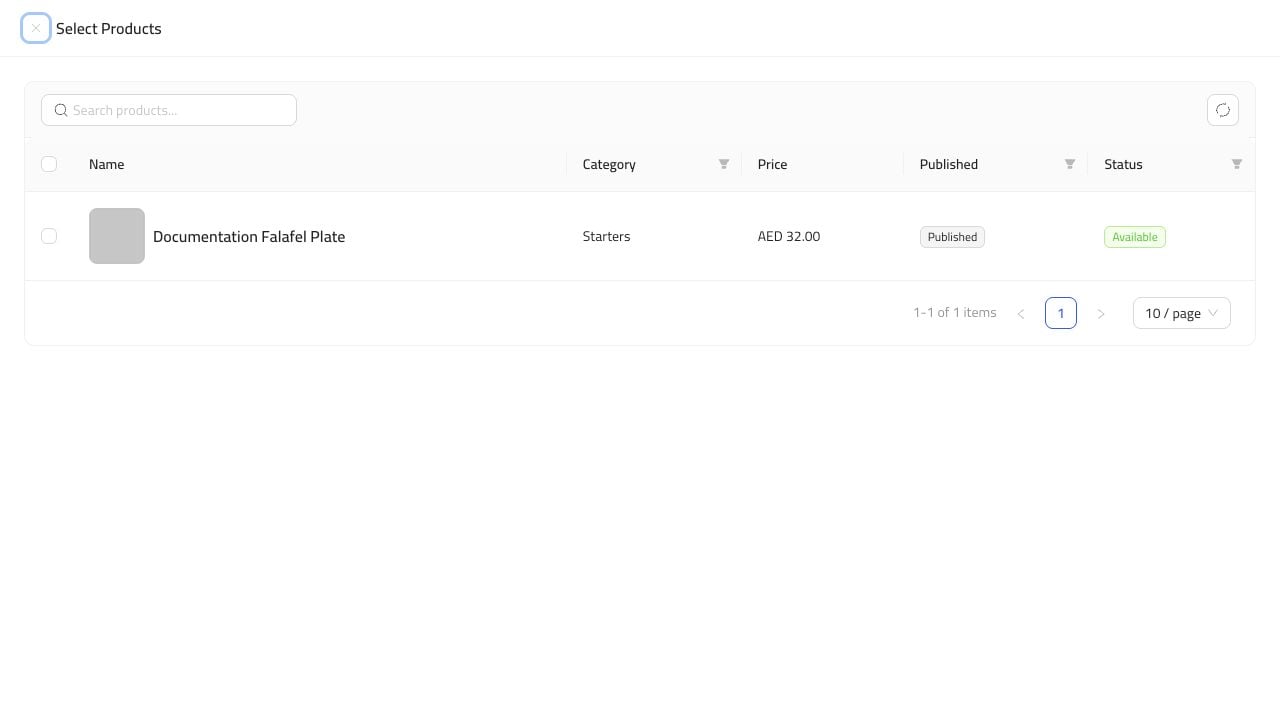
Save.
Keep The Menu Easy To Browse
Group products in a way customers understand. A simple menu usually works better than a long mixed list. Useful patterns:- Put common categories first.
- Keep seasonal or limited items in their own section.
- Use images only when they help customers choose.
- Hide products that are not ready to sell.
- Open the public menu after saving to check the customer experience.