

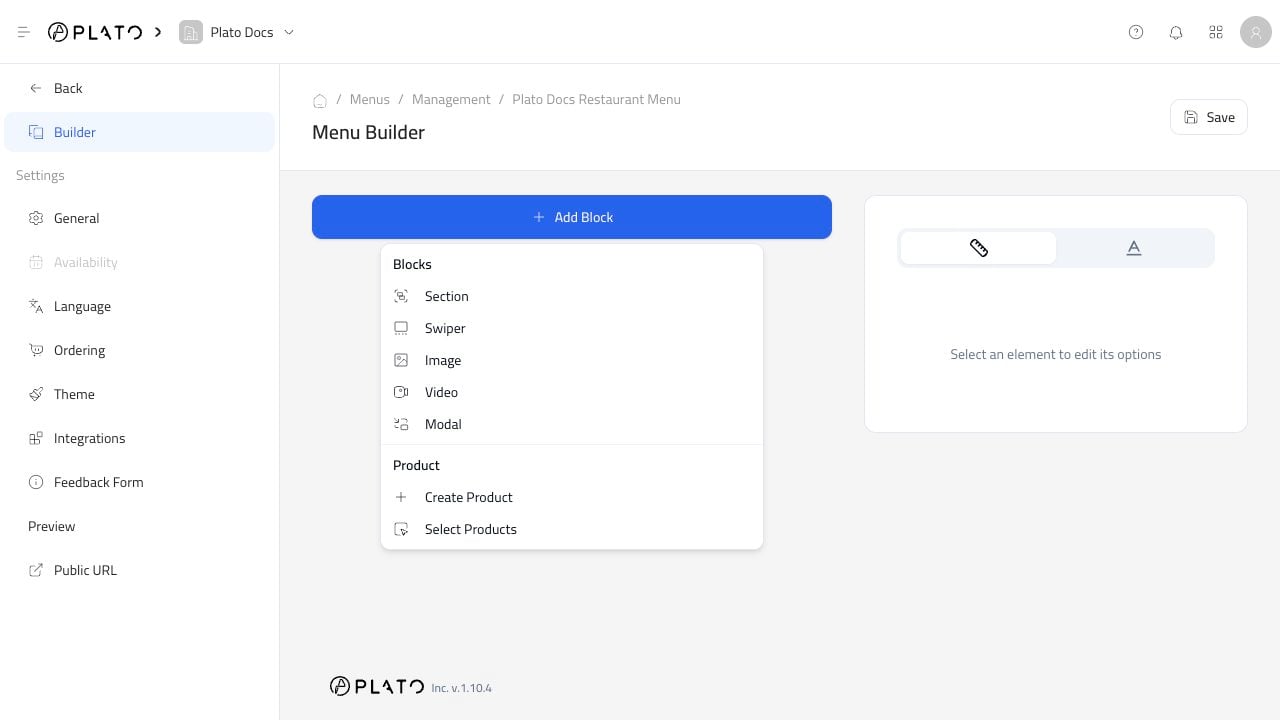
Open The Block Menu
- Open the menu.
- Go to
Builder. - Click
Add Block.
Use Layout Blocks
Use layout blocks when you want to shape the page before adding products. Common uses:- Add a section for a category or campaign.
- Add an image for a visual banner.
- Add a video when it helps explain the offer.
- Add a modal when customers need to open more detail.