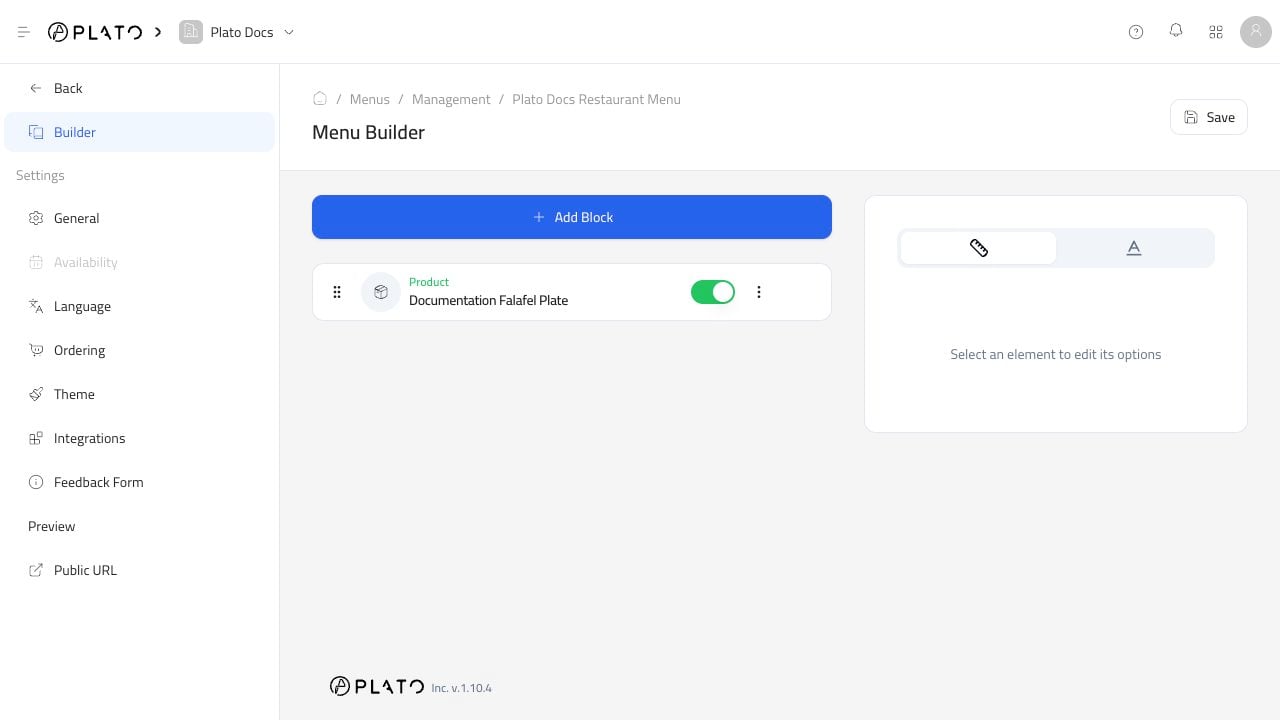
Select Products when the product already exists in the product catalog.
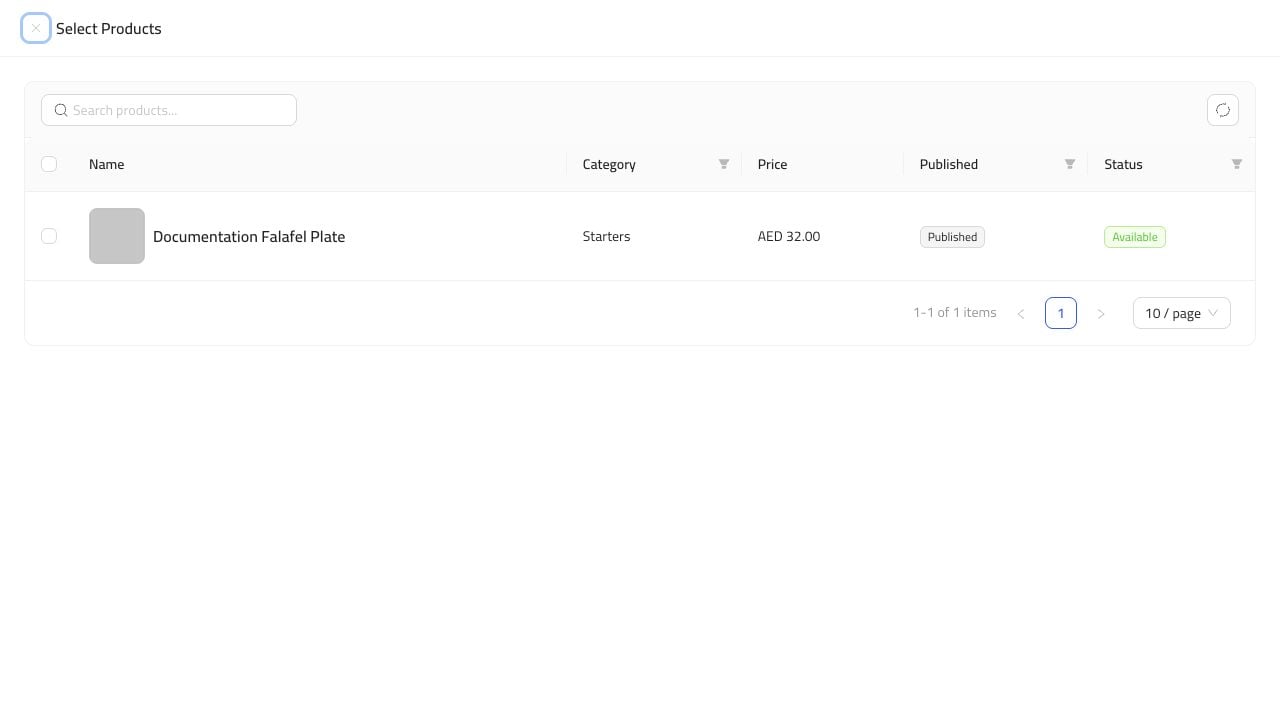
Add Existing Products
- Open the menu.
- Go to
Builder. - Click
Add Block. - Choose
Select Products. - Search or browse for the product.
- Select the product row.
- Click the add button.
- Save the menu.
After Adding
The product appears as a block in the builder.