

What Opens Next
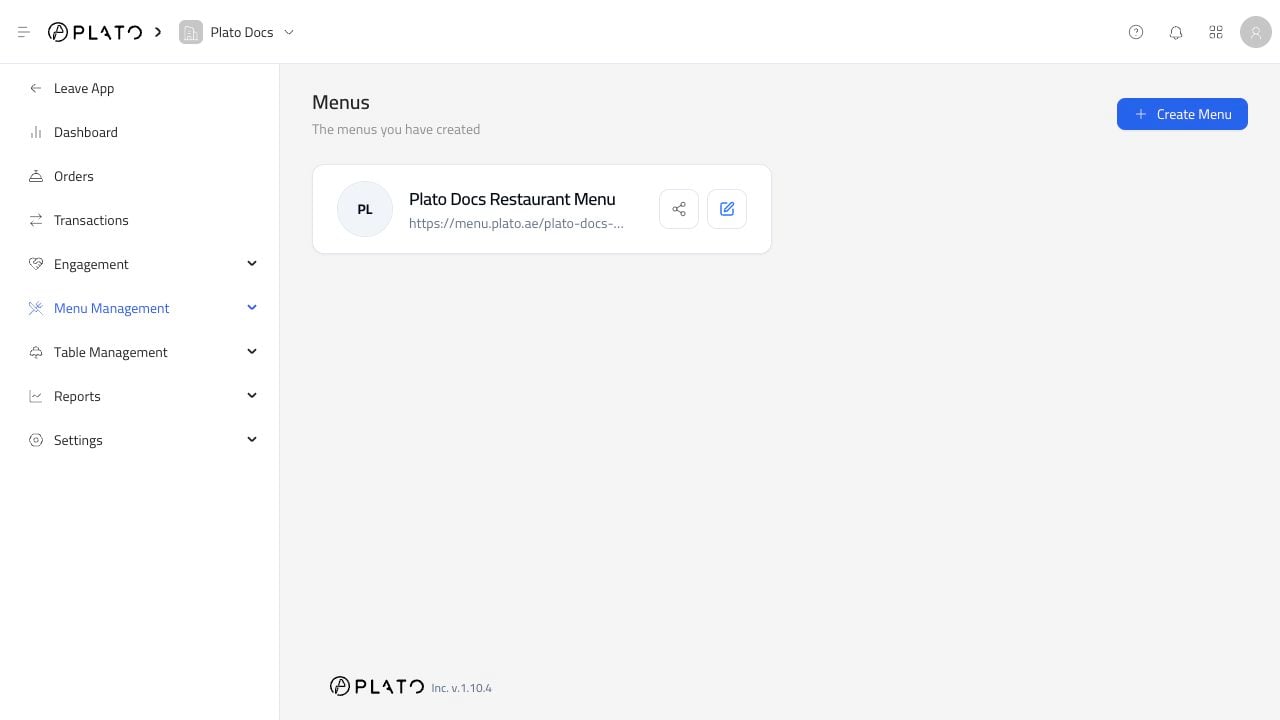
Opening a menu takes you into the menu editor. The menu editor has its own sidebar:Builderfor the public menu content.Generalfor name, type, URL, price visibility, and deletion.Languagefor menu languages.Orderingfor dine-in, delivery, pick-up, forms, and hours.Themefor colors, fonts, welcome page, and logo visibility.Integrationsfor reservations, Bio Link, and Stripe.Feedback Formfor customer feedback.Public URLfor the customer-facing menu.