

Open Device Management
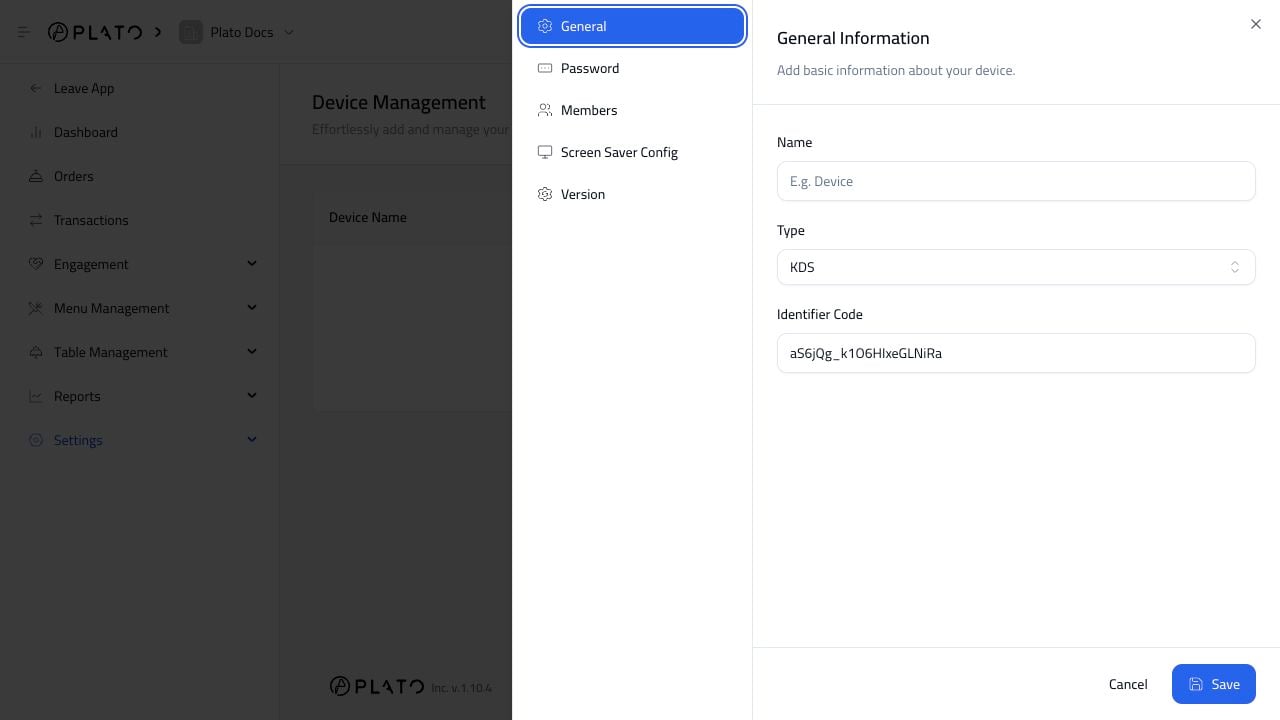
From Device Management, clickAdd Device.
Choose The Device Type
Choose the type that matches the physical device:- POS.
- KDS.
- Printer.
- Display Screen.
- Plato Mesh.
Name The Device
Use a name the team recognizes. Good examples areMain Cashier, Kitchen KDS, Bar Printer, and Pickup Display.