

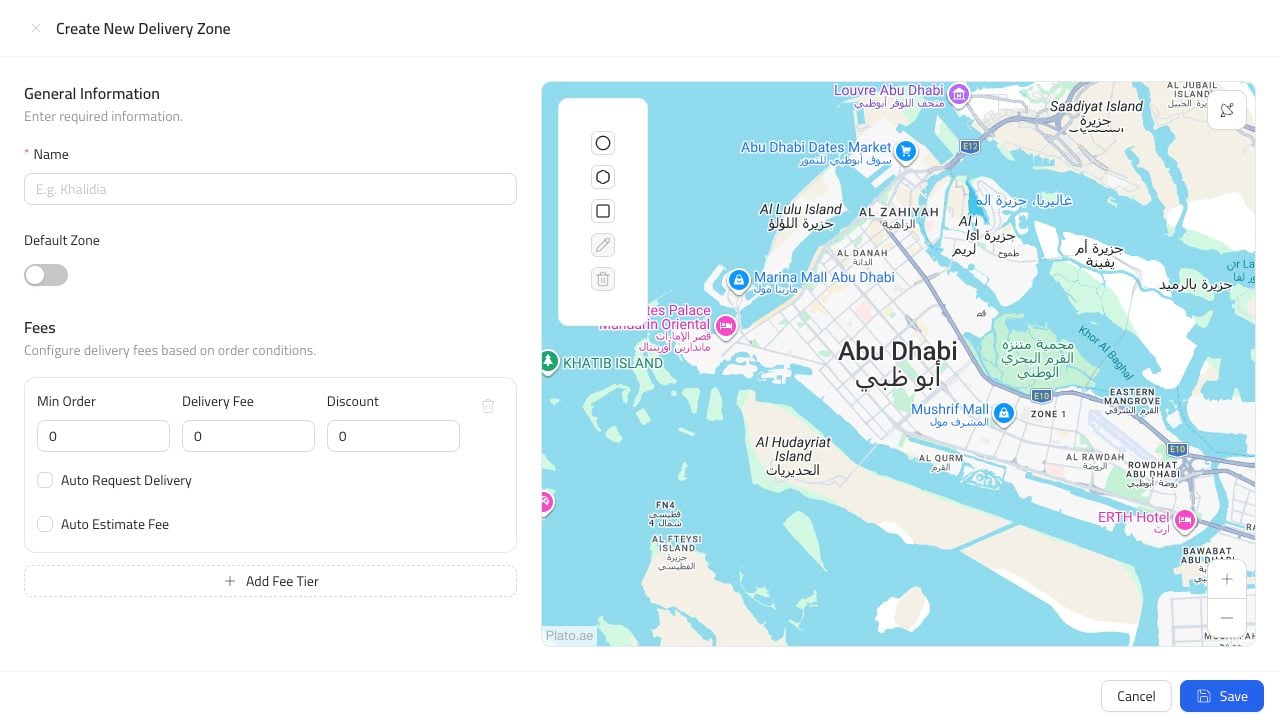
Open The Form
From Delivery Zones, clickCreate Delivery Zone.
Add The Zone Details
Add the zone name and choose whether it should be the default zone. Use a name staff recognize, such asDowntown, Marina, or Near Branch.
Define the area where delivery is available.
Create Delivery Zone.
Downtown, Marina, or Near Branch.