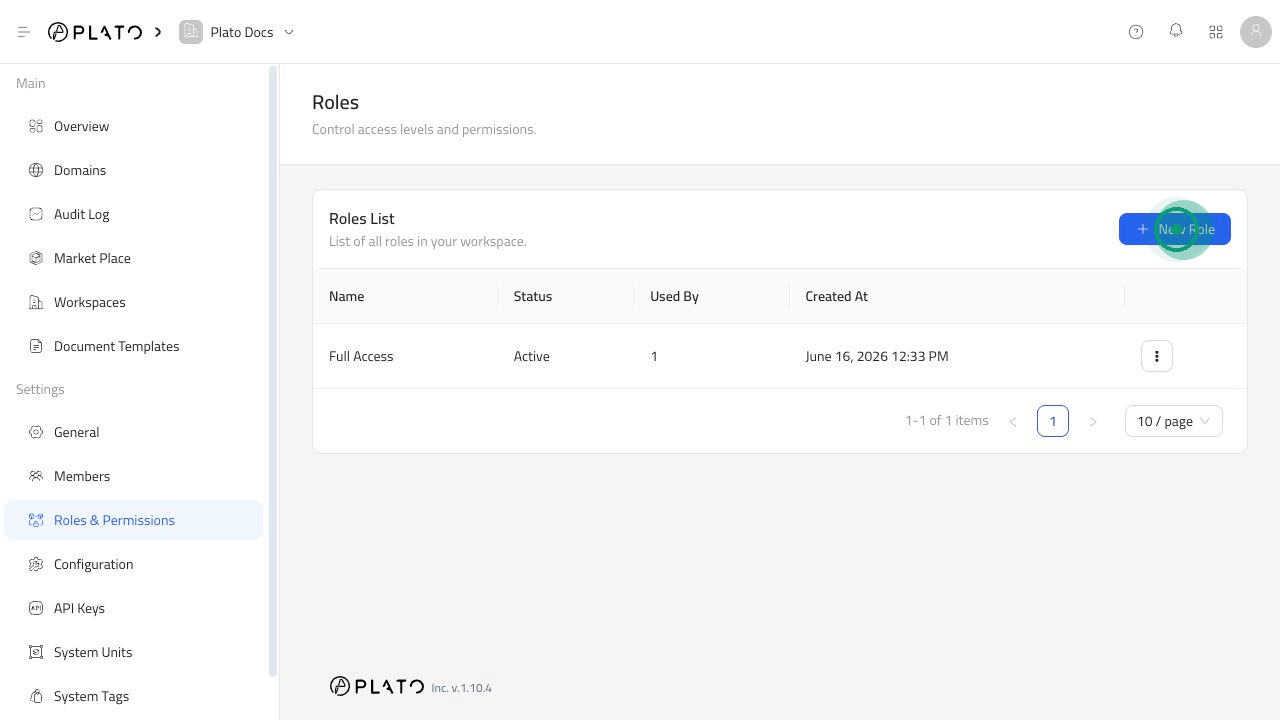
Roles define what each teammate can see and do inside Plato. They help you give people enough access to do their work without giving everyone full control of the workspace. Roles page

When To Create A Role

Create a role when a group of people needs the same access. For example:
  • A manager who needs to review daily operations.
  • A staff member who should only use one app.
  • A finance teammate who needs billing or reports.
  • A connected tool that should only use API access.

Create A Role

  1. Open Roles & Permissions.
  2. Click New Role.
  3. Enter the role name.
  4. Add a description.
  5. Choose a status.
  6. Choose what the role can access.
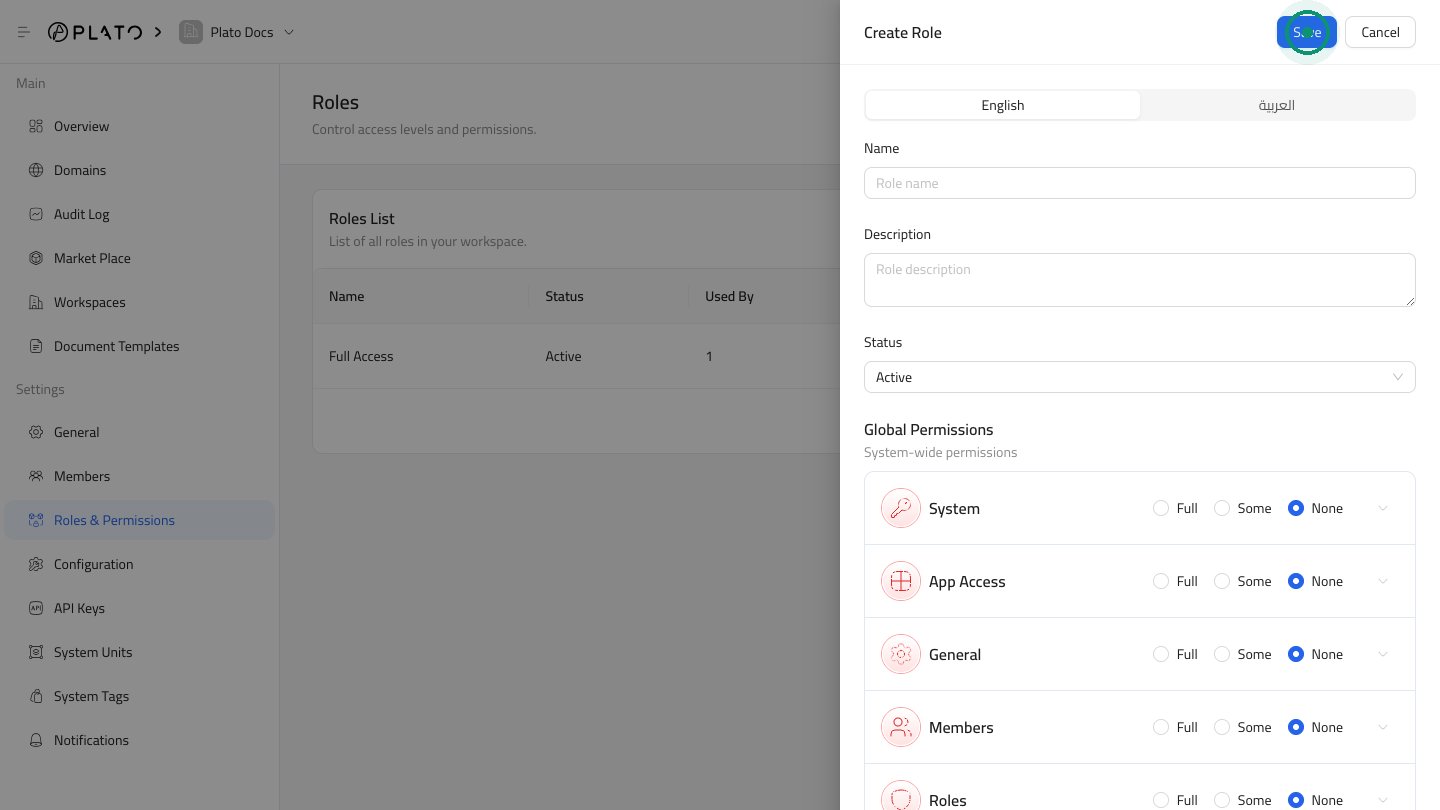
  7. Click Save.
Create role drawer

Choose Access

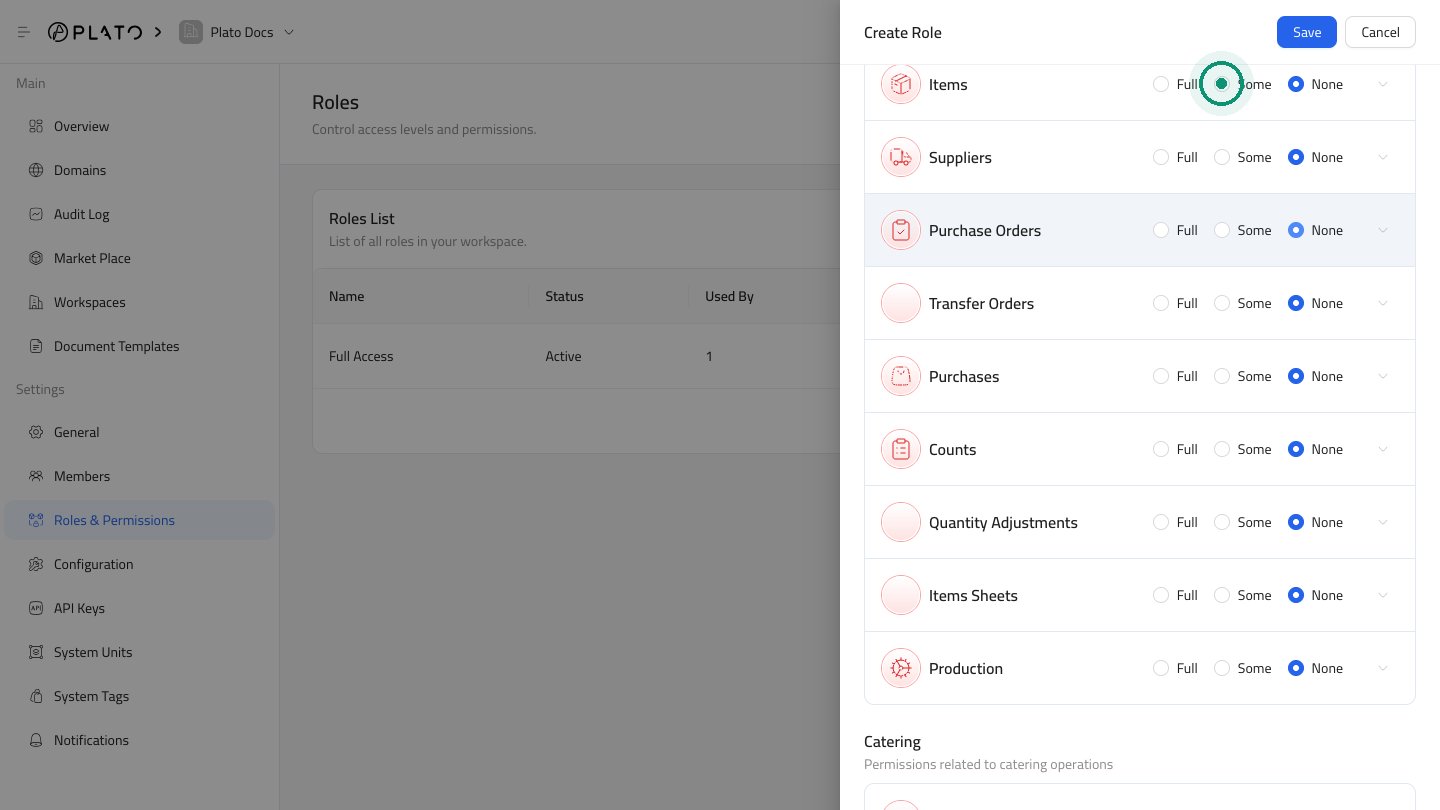
Each section gives you three choices:
  • Full allows everything in that section.
  • Some lets you choose only specific actions.
  • None blocks access to that section.
Use Some when a teammate only needs part of a section. For example, a staff member might need to read orders but not change workspace settings. Scrolled role access options
Common Role Examples

Workspace owner: full access to apps, members, roles, configuration, domains, and API keys. Manager: access to the apps and daily actions they manage, with limited access to sensitive settings. Staff: access only to the app and actions they need for their work. Connected tool: access only to the apps and actions the tool needs.

Keep Roles Clean

Review roles when someone changes jobs, leaves the business, or no longer needs the same access. Avoid giving full access unless the person truly needs to manage the workspace.