

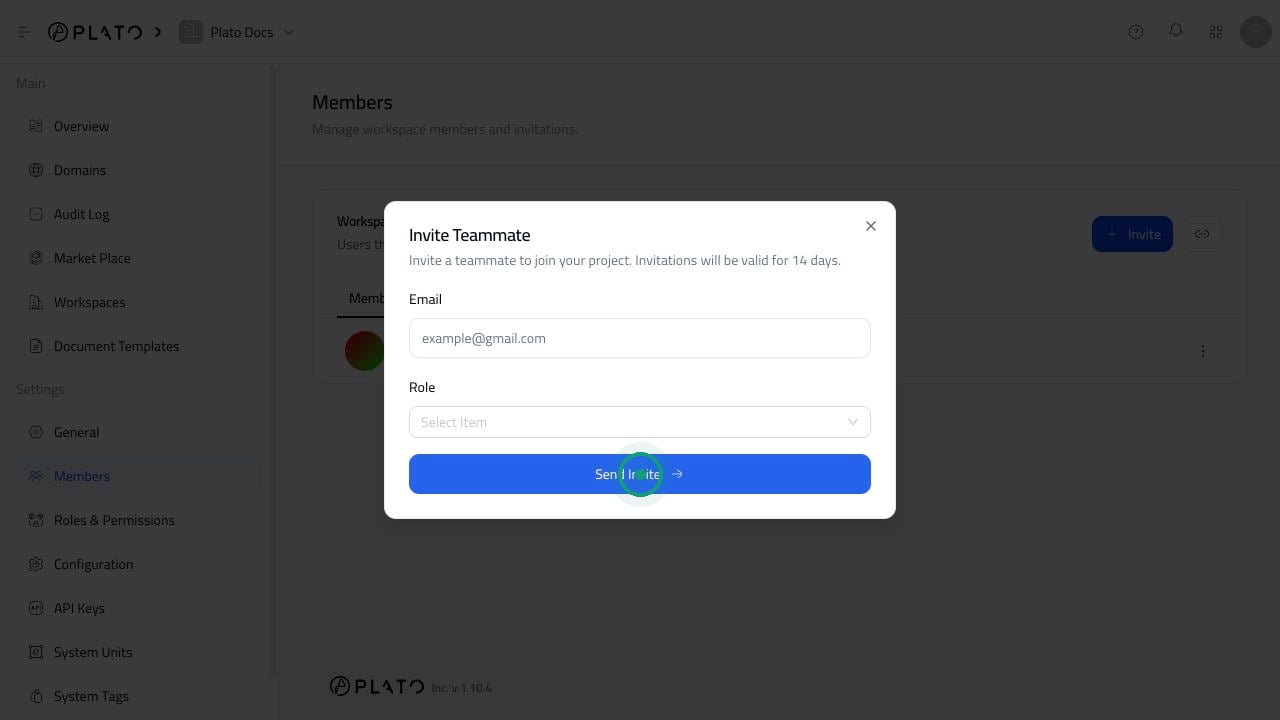
Send An Email Invite
- Open
Members. - Click
Invite. - Enter the teammate’s email address.
- Select a role.
- Click
Send Invite.
Choose The Right Role
Choose the role before sending the invite. This matters because the role controls what the teammate can open, edit, and manage after joining. If you are not sure which role to choose, start with a limited role and increase access later if needed.Use An Invite Link
The link button besideInvite opens the invite link modal. Use this when you want to copy a workspace invite link and send it through your own email, chat, or onboarding message.
From the invite link modal, you can:
- Generate an invite link when none exists.
- Copy the current link.
- Reset the invite link.
Review Pending Invites
Open theInvitations tab to see invites that have not been accepted yet.
If you invited the wrong email address or no longer want someone to join, open the three-dot menu beside the invite and revoke it.