

0000.
Open The PIN Action
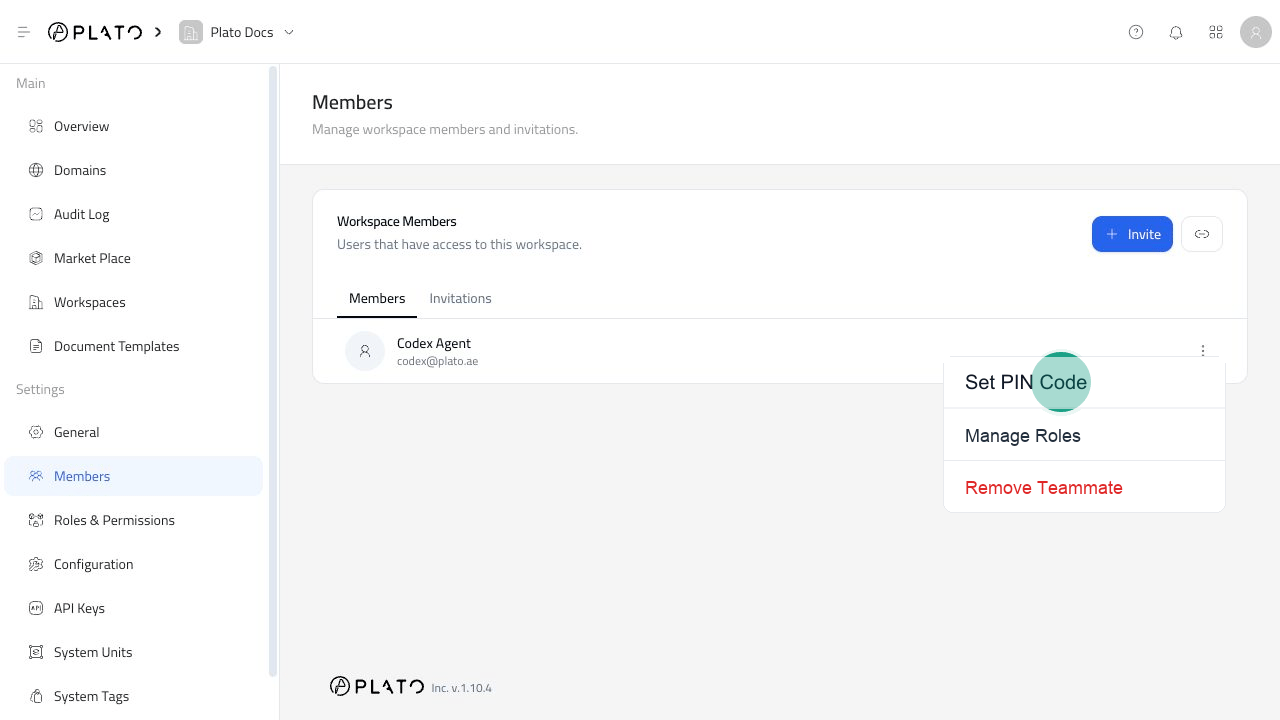
- Open
Members. - Find the teammate.
- Open the three-dot menu.
- Click
Set PIN Code.
Enter The PIN
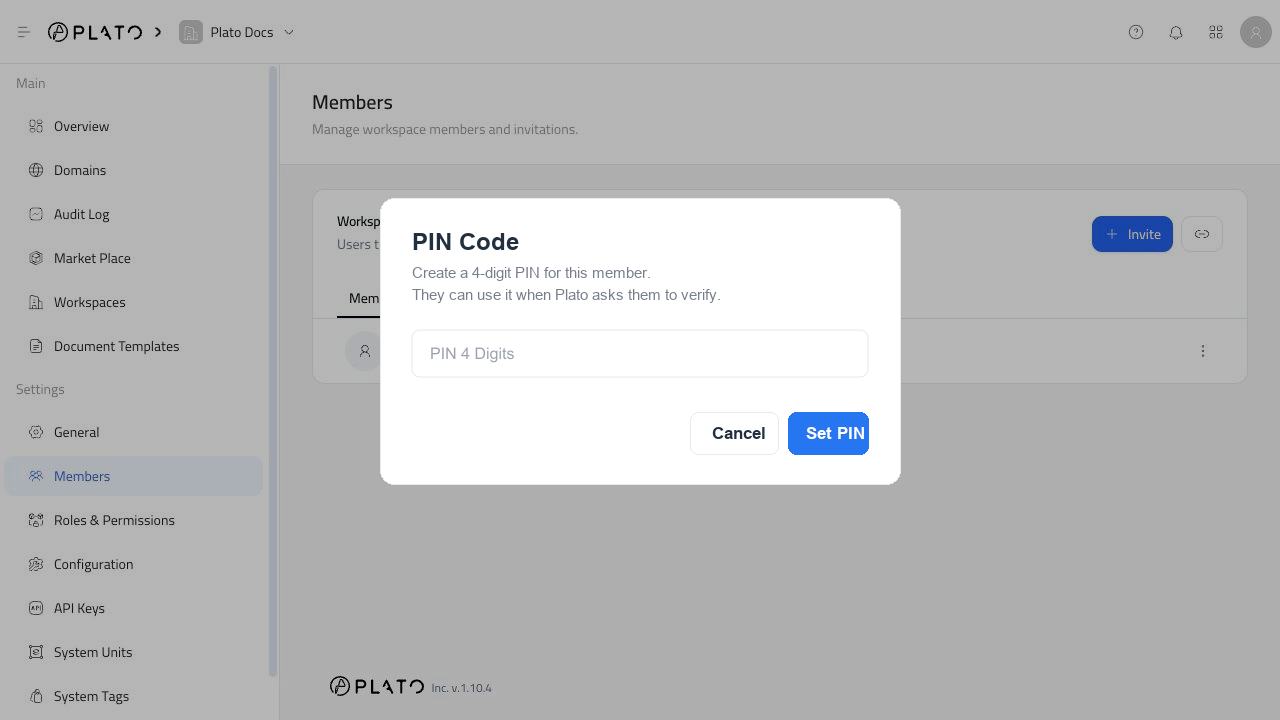
- Enter a 4-digit PIN.
- Check that the digits are correct.
Save The PIN
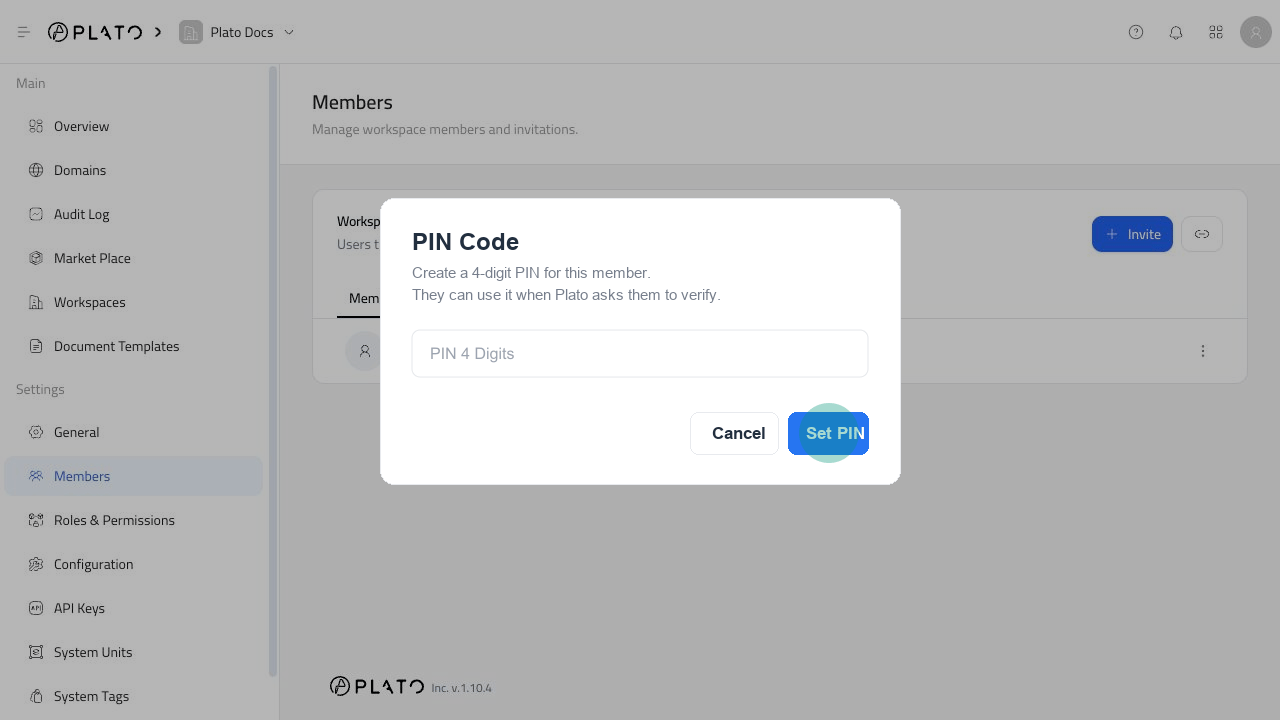
ClickSet PIN to save the new member PIN.
Change A PIN Later
To change a PIN, repeat the same flow and enter the new 4-digit code. The new PIN replaces the old one after you clickSet PIN.